

Our verdict: Google Earth Pro is still the most capable free way to explore satellite imagery on a PC, with historical images and GIS tools the web version lacks. It is closed source and tied to Google's servers. Google has announced that downloads stop on June 25, 2027, so treat it as a tool with a limited future.
About Google Earth Pro
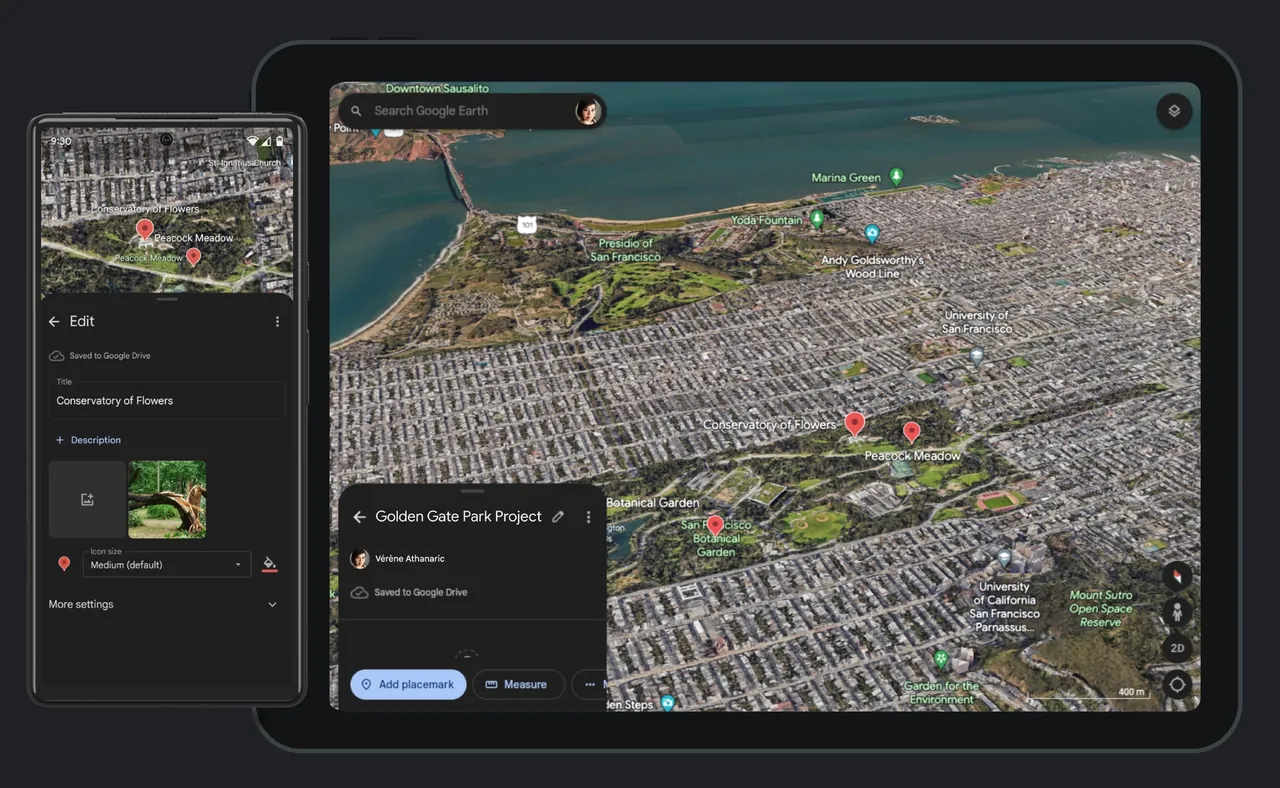
Google Earth Pro is the desktop edition of Google Earth. It shows Google's satellite and aerial imagery on a 3D globe, with 3D terrain and buildings in hundreds of cities and Street View photos. It once cost money and has been free for everyone for years.
The desktop app adds tools that the web and mobile versions do not have: historical imagery to see how a place changed over time, import and export of GIS data, measuring tools and high-resolution printing. Google has announced that Google Earth Pro will no longer be available for download beginning June 25, 2027, and points users to Google Earth on the web.
What it does well
- Historical imagery. Browse older satellite and aerial photos of the same place.
- GIS import and export. Load and save geographic data for mapping projects.
- 3D buildings and terrain. Explore cities and landscapes in 3D.
- Street View. Drop into 360-degree street photos from the globe.
- Placemarks and tours. Add placemarks, paths and polygons and record flyover tours.
Who it is for
Good fit
Students, hobbyists and planners who need historical imagery or GIS import on a desktop globe.
Look elsewhere
Users who want a long-term tool; downloads end in June 2027 and the web version is Google's focus.
Pros and cons
Pros
- Free desktop globe with historical imagery
- GIS import and export
- 3D buildings, terrain and Street View
Cons
- Google ends downloads on June 25, 2027
- Closed source and depends on Google's servers
- Needs an internet connection for imagery
How to install Google Earth Pro
Run the 64-bit installer; it installs Google Earth Pro and keeps it updated automatically. Usage statistics and crash reports are optional; you can turn them off under Tools > Options. An internet connection is needed to load imagery.
Questions about Google Earth Pro
Is Google Earth Pro free?
Yes. Google Earth Pro is free to download and use, with no paid tier.
Is Google Earth Pro being discontinued?
Google says Google Earth Pro on desktop will no longer be available for download beginning June 25, 2027.
What does Google Earth Pro have that the web version lacks?
Historical imagery, GIS data import and export, and advanced measuring and printing tools.


