

Our verdict: ImDisk is a tiny, long-lived driver for mounting image files and making RAM disks. It works well for scripts and power users, but its legacy design does not create real disks, so some tools and Disk Management do not see its drives. Its author recommends Arsenal Image Mounter for modern Windows.
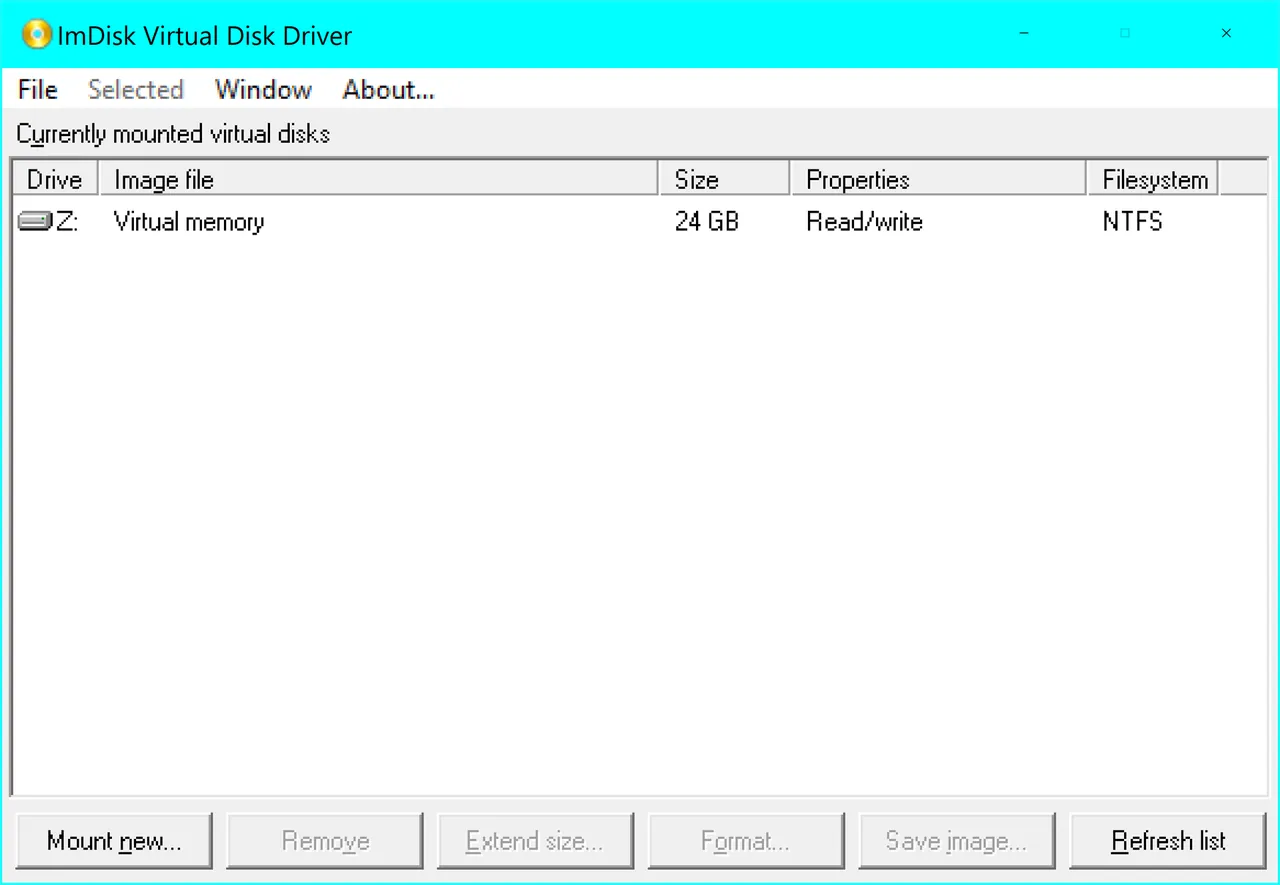
About ImDisk Virtual Disk Driver
ImDisk Virtual Disk Driver by Olof Lagerkvist creates virtual hard disk partitions, floppy or CD/DVD drives backed by image files or system memory. The package installs the imdisk.exe command-line tool, a Control Panel applet and an Explorer menu item for mounting image files with a right-click.
ImDisk emulates volumes rather than complete disks, so drives cannot be managed in Disk Management and do not support shadow copies. It still receives maintenance fixes, but no new features are planned. The separate ImDisk Toolkit by another developer adds a friendlier interface and RAM disks created at startup.
What it does well
- Mount image files. Mounts disk, floppy and CD/DVD images as drive letters.
- RAM disks. Creates drives in system memory for fast temporary storage.
- Command line. imdisk.exe creates, removes and queries virtual disks from scripts.
- Explorer integration. Right-click an image file to mount it.
- Developer API. C/C++, COM and .NET libraries for your own programs.
Who it is for
Good fit
Power users and admins who script image mounting or want a simple RAM disk.
Look elsewhere
Users who need full disk emulation for Disk Management, BitLocker or shadow copies.
Pros and cons
Pros
- Tiny and free
- Mounts images and creates RAM disks
- Scriptable command-line tool
- Still maintained
Cons
- Legacy design: drives are invisible to Disk Management
- Basic interface without ImDisk Toolkit
- No new features planned
How to install ImDisk Virtual Disk Driver
The button downloads the current setup package from ltr-data.se. The author advises running it from a new, empty folder. After installing, type imdisk in a command prompt for syntax help or open the ImDisk applet in Control Panel.
Questions about ImDisk Virtual Disk Driver
Is ImDisk free?
Yes. ImDisk is free and open source under an MIT-style license; its floppy emulation code is GPL v2, and a version without it is available under commercial terms on request.
What is the difference between ImDisk and ImDisk Toolkit?
ImDisk is the driver and command-line tool by LTR Data. ImDisk Toolkit is a separate package by another developer that adds a graphical interface.
Can ImDisk create a RAM disk?
Yes. It can create virtual drives in system memory.


