

Our verdict: qBittorrent is the torrent client to install if you want full control without ads. It covers magnet links, sequential downloads, RSS automation and remote control from a browser. The settings are extensive, and the built-in search needs Python.
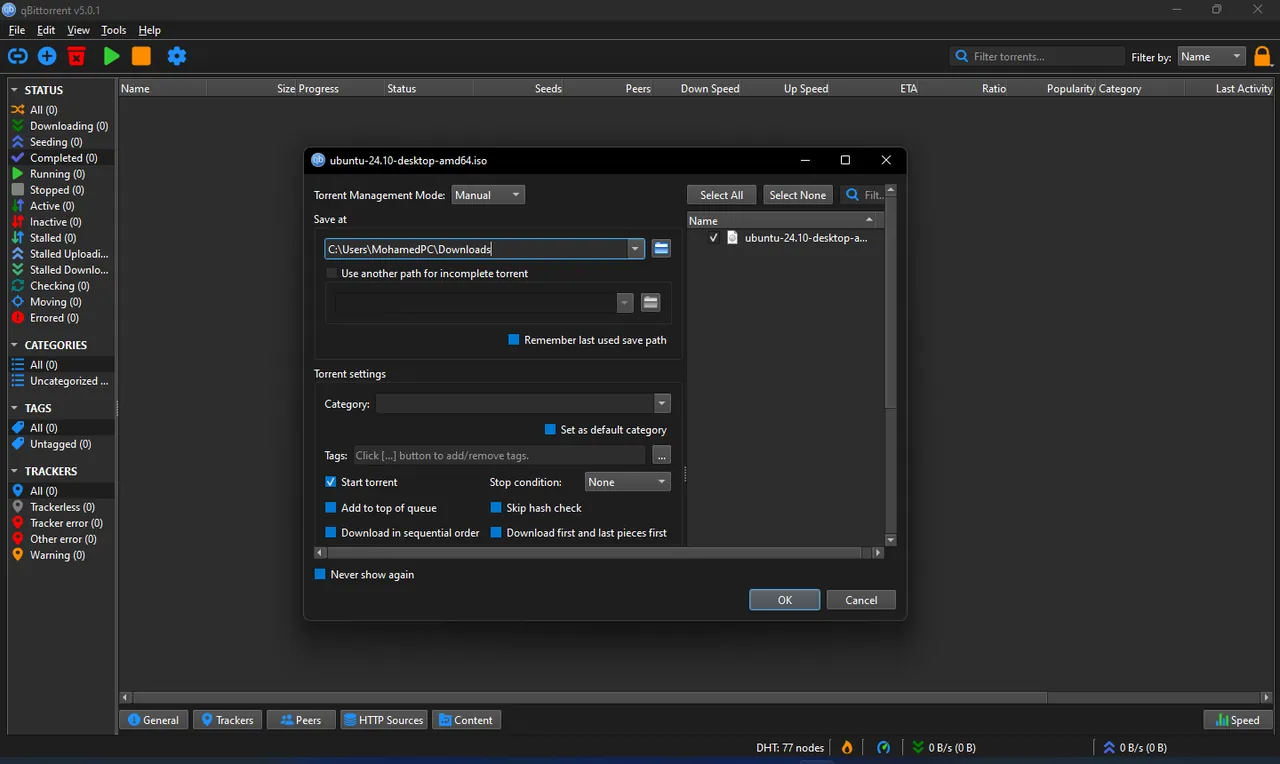
About qBittorrent
qBittorrent is developed by volunteers as an open-source alternative to µTorrent. It is built on the Qt toolkit and the libtorrent-rasterbar library and has the same features on Windows, macOS, Linux and FreeBSD.
BitTorrent is a general peer-to-peer protocol, used for example to distribute Linux images and other large files. qBittorrent itself includes no content; what you download is up to you. The client supports magnet links, DHT, peer exchange, encrypted connections, IP filtering and per-torrent file selection.
What it does well
- No ads. The interface shows no ads or banners, and there is no paid edition.
- Search engine. Searches several torrent sites at once, with category filters such as books or software.
- RSS download rules. Follows RSS feeds and downloads new items that match your filters, including regular expressions.
- Web interface. Control downloads from another device's browser through a web UI that mirrors the desktop app.
- Fine-grained control. Queueing, priorities, file selection, sequential download, a bandwidth scheduler and a torrent creator.
Who it is for
Good fit
Anyone who downloads large files over BitTorrent and wants a clean client without ads.
Look elsewhere
Beginners who want a client with very few settings, or anyone looking for a built-in media player.
Pros and cons
Pros
- No ads
- RSS automation with regex filters
- Web interface for remote control
- Open source
Cons
- Many settings can overwhelm new users
- Built-in search needs Python installed
- Two installer variants with different libtorrent versions can confuse
How to install qBittorrent
The download page offers two Windows x64 installers: the standard one, listed first, uses libtorrent 1.2, and the lt20 build uses libtorrent 2.0. Avoid versions marked rc, which are test releases. Before using the search tab, install Python, which qBittorrent needs for its search plugins.
Questions about qBittorrent
Is qBittorrent free?
Yes. It is open-source software developed by volunteers, with no ads and no paid version.
Which qBittorrent installer should I choose?
The standard x64 installer. The lt20 build differs only in the libtorrent library version it uses.
Can I control qBittorrent from my phone?
Yes. Enable the Web UI in the settings and open its address in a browser on any device in your network.


