

Our verdict: µTorrent Classic still downloads torrents well and uses few resources, but the free version shows ads and the installer has a history of bundled offers. Open-source clients such as qBittorrent do the same job without ads. Pick µTorrent only if you already know its interface and are careful during setup.
About µTorrent Classic
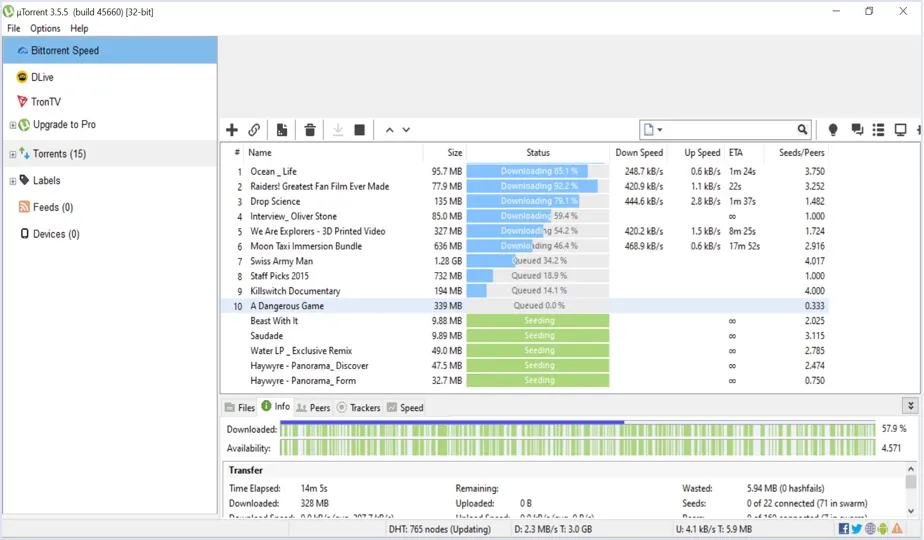
µTorrent Classic is one of the oldest BitTorrent clients for Windows, now owned by BitTorrent, Inc. It opens torrent files and magnet links, lets you limit upload and download speed, queue and prioritize torrents, follow RSS feeds and schedule bandwidth by time of day. A browser-based version, µTorrent Web, is offered separately.
The free version is supported by ads in the program window. Paid upgrades remove the ads and, in Pro, add a built-in player, file conversion and scanning of torrents for malware. The installer has offered third-party software in the past, and in 2015 a bundled cryptocurrency miner caused a public backlash, so read each setup screen before clicking Next.
What it does well
- Lightweight client. Small program that runs with little memory and CPU use.
- Bandwidth control. Global and per-torrent speed limits plus a time-based scheduler.
- Magnet links and RSS. Opens magnet links and can download new items from RSS feeds automatically.
- Queue and priorities. Choose which torrents and which files inside them download first.
- Pro extras. Paid tiers remove ads and add streaming, conversion and malware scanning.
Who it is for
Good fit
Users who already know µTorrent and want a small torrent client on an older PC.
Look elsewhere
Anyone who wants a client without ads or offers; open-source clients are cleaner.
Pros and cons
Pros
- Small and light on resources
- Full speed and queue controls
- RSS feed downloader
- Familiar interface for long-time users
Cons
- Ads in the free version
- Installer may offer third-party software; past bundling controversies
- Closed source, unlike most free torrent clients
How to install µTorrent Classic
Run the installer and read every screen: decline browser, antivirus or other software offers by unticking or choosing Decline. In Options, turn off running at Windows startup if you do not seed constantly. Download torrents only for content you are allowed to share.
Questions about µTorrent Classic
Is µTorrent free?
Yes. µTorrent Classic is free with ads. Paid Ad-Free and Pro versions remove ads and add extra features.
Is µTorrent safe?
The official download is the program itself, but the installer can offer extra software and the free version shows ads. Decline the offers during setup, or use an open-source client such as qBittorrent.
What is µTorrent Web?
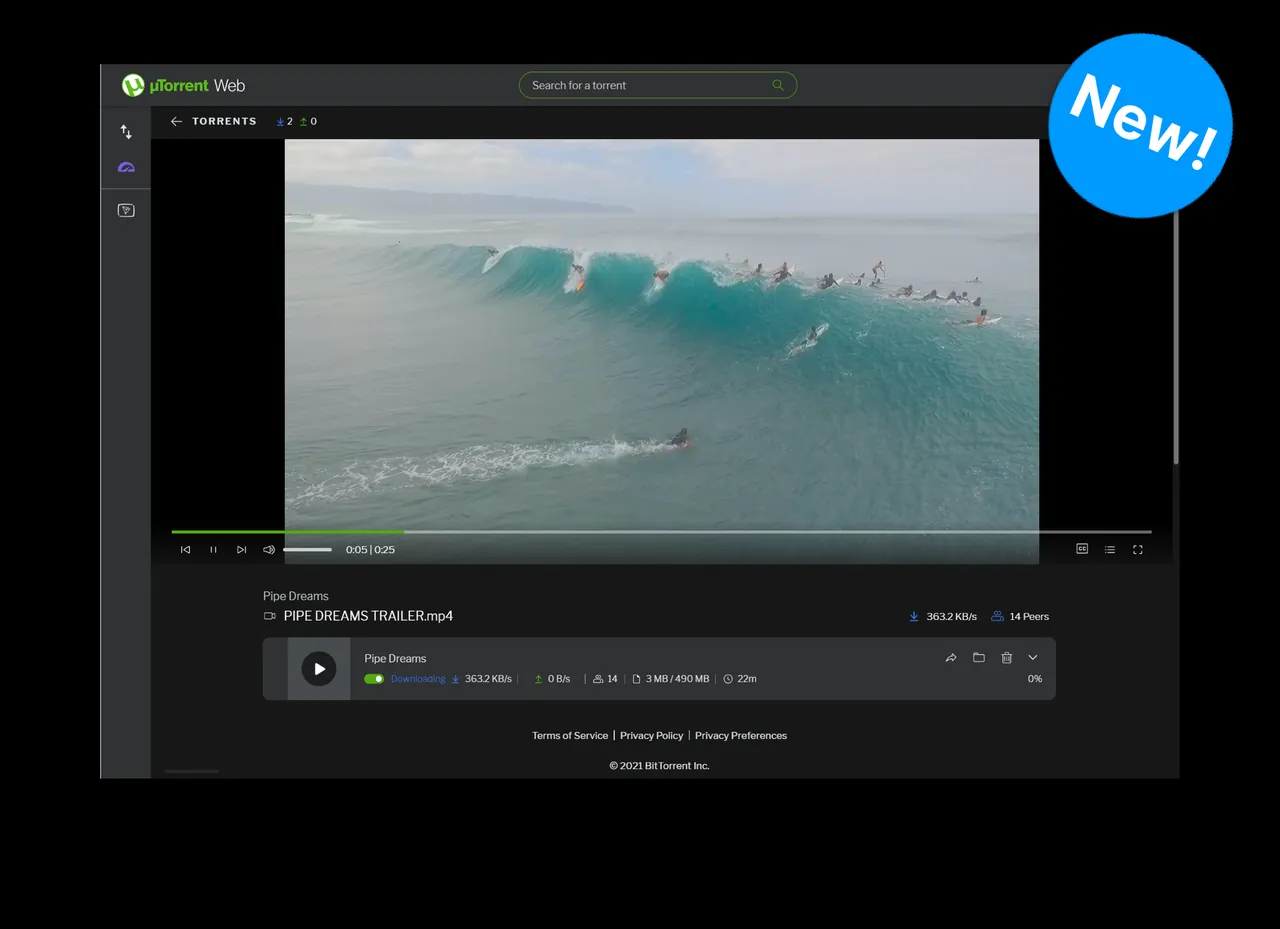
A separate browser-based client from the same company that streams torrents in your web browser instead of using the classic window.


