

Our verdict: xemu is the leading emulator for the original Xbox and runs a large part of the library well, with games rendered far sharper than on the console. Setup is harder than most emulators because it needs files dumped from a real Xbox, including a BIOS that can boot games.
About xemu
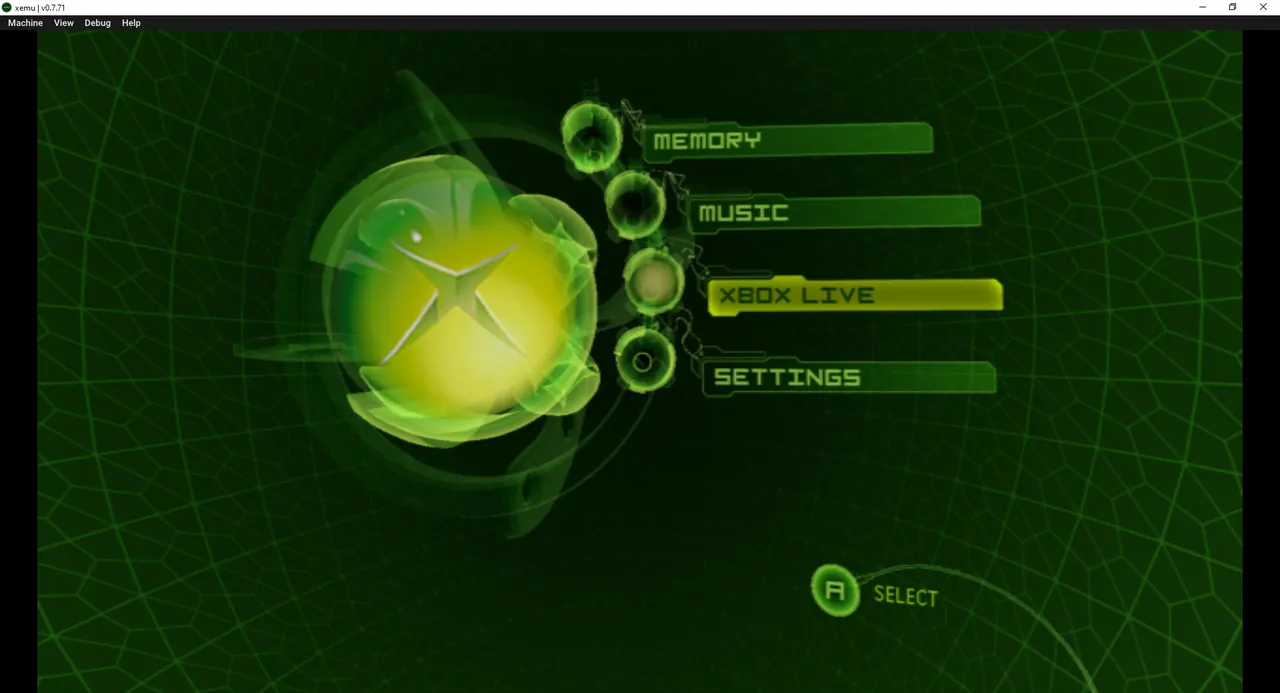
xemu is a free, open-source, low-level emulator of the original Microsoft Xbox console. Because it emulates the actual hardware, it has good compatibility with Xbox kernels, games and homebrew. It is built on QEMU, uses SDL3 for controllers, and supports up to four controllers at once, just like a real Xbox.
xemu needs the same files a real Xbox needs to turn on: an MCPX boot ROM, a flash ROM (BIOS) and a hard disk image. The project does not distribute the copyrighted files; the only legal way to get them is to dump them from your own Xbox. A free pre-built hard disk image with a basic dashboard is linked in the official docs, and games must be dumps of discs you own.
What it does well
- Render scaling. Raise the rendering resolution from 480p to 1080p on the fly.
- Save states. Save and load the machine state at any time, without game checkpoints.
- Controller support. Up to four controllers via SDL3, like a real Xbox.
- Networking. Connect to other xemu instances and real Xboxes locally or over tunneling services.
- Low-level emulation. Emulates the real hardware for better compatibility with games and homebrew.
Who it is for
Good fit
Original Xbox owners who want to replay their own games on a PC in higher resolution.
Look elsewhere
Players who want plug-and-play setup or have no access to an original Xbox to dump the required files.
Pros and cons
Pros
- Best compatibility for original Xbox games
- Render scaling up to 1080p
- Save states and four-controller support
- Free and open source
Cons
- Needs a boot ROM, BIOS and HDD image from a real Xbox
- Retail BIOS cannot boot games; a modified or debug BIOS is required
- Windows release is a ZIP, not an installer
How to install xemu
The button downloads the 64-bit Windows ZIP from xemu's official GitHub releases; the official docs say to extract the archive to a folder and run xemu.exe. On first start, point xemu to your MCPX boot ROM, flash ROM and hard disk image in the system settings, then load a game image you dumped yourself.
Questions about xemu
Is xemu free?
Yes. xemu is open source under the GNU GPL v2 with no paid version.
What files does xemu need?
An MCPX boot ROM, a flash ROM (BIOS) and a hard disk image. The project only links a free pre-built HDD image; the other files must be dumped from your own Xbox.
Can xemu play Xbox 360 games?
No. xemu emulates only the original Xbox from 2001.


