

Our verdict: Vita3K is the only functional PlayStation Vita emulator, and a growing list of commercial games is playable on it. It is still experimental: many titles do not boot or have glitches, and the project only publishes nightly builds. You need your own Vita, the official firmware and games you dumped yourself.
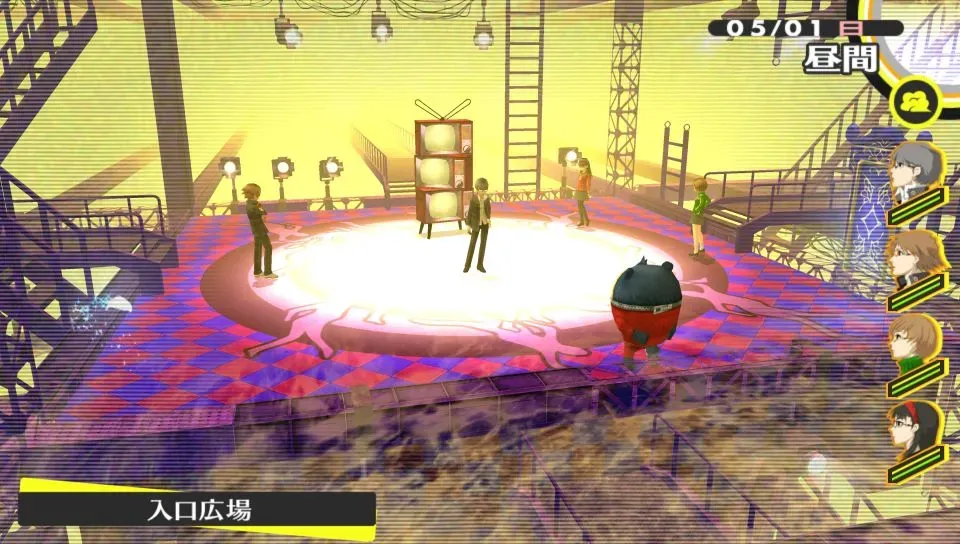
About Vita3K
Vita3K is an open-source PlayStation Vita emulator for Windows, Linux, macOS and Android, licensed under the GNU GPL v2. The developers describe it as experimental. A public compatibility list sorts games into Playable, Ingame, Menu, Intro, Bootable and Nothing, so check a game there before you start.
The emulator contains no games and no Sony system software. You install the PS Vita firmware from the official PlayStation website plus the separate font firmware package through File > Install Firmware. Games must be dumped from your own Vita or PS TV; the official guide covers VCI cartridge dumps and other supported formats such as .pkg, .vpk and .zip. The project states it does not condone piracy.
What it does well
- Vulkan and OpenGL. Vulkan is recommended; OpenGL 4.4 remains available for older GPUs.
- Firmware install. Installs the official PS Vita firmware and font package from the File menu.
- Dump formats. Installs .pkg, .vpk, .zip and VCI dumps, or decrypted game folders.
- Controllers. Keyboard and mouse work out of the box; SDL3 controllers such as DualSense are supported.
- Compatibility list. A public list shows how well each tested game runs and its known issues.
Who it is for
Good fit
PS Vita owners who want to play their dumped games on a PC with higher resolution.
Look elsewhere
Anyone without their own Vita and game dumps, or players who need every game to work reliably.
Pros and cons
Pros
- Free and open source
- Only functional PS Vita emulator
- Vulkan renderer and controller support
- Public game compatibility list
Cons
- Experimental: many games do not boot or have glitches
- Only nightly builds, no stable releases
- Needs your own console to dump games and firmware setup
How to install Vita3K
Vita3K only publishes nightly builds, so the button opens the official download page: choose Windows x64 and extract the ZIP to a folder. If it reports that VCRUNTIME140_1.dll is missing, install the Visual C++ 2015-2022 Redistributable. Then install the PS Vita firmware and the font firmware via File > Install Firmware, and set Modules Mode to Automatic in Configuration > Settings > Core.
Questions about Vita3K
Is Vita3K free?
Yes. Vita3K is free and open source under the GNU GPL v2.
Do I need a PS Vita to use Vita3K?
To play games, yes. Vita3K ships without games; you must dump games you own from your own Vita or PS TV, and install the official firmware from PlayStation's website.
What PC do I need for Vita3K?
The minimum is a 64-bit x86 CPU, 4 GB of RAM and a GPU with OpenGL 4.4. The developers recommend a Vulkan GPU with shader interlock, a CPU with AVX and 8 GB of RAM or more.


