

Our verdict: Logseq suits people who think in bullet points and want every note linked to others. Notes stay as plain files on your disk, and daily journals make capturing ideas quick. All Logseq releases are still labeled beta, and a new database-based 2.0 version is in early testing, so expect changes.
About Logseq
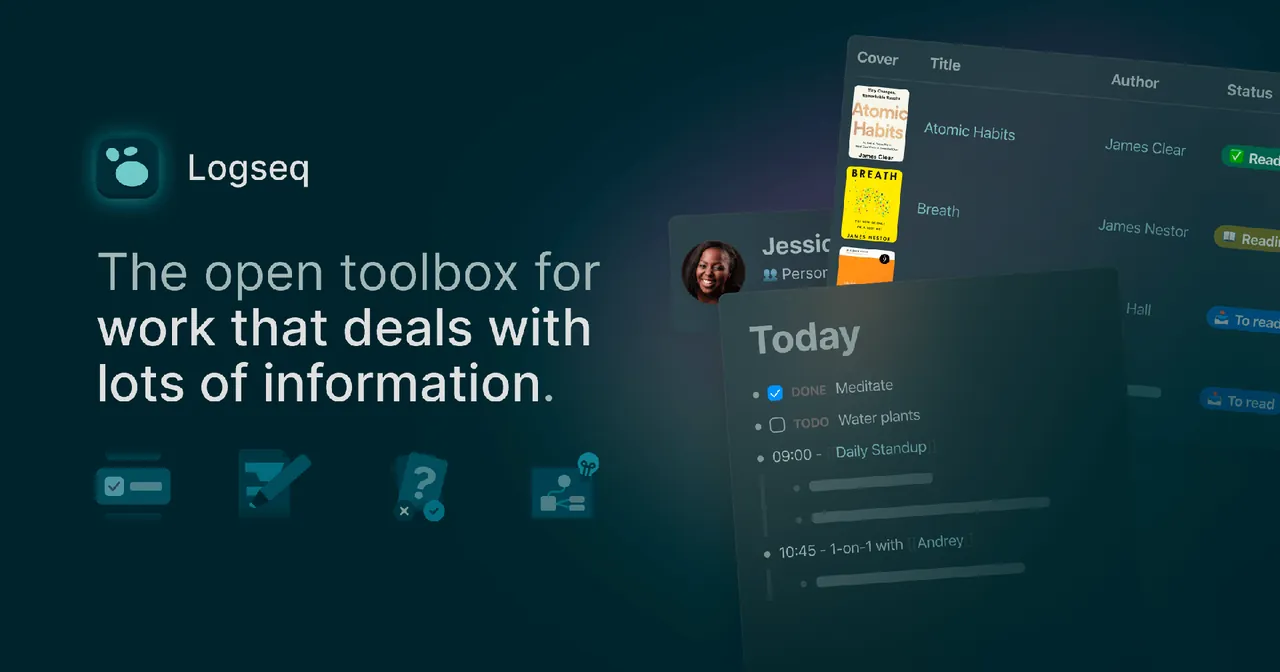
Logseq is an open-source app built by Logseq, Inc. and its community. Every note is an outline of blocks; you can link pages and individual blocks with double brackets, and each linked page shows all its references automatically. A new journal page is created for each day.
The 0.10 desktop line keeps your graph as Markdown or Org-mode files in a folder you choose, so you can back it up or sync it with any tool. It adds tasks with deadlines and scheduled dates, queries, PDF annotations and built-in flashcards. The developers are testing Logseq 2.0, a separate database-based version.
What it does well
- Block outliner. Every line is a block you can link, embed, fold and move.
- Daily journals. A fresh page for each day collects notes, tasks and links.
- Bidirectional links. Each page lists every block that mentions it.
- PDF annotations. Highlight PDFs and link the highlights into your notes.
- Flashcards. Turn blocks into cards with built-in spaced repetition.
Who it is for
Good fit
Researchers, students and writers who like outlines and want local, linkable notes.
Look elsewhere
People who prefer long-form documents or need polished team collaboration.
Pros and cons
Pros
- Free and open source
- Notes stay as local Markdown files
- Fast block linking and daily journals
- PDF highlights and flashcards built in
Cons
- All releases are still labeled beta
- Two versions in parallel: file-based 0.10 and the 2.0 database beta
- Outliner-only writing does not suit long documents
How to install Logseq
The direct link downloads the Windows installer for Logseq 0.10.15, the file-based version that stores notes as Markdown. On first start, choose a folder for your graph; keep it in a synced folder if you want a backup. The official downloads page may offer the newer 2.0 beta, which uses a database instead of plain files.
Questions about Logseq
Is Logseq free?
Yes. Logseq is open source under the AGPL v3 and free to use.
Where does Logseq store my notes?
The 0.10 desktop version stores your graph as Markdown or Org-mode files in a folder you pick. Logseq 2.0, still in beta, uses a database instead.
What is the difference between Logseq and Obsidian?
Logseq is an outliner where every line is a block; Obsidian is a document editor. Both keep notes as local Markdown files.


