

Our verdict: Notion lets you build almost any system from pages and databases: a journal, a reading list, a wiki or a project tracker. The free plan is generous for one person. It needs an account and stores everything in Notion's cloud, and teams hit block and upload limits quickly.
About Notion
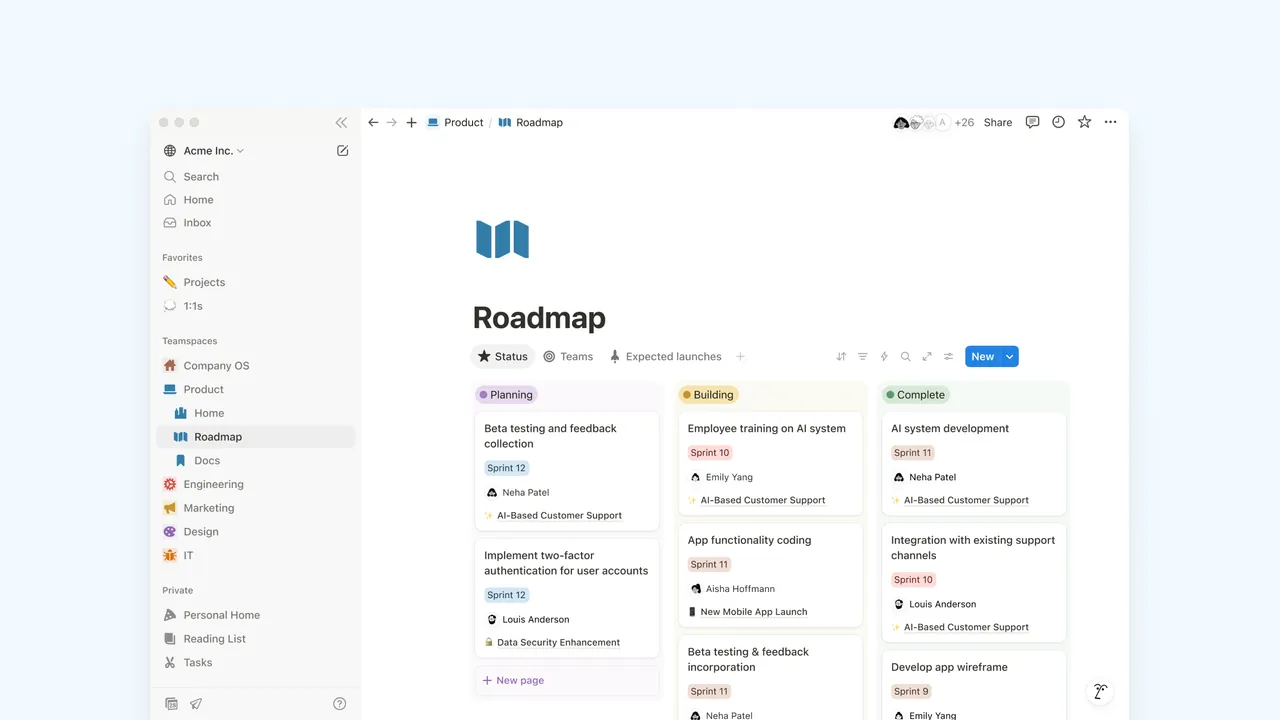
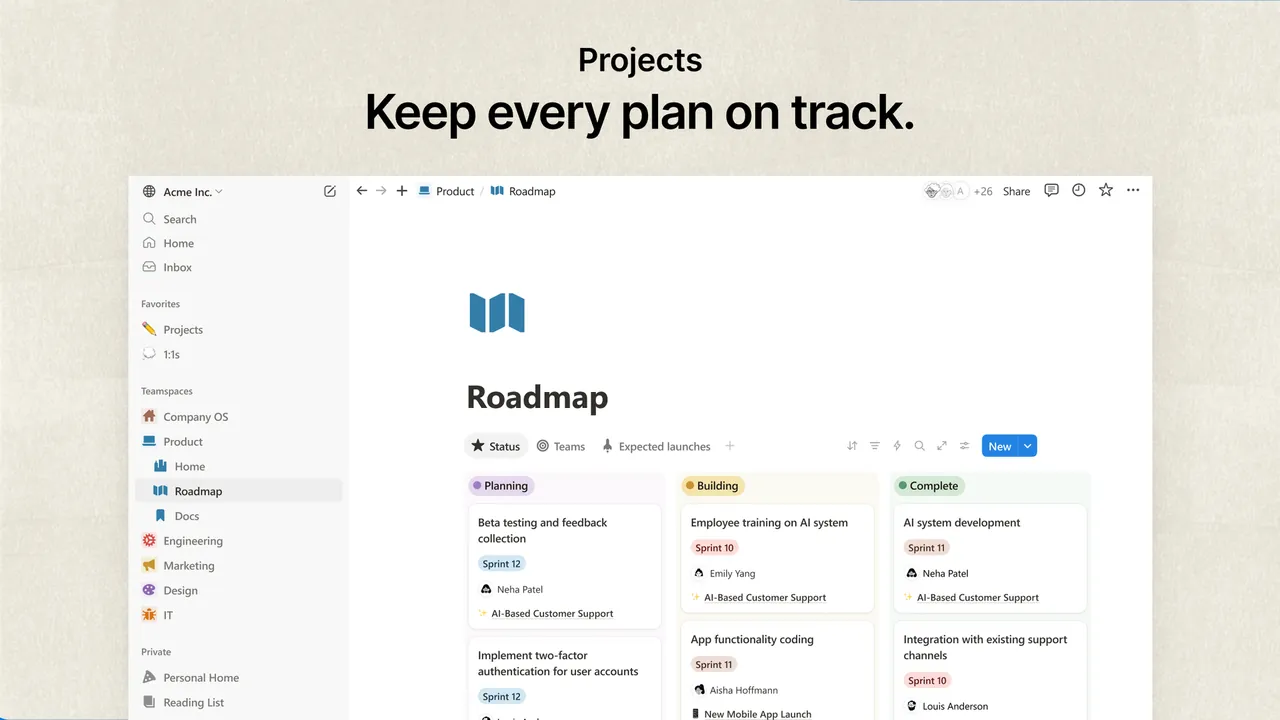
Notion is made by Notion Labs. Everything is built from blocks such as text, to-dos, images and code, which you combine into pages. Databases add custom properties, subtasks and dependencies, and can be shown as tables, boards, calendars or lists.
The Free plan gives individuals unlimited pages and blocks, basic forms and sites, Notion Calendar and a trial of Notion AI. In a free workspace with two or more members, blocks are limited, file uploads are capped at 5 MB and page history is kept for 7 days. Plus costs $10 per member per month.
What it does well
- Blocks and pages. Text, to-dos, images, code and embeds combine into nested pages.
- Databases. Tables, boards and calendars with custom properties, subtasks and dependencies.
- Templates. Ready-made layouts for notes, wikis, trackers and planners.
- Forms and sites. Basic forms and public sites built from Notion pages.
- Notion Calendar. A calendar app connected to your Notion workspace.
Who it is for
Good fit
Individuals who want one flexible place for notes, plans and personal databases.
Look elsewhere
People who want local files, offline-first notes or end-to-end encryption.
Pros and cons
Pros
- Unlimited pages and blocks for individuals
- Very flexible databases
- Large template gallery
- Same workspace on desktop, web and mobile
Cons
- Requires an account; data lives in Notion's cloud
- Free workspaces with 2+ members have block limits and 5 MB uploads
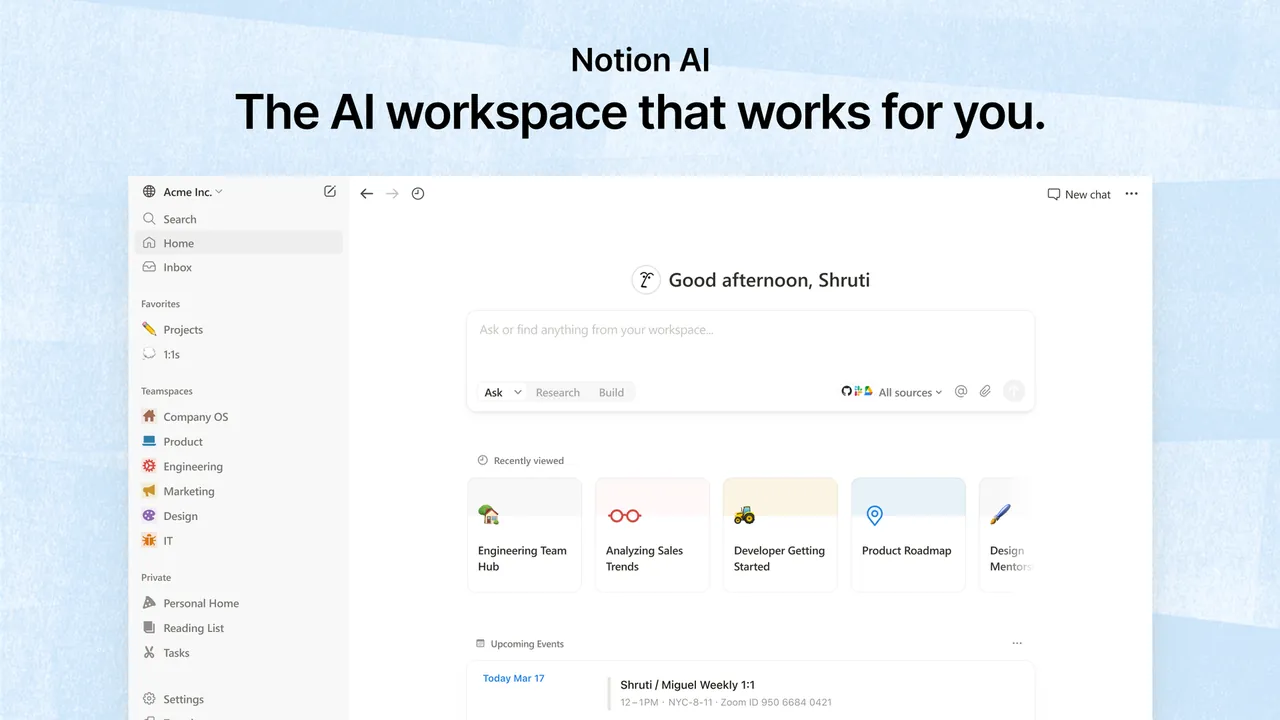
- Notion AI is only a limited trial on the free plan
How to install Notion
The official installer is a small file that downloads and installs the Notion desktop app. Sign in with an email, Google or Apple account. The desktop app is a window onto the same cloud workspace as the web version, so there is nothing separate to back up locally.
Questions about Notion
Is Notion free?
Yes for individuals. The Free plan has unlimited pages and blocks for one person; workspaces with two or more members have a block limit.
Do I need the desktop app to use Notion?
No. The same workspace opens in a browser and in the mobile apps; the Windows app shows the same workspace in its own window.
Is Notion free for students?
Yes. The Plus plan with a one-member limit is free for students and educators who sign up with a school email address.


