

Our verdict: Arduino IDE 2 is the standard starting point for programming Arduino boards: pick a board and port, write a sketch, click Upload. Autocomplete, the board and library managers, a serial plotter and a debugger for supported boards make it far better than the old 1.8 editor. Large projects outgrow it, and it is less flexible than a full code editor with PlatformIO.
About Arduino IDE
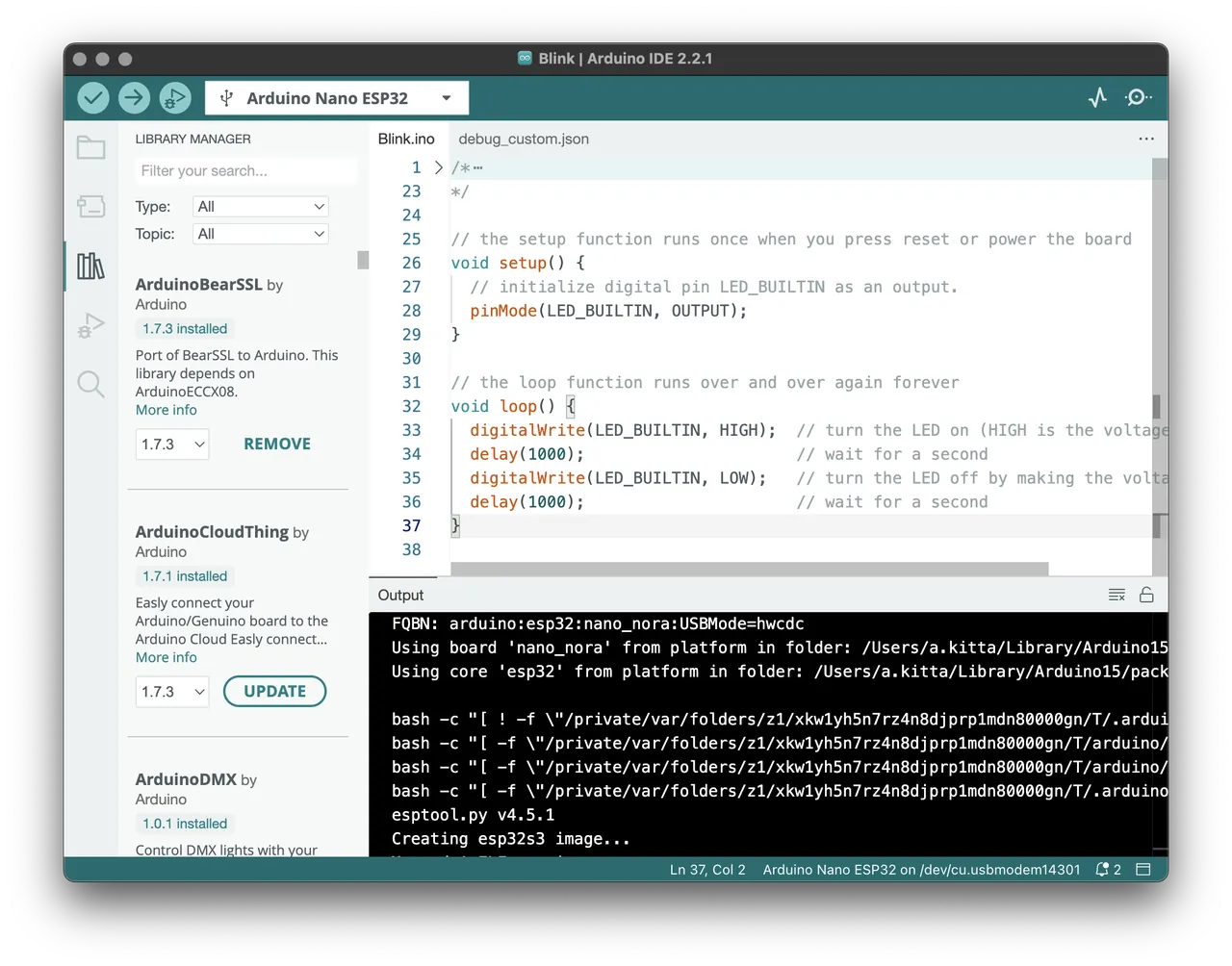
Arduino IDE 2 is the official desktop editor from Arduino, a rewrite based on the Theia IDE framework and Electron. It compiles and uploads C++ sketches to Arduino boards and many third-party boards such as ESP32 and Raspberry Pi Pico that are added through the Boards Manager. The Library Manager installs community libraries, and the built-in examples help beginners start quickly.
Compared with the classic 1.x IDE, version 2 adds code autocomplete and navigation, a dark theme, a live debugger for supported boards, a Serial Monitor and Serial Plotter, and optional sync of sketches with Arduino Cloud. The IDE is open source under the AGPL v3 and free; an Arduino account is only needed for cloud features.
What it does well
- Boards Manager. Installs support for Arduino and third-party boards such as ESP32.
- Library Manager. Finds and installs community libraries from inside the IDE.
- Autocomplete. Suggests functions and variables and jumps to definitions.
- Serial Monitor and Plotter. Shows serial output as text or as a live graph.
- Debugger. Steps through code on boards that support debugging.
Who it is for
Good fit
Beginners, students and makers programming Arduino, ESP32 and other hobby boards.
Look elsewhere
Developers of large embedded projects who need advanced build configuration or several frameworks.
Pros and cons
Pros
- Free and open source
- Simple workflow from sketch to upload
- Large library and board ecosystem
- Serial Plotter and debugger built in
Cons
- Limited project and build configuration for big codebases
- Debugging works only on supported boards and probes
How to install Arduino IDE
The button downloads the 64-bit Windows installer from arduino.cc. During setup, allow the USB driver installs so Windows recognizes your boards. After installing, select your board and its COM port from the board selector, and add boards such as ESP32 through the Boards Manager by pasting their package URL in Preferences.
Questions about Arduino IDE
Is the Arduino IDE free?
Yes. Arduino IDE 2 is open source under the AGPL v3 and free to download and use. An Arduino account is optional and only needed for cloud features.
Can the Arduino IDE program ESP32 boards?
Yes. Add the ESP32 board package through the Boards Manager, then select your ESP32 board and port.
Is Arduino IDE 1.8 still available?
Yes. The legacy Arduino IDE 1.8.19 is still offered on the official software page for Windows 7 and newer, but Arduino IDE 2 is the current release.


