Audacity — Free Audio Editor

By Audacity Team (Muse Group) · Audio
  • Open source
  • Free
  • Audio
4.3 / 5 · 531 ratings on Microsoft Store
Download Audacity Direct download from github.com Official download page Link checked October 19, 2026

Our verdict: Audacity is the standard free tool for recording and cleaning up audio. It is ideal for podcasts, voiceovers, interviews and quick music edits. It is not a full music production studio, but for editing speech it is hard to beat at this price.
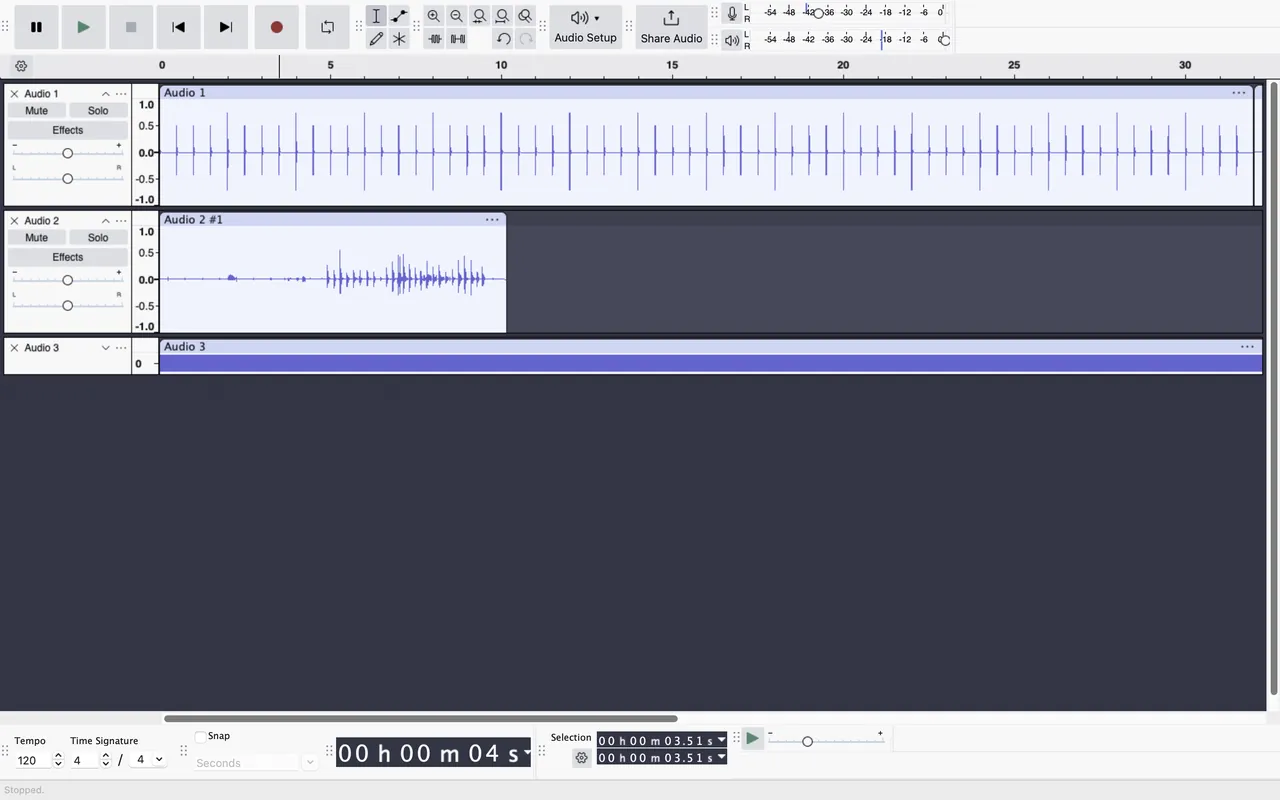
Audacity 3.6 with several audio tracks on the timeline
Audacity 3.6 with several audio tracks on the timeline · Screenshot: Audacity, GPL, via Wikimedia Commons
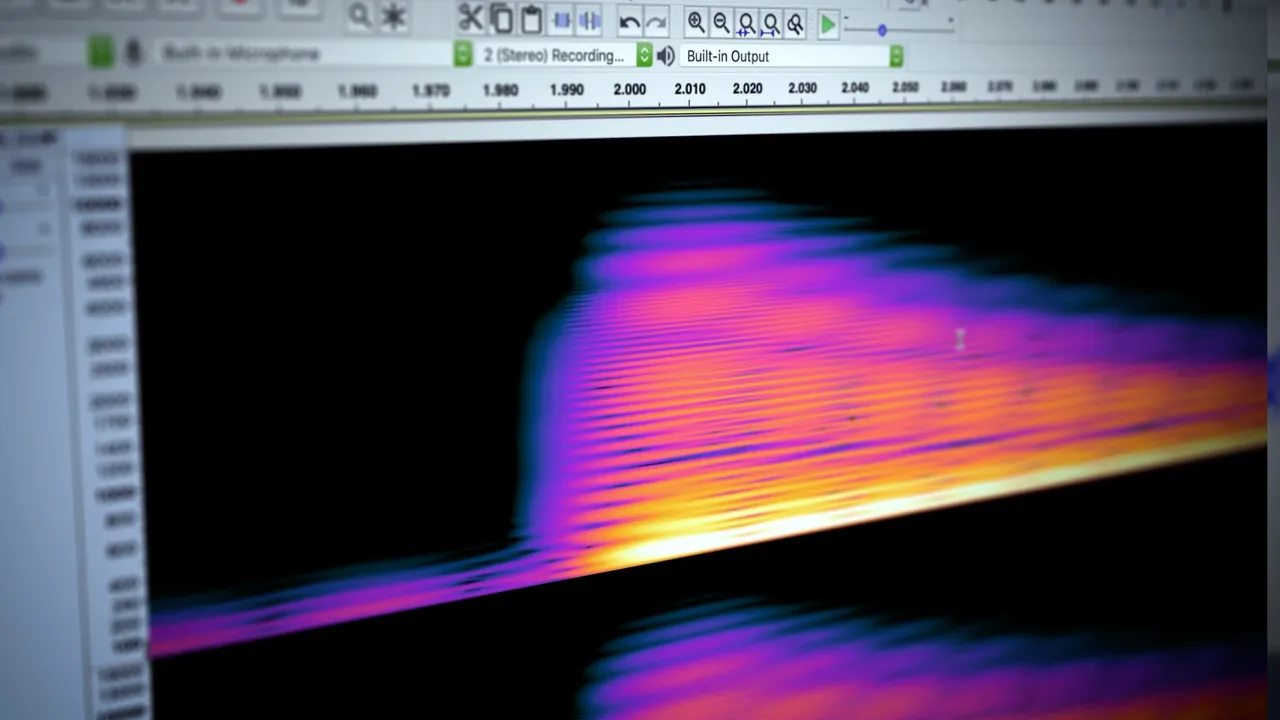
Audacity window view, screenshot from the Microsoft Store
Audacity window view, screenshot from the Microsoft Store · Screenshot: MuseGroup, from the Microsoft Store
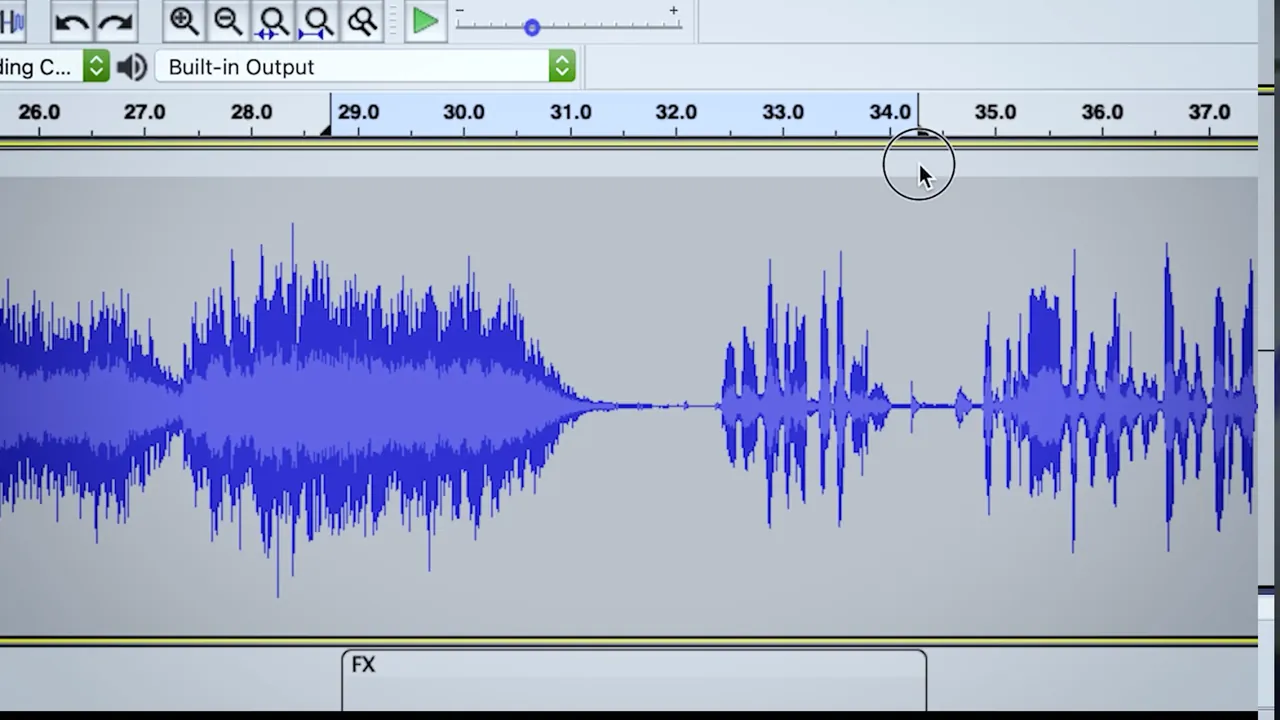
Audacity window view, screenshot from the Microsoft Store
Audacity window view, screenshot from the Microsoft Store · Screenshot: MuseGroup, from the Microsoft Store

About Audacity

Audacity started in 1999 and is now maintained by the Audacity Team as part of Muse Group, which also develops MuseScore. It stays free and open source under GPLv3.

Most people use it for three things: recording from a microphone, removing background noise, and cutting out mistakes. The noise reduction effect learns a short sample of background hiss and removes it from the whole recording.

What it does well

  • Multitrack recording. Record from a microphone or audio interface and layer several tracks.
  • Noise reduction. Removes steady background noise such as hum or fan hiss.
  • Effects and plugins. Built-in effects plus support for VST3, LV2 and Nyquist plugins.
  • Precise editing. Cut, trim, fade and adjust volume with a zoomable waveform.
  • Export formats. Saves to WAV, MP3, FLAC, OGG and other formats.

Who it is for

Good fit

Podcasters, teachers, YouTubers and anyone recording voice.

Look elsewhere

Music producers who need MIDI sequencing and virtual instruments like a full DAW.

Pros and cons

Pros

  • Excellent for speech editing
  • Strong noise reduction
  • Supports VST3 plugins
  • Free with no limits

Cons

  • Not a full music DAW
  • Interface looks dated
  • MuseHub is offered alongside the installer

How to install Audacity

The download button gets the 64-bit Windows installer directly. Muse Group also promotes its MuseHub app, but you do not need it to use Audacity.

Questions about Audacity

Is Audacity free?

Yes. There is no paid version and no time limit.

Can Audacity export MP3?

Yes. MP3 export is built in on current versions, with no extra library to install.

Can Audacity record computer audio?

Yes on Windows, by choosing the Windows WASAPI host and a loopback device as the recording source.

Download Audacity from audacityteam.org ExeDepot does not host this file. The download starts from the developer's server, github.com. Other versions are on the official download page.

Alternatives to Audacity

  • mp3DirectCut MP3 Cutter

    Tiny freeware editor that cuts, splits and fades MP3 and AAC files without re-encoding.

    Martin Pesch · Freeware · mpesch3.de
  • Sound Forge Audio Editor

    Professional single-file audio editor for recording, repair and mastering, with a 15-day free trial.

    Boris FX · Free trial · borisfx.com
  • Adobe Audition Audio Editor

    Professional audio editor for cleanup, restoration and podcast mixing; 7-day trial, then a subscription.

    Adobe Inc. · Free trial · adobe.com
  • GoldWave Audio Editor

    Veteran audio editor with recording, noise reduction, batch conversion and CD ripping; trial, then $19 a year.

    GoldWave Inc. · Free trial · goldwave.com

Similar to Audacity All audio apps

  • Acoustica Audio Editor

    Audio editor for spectral repair, restoration and mastering, with a 30-day trial and no subscription.

    Acon Digital · Free trial · acondigital.com
  • ocenaudio Audio Editor

    Easy audio editor with real-time effect preview, multi-selection and a spectrogram.

    ocenaudio team · Freeware · ocenaudio.com
  • WavePad Audio Editor

    Audio editor with effects, noise reduction and batch processing; free for non-commercial use.

    NCH Software · Freeware · nch.com.au
  • Tenacity Audio Editor

    Community fork of Audacity for multi-track audio recording and editing.

    Tenacity Team · Open source · tenacityaudio.org