

Our verdict: Capacities is a good fit if folders and tags never worked for you: every note is an object of a type you define, and links between them build the structure. The free Basic plan is genuinely usable with unlimited objects, but tasks, calendar integration, version history and AI are Pro features, and your notes live in Capacities' cloud.
About Capacities
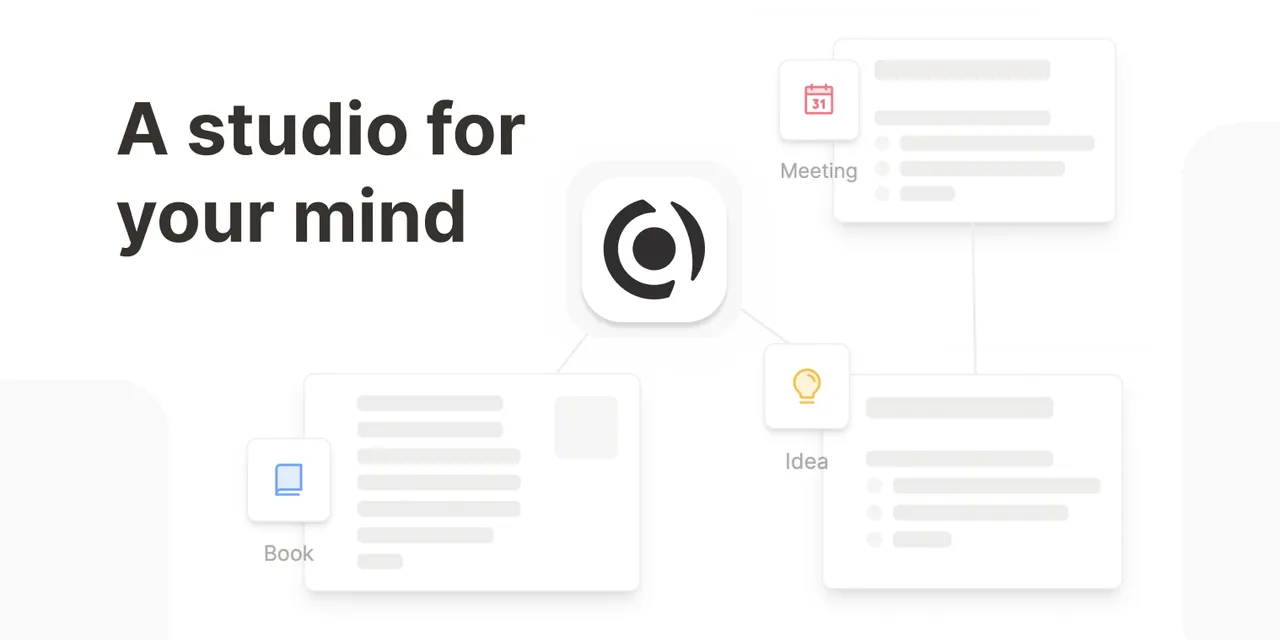
Capacities is a note-taking and personal knowledge app from Capacities Labs GmbH in Freiburg, Germany. Instead of folders, content is stored as objects of types such as page, person, book, meeting or any custom type you create, each with its own properties. Daily notes, backlinks, a graph view and full-text search connect them, and you can save content from WhatsApp, Telegram, Twitter or email straight into your space.
The free Basic plan includes unlimited spaces, objects, blocks and custom types, sync across devices, offline support, import and export, view-only sharing and media uploads up to 5 GB, then 100 MB per month. Pro costs $9.99 per month (less when billed yearly) and adds an AI assistant with a monthly budget, task management, smart queries, calendar integration, version history, Readwise and Kindle import and a public API. A Pro trial can be started in the app without a card.
What it does well
- Object types. Notes are typed objects like people, books or meetings with custom properties.
- Daily notes and backlinks. A note for every day, with links that show where each object is mentioned.
- Graph view. Visual map of how your objects are connected.
- Quick capture. Save content from WhatsApp, Telegram, Twitter or email into your space.
- Offline and sync. Work offline on the desktop and sync across all devices.
Who it is for
Good fit
Students, researchers and writers who think in people, sources and topics rather than folders.
Look elsewhere
People who want local Markdown files, or who need tasks and calendar features without paying.
Pros and cons
Pros
- Unlimited objects on the free plan
- Typed objects with properties and backlinks
- Offline support with sync on all platforms
- Full import and export on every plan
Cons
- Tasks, calendar, version history and AI require Pro
- Requires an account; notes are stored in the cloud
- Object-based structure takes time to learn
How to install Capacities
The button downloads the current Windows installer that the official download page links to, hosted on Capacities' own object storage. Sign in with a free Capacities account. Start with the built-in object types and add custom ones only when you see a pattern in your notes.
Questions about Capacities
Is Capacities free?
Yes. The Basic plan is free with unlimited objects, sync, offline support and 5 GB of uploads, then 100 MB per month. Pro costs $9.99 per month and has an in-app trial with no card required.
Can I export my notes from Capacities?
Yes. Capacities says import and export are fully supported on every plan, including Basic.
What happens if I cancel Pro?
You are downgraded to Basic and keep all content you created, but lose access to Pro features.


