

Our verdict: Craft produces some of the best-looking documents of any notes app, and sharing a page as a web link takes a click. The free plan is meant for occasional use: 1,500 blocks across all documents fill up quickly if you write daily, after which Plus costs $8 per month or $6.40 billed yearly.
About Craft
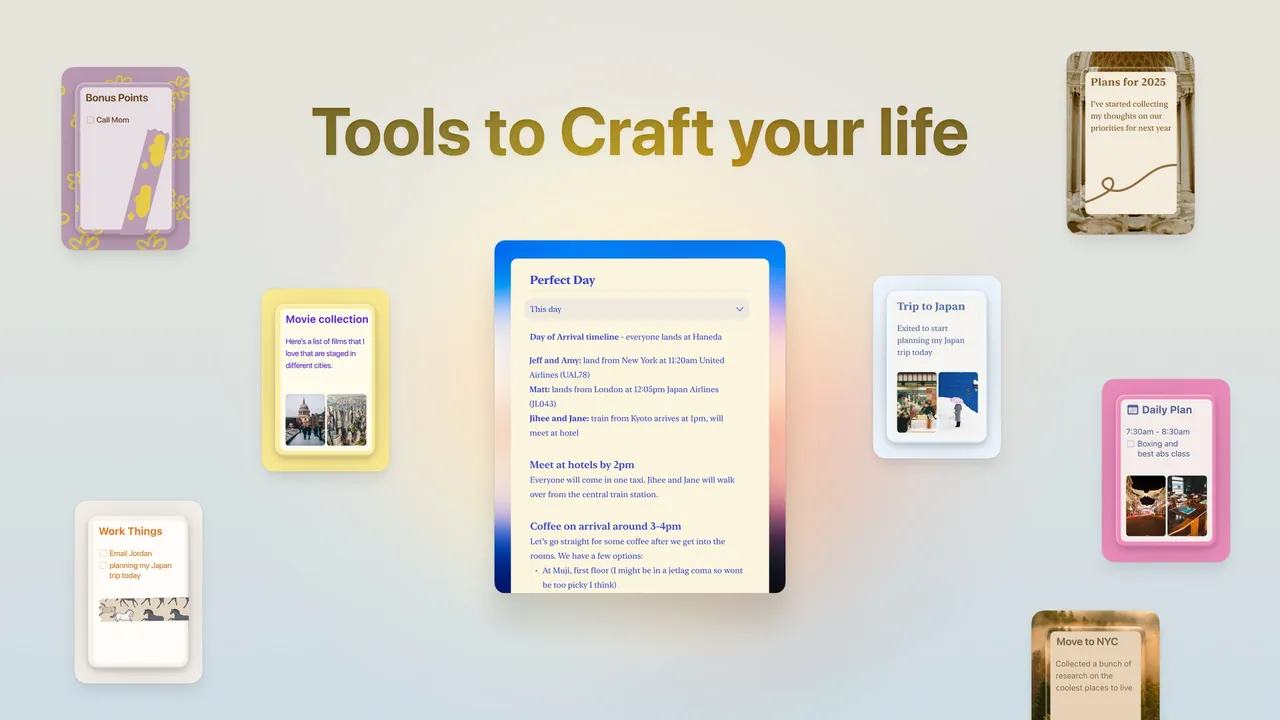
Craft is a document and note-taking app from Craft Docs, first known as a Mac app and now available on Windows, Android and the web. Documents are built from blocks that can be text, headings, to-dos, images, files or links to other pages, and any block can become a nested sub-page. Collections add database-like structured lists, and the Tasks and Calendar views collect to-dos across documents.
The app works offline and syncs through your Craft account; pages can be shared or published to the web with a link, and collaborators can edit in real time. The free Starter plan includes up to 1,500 blocks, 1 GB of storage, a 25 MB upload limit, 7-day version history and 15 AI assistant credits. Plus removes the content limits and extends history to 30 days.
What it does well
- Block-based documents. Text, to-dos, images and files as blocks; any block can become a sub-page.
- Collections. Structured lists with properties, similar to a lightweight database.
- Tasks and calendar. Collects to-dos from all documents into task and calendar views.
- Web sharing. Share or publish any page as a web link with one click.
- AI assistant. Summarize, rewrite and draft text with a limited number of credits.
Who it is for
Good fit
Writers, students and small teams who want polished documents and easy web sharing.
Look elsewhere
Heavy note-takers who will not pay, or people who want local Markdown files instead of a cloud account.
Pros and cons
Pros
- Clean, attractive document design
- Nested pages and collections
- One-click web sharing and real-time collaboration
- Works offline and syncs across devices
Cons
- Free plan is capped at 1,500 blocks and 1 GB
- Requires a Craft account; data lives in Craft's cloud
- Plus subscription needed for daily use
How to install Craft
The button downloads the official Windows installer from craft.do; an ARM64 installer and a Microsoft Store version are listed on the download page. You need a Craft account to sign in. The free plan counts blocks across all documents, so check the usage counter in settings before importing large notes.
Questions about Craft
Is Craft free?
Craft has a free Starter plan with up to 1,500 blocks, 1 GB of storage and 7-day version history. Plus costs $8 per month or $6.40 per month billed yearly and removes the limits.
Does Craft work offline on Windows?
Yes. Craft is offline-first: documents are stored on the device and synced through your Craft account when you are online.
What happens if I downgrade from Plus?
Craft says existing documents stay viewable and editable, but you must stay within the free allowance to create new content.


