

Our verdict: ClickUp tries to replace a task manager, a wiki and team chat at once, and the Free Forever plan is generous with tasks and members. The trade-offs are a dense interface that takes time to learn, only 60 MB of file storage on the free plan, and many advanced features that allow only a limited number of trial uses.
About ClickUp
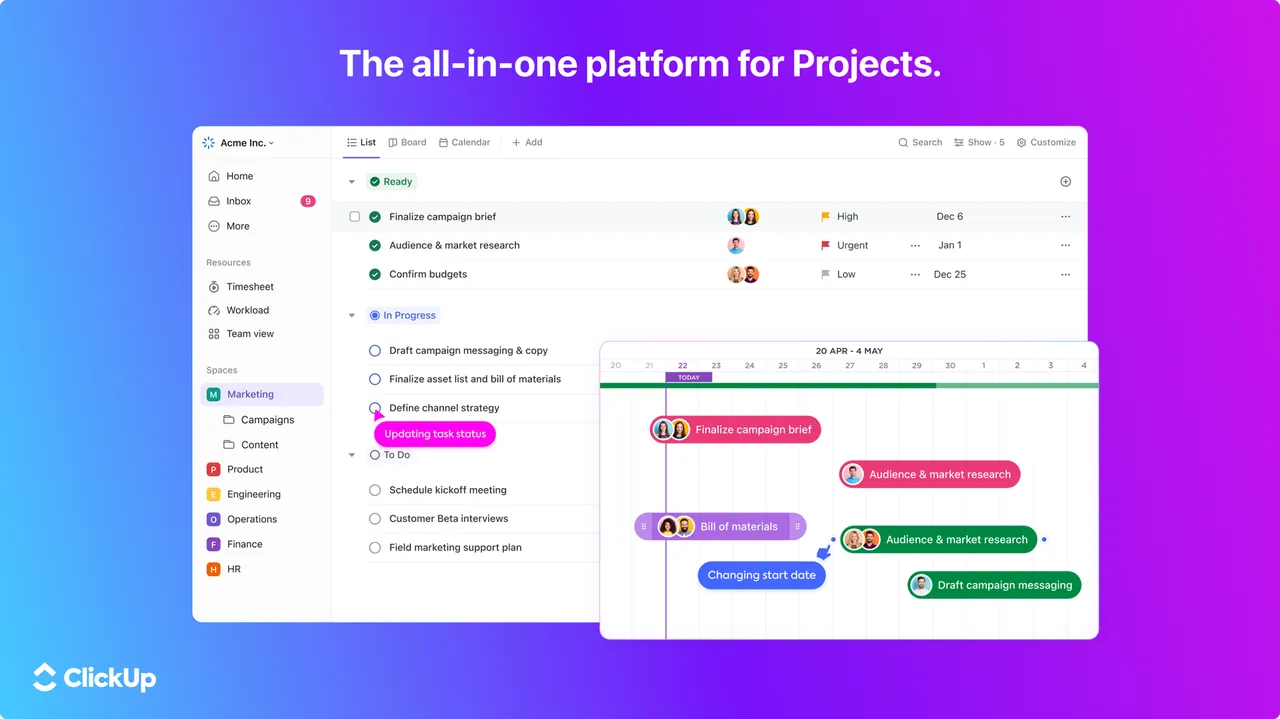
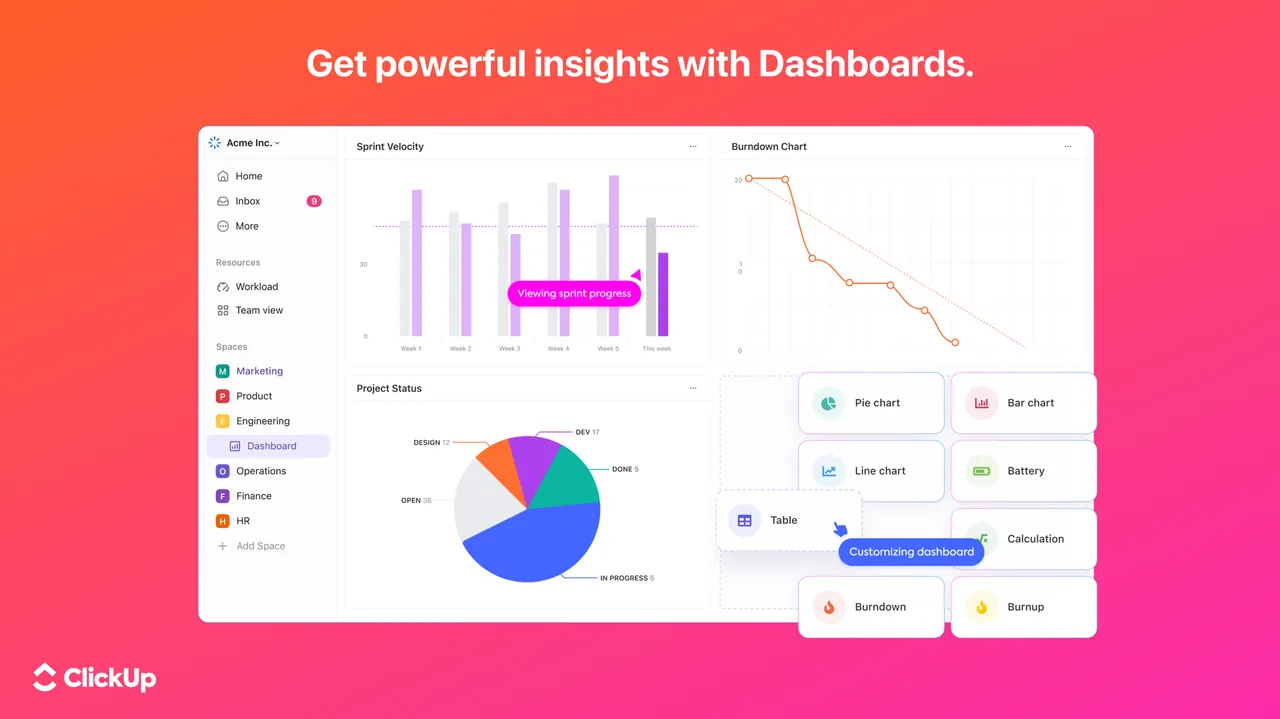
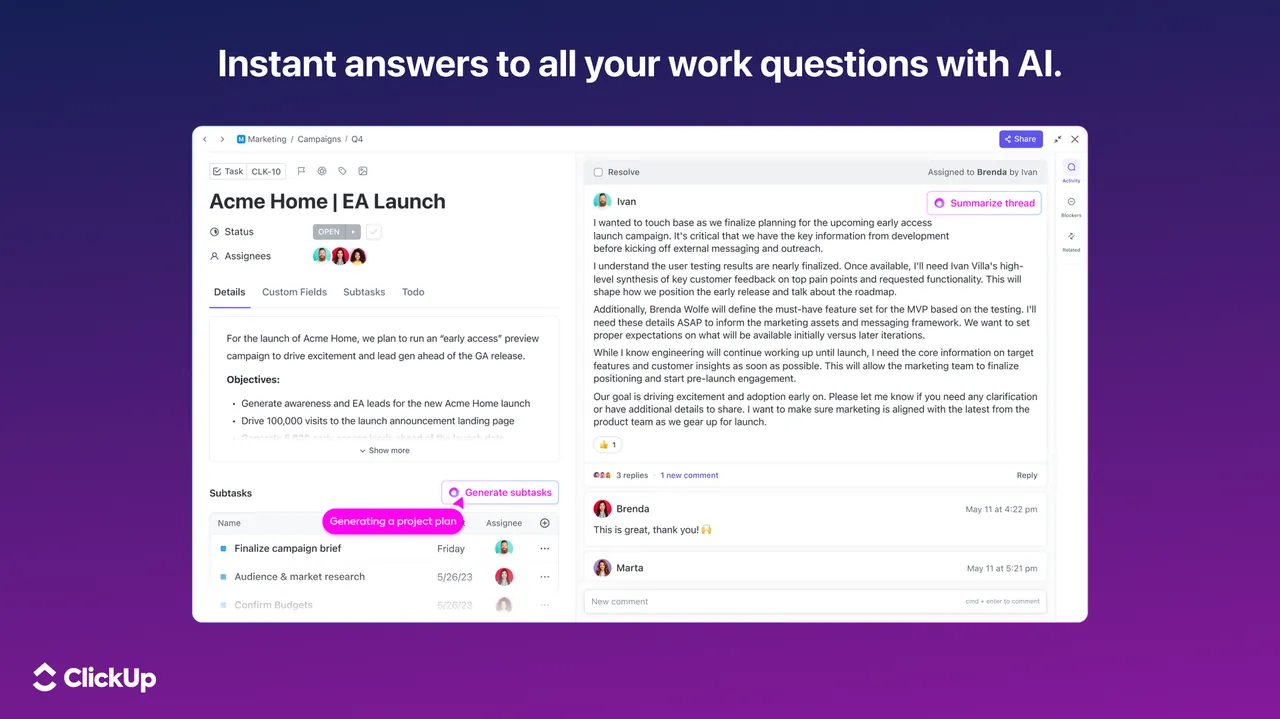
ClickUp is a cloud work-management platform for individuals and teams. Work is organized into Spaces, Folders and Lists of tasks that can be viewed as lists, Kanban boards, calendars and other views, with subtasks, assignees, due dates, custom fields, sprints, time tracking and automations. Collaborative Docs, Whiteboards and Chat live in the same workspace, and the ClickUp Brain AI features are sold as add-ons.
The Free Forever plan includes unlimited tasks, unlimited members, collaborative docs, Kanban boards, sprint management, basic custom fields, in-app video recording, two-factor authentication and 60 MB of storage. Some paid features can be tried a limited number of times; ClickUp says these uses do not reset. The Unlimited plan costs $7 per user per month billed yearly or $10 billed monthly. On Windows the official site offers the desktop app through the Microsoft Store.
What it does well
- Tasks and views. Lists, Kanban boards and calendars with subtasks, assignees and due dates.
- Docs and whiteboards. Collaborative documents and whiteboards linked to tasks.
- Sprints. Sprint management for agile teams, included in the free plan.
- Automations. Rules that change status, assign people or post updates automatically.
- Chat and clips. Team chat and in-app screen video recording inside the workspace.
Who it is for
Good fit
Small teams and freelancers who want tasks, docs and chat in one place without paying per seat at first.
Look elsewhere
People who want a simple to-do list, or teams that store many attachments on the free plan.
Pros and cons
Pros
- Unlimited tasks and members on the free plan
- Docs, boards, sprints and chat in one app
- Highly configurable views and custom fields
- Apps for desktop, mobile and web
Cons
- Only 60 MB of file storage on the free plan
- Many advanced features have limited free uses
- Dense interface with a steep learning curve
How to install ClickUp
The official download page sends Windows users to the Microsoft Store, so there is no direct installer link here; you can also use ClickUp in any browser. A free ClickUp account is required. When creating your first Workspace, skip the templates you do not need to keep the sidebar manageable.
Questions about ClickUp
Is ClickUp free?
Yes. The Free Forever plan has unlimited tasks and members and 60 MB of storage. Paid plans start at $7 per user per month billed yearly, or $10 billed monthly.
Is there a ClickUp installer for Windows?
The official download page links the Windows desktop app in the Microsoft Store. ClickUp also works in any browser.
What happens when I hit a feature use limit?
ClickUp says you keep your data, but you cannot create or edit new items with that feature until you upgrade.


