

Our verdict: Todoist is one of the fastest ways to capture and organize tasks, and it syncs instantly across every platform. The free Beginner plan is fine for personal lists, but its 5-project and 3-filter limits, 1-week activity history and missing calendar view push power users toward Pro.
About Todoist
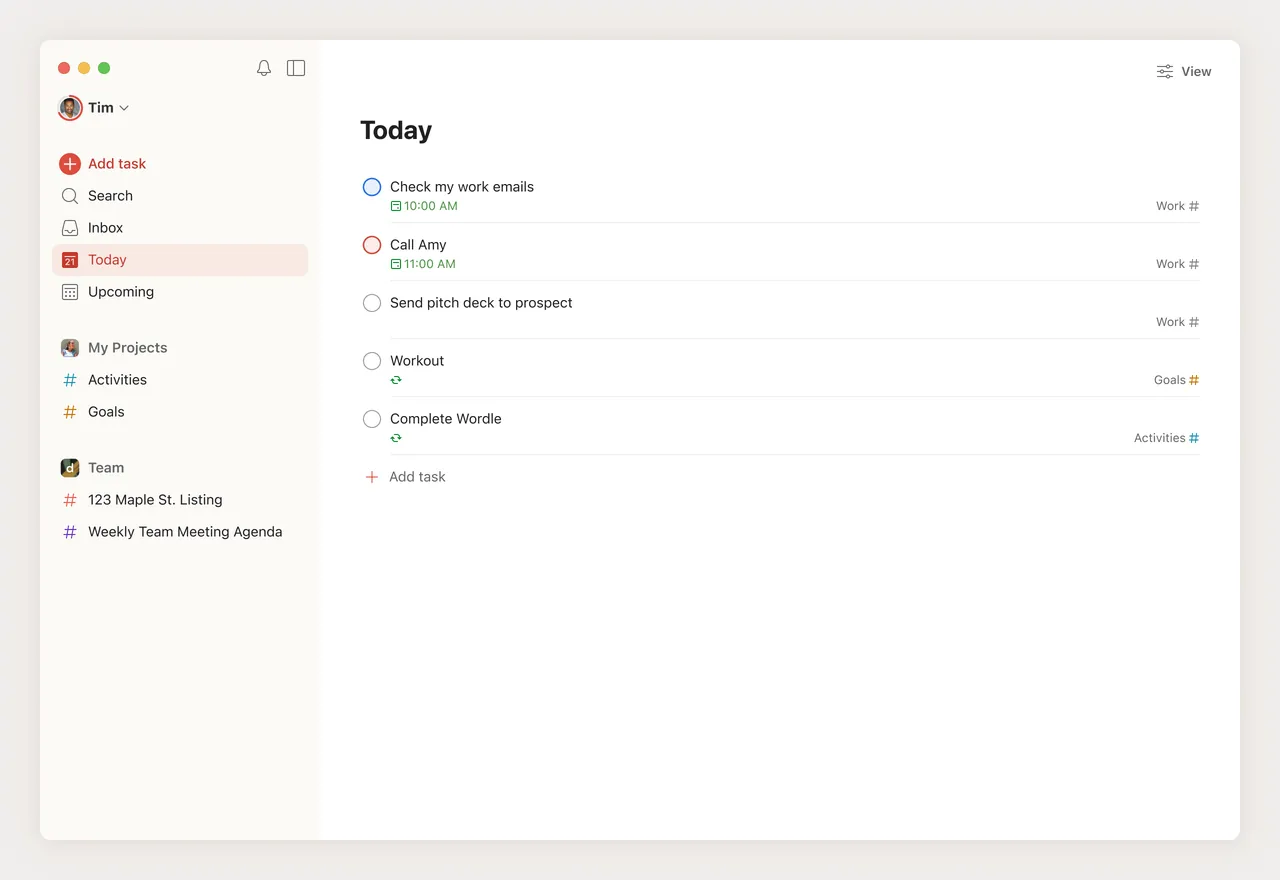
Todoist is a task manager from Doist that stores your tasks in the cloud and syncs them between the Windows app, other desktop and mobile apps, the web and browser extensions. Smart Quick Add understands dates, priorities and labels typed in plain language, such as "pay rent every month on the 1st".
The free Beginner plan includes 5 personal projects, task reminders, list and board layouts, 3 filter views, 5 MB file uploads, 1 week of activity history and sharing with up to 5 people per project. Pro raises the limit to 300 projects and 150 filters and adds a calendar layout, task durations, deadlines, custom reminders and full history. Business adds shared team workspaces.
What it does well
- Smart Quick Add. Type tasks with dates, priorities and labels in natural language.
- List and board layouts. View projects as lists or Kanban-style boards.
- Recurring tasks and reminders. Repeating due dates and reminders on the free plan.
- Sharing. Share a personal project with up to 5 people and assign tasks.
- Integrations. Connects email, calendars and other services.
Who it is for
Good fit
People who want a fast, reliable to-do list that syncs between the PC and phone.
Look elsewhere
Users who need many projects, a calendar view or offline-only storage without paying.
Pros and cons
Pros
- Very fast task entry with natural language
- Syncs across all platforms
- Clean, uncluttered interface
- Recurring tasks and reminders on the free plan
Cons
- Free plan limited to 5 projects, 3 filters and 1 week of activity history
- Calendar layout, deadlines and task durations need Pro
- Requires an account; tasks are stored on Doist's servers
How to install Todoist
The download button fetches the latest Windows installer from Todoist. Sign in with a free Todoist account. Set a global Quick Add shortcut in the app settings so you can add tasks from anywhere in Windows.
Questions about Todoist
Is Todoist free?
Yes, the Beginner plan is free with no time limit. It allows 5 personal projects, 3 filter views and 5 MB uploads. Pro and Business are paid.
What does Todoist Pro add?
Up to 300 projects and 150 filters, a calendar layout, task durations, deadlines, custom reminders and full activity history.
Does Todoist work offline?
The apps keep working offline and sync changes when you reconnect, but an account and the cloud service are required.


