

Our verdict: TickTick packs a task manager, habit tracker and Pomodoro timer into one app that syncs everywhere, and the free plan is enough for personal use. The limits show up with larger projects: 9 lists, 99 tasks per list and only basic calendar views, so heavy planners will end up on Premium.
About TickTick
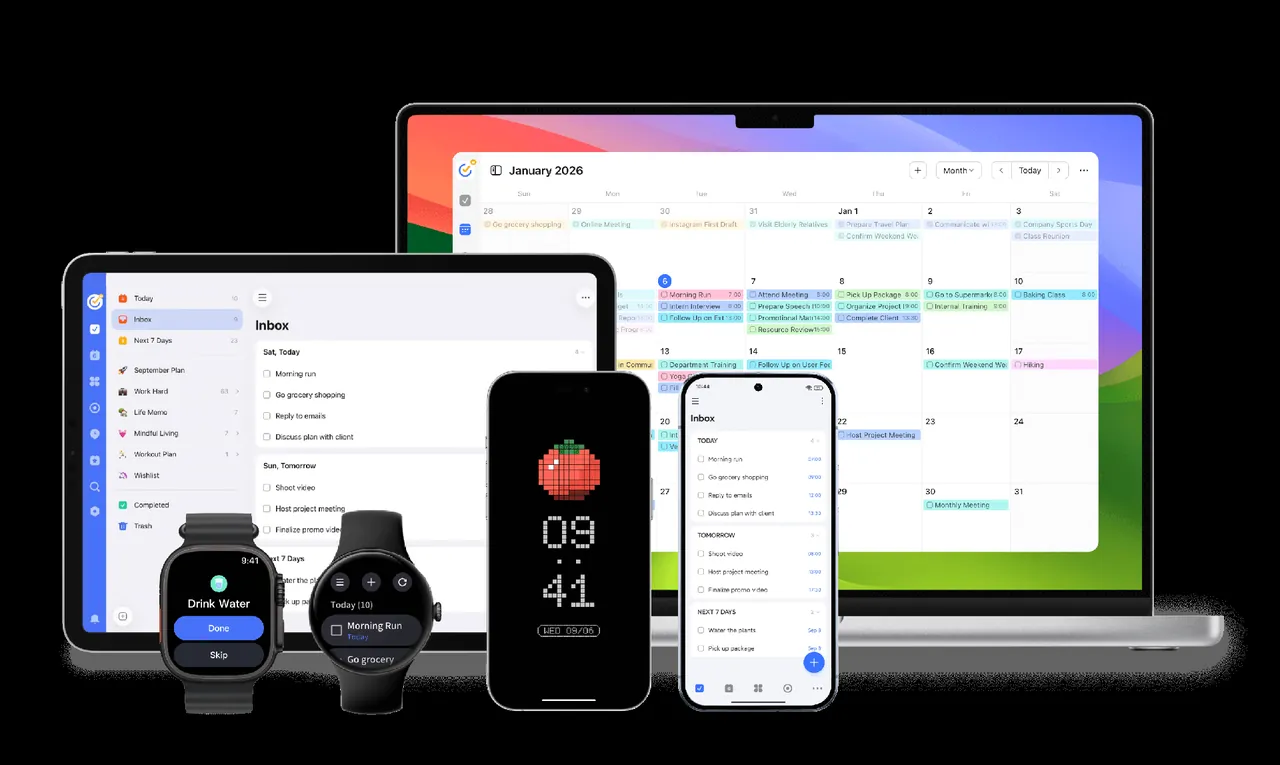
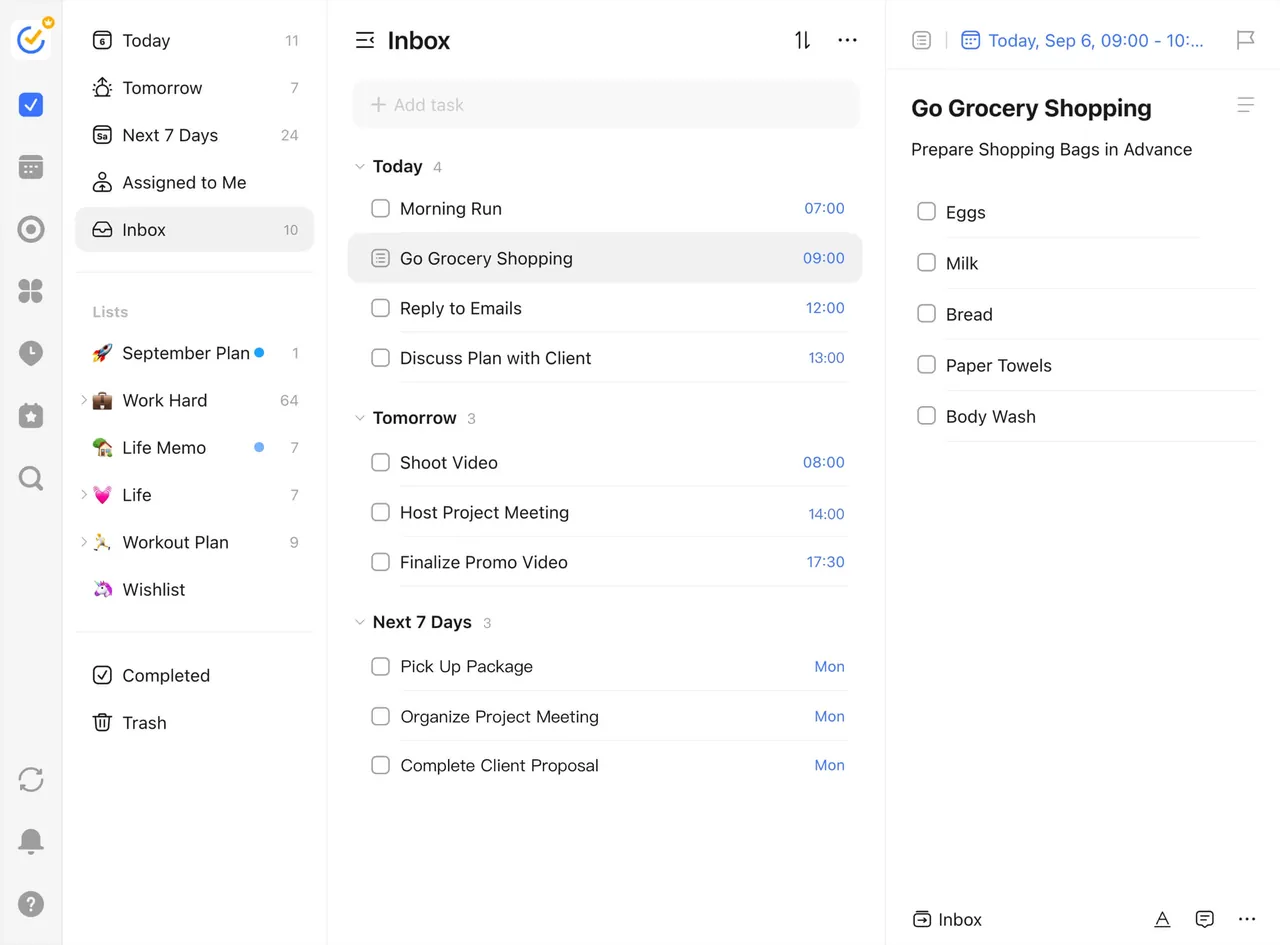
TickTick is a cross-platform to-do list and planner from Appest. Tasks can be typed in natural language, so a phrase like "call mom tomorrow at 6pm" sets the date and reminder automatically. Lists can be shown as lists or Kanban boards, and tasks support priorities, tags, subtasks, checklists, recurring rules and templates. A Focus timer with Pomodoro mode, a habit tracker, countdowns and an Eisenhower Matrix are built in.
The free plan includes 9 lists with 99 tasks each, list and Kanban views, natural-language input, 2 reminders per task, 5 habits, sharing with up to 2 members and cross-platform sync. Premium raises the limits to 299 lists and 999 tasks per list and adds multiple calendar views, timeline view, task duration, email reminders and themes. TickTick says your data is kept if Premium expires.
What it does well
- Natural-language input. Type dates and times in plain words and TickTick sets the due date and reminder.
- List and Kanban views. Switch any list between a classic list and a Kanban board.
- Focus timer. Pomodoro and stopwatch timers linked to tasks, with focus statistics.
- Habit tracker. Track daily habits with streaks and check-ins next to your tasks.
- Eisenhower Matrix. Sort tasks into four quadrants by urgency and importance.
Who it is for
Good fit
Students and professionals who want tasks, habits and focus sessions in one app across PC and phone.
Look elsewhere
Teams that need real project management, or users with many large projects who will not pay for Premium.
Pros and cons
Pros
- Natural-language task entry
- Habits, Pomodoro and Eisenhower Matrix built in
- Apps for Windows, Mac, Linux, mobile and web
- Free plan is usable for personal tasks
Cons
- Free plan limited to 9 lists and 99 tasks per list
- Full calendar and timeline views need Premium
- Requires an account; tasks are stored on TickTick's servers
How to install TickTick
The button downloads the official 64-bit Windows installer; a 32-bit edition is offered on the download page. You need a free TickTick account to sync. In settings, enable the global quick-add shortcut and choose whether the app starts with Windows.
Questions about TickTick
Is TickTick free?
Yes. TickTick has a free plan with 9 lists, 99 tasks per list, list and Kanban views, reminders and sync. Premium is a paid subscription that raises the limits and adds calendar and timeline views.
What happens to my tasks if Premium expires?
TickTick says all data is retained and you continue as a free user, without the Premium features.
Does TickTick have a Pomodoro timer?
Yes. The Focus feature includes a Pomodoro timer and a stopwatch that can be linked to tasks.


