

Our verdict: ProjectLibre Desktop is the closest free desktop replacement for Microsoft Project when you plan one project at a time: it opens .mpp files and has critical path, baselines and earned value. It is single-user only, and the company now pushes its paid cloud product for teams.
About ProjectLibre
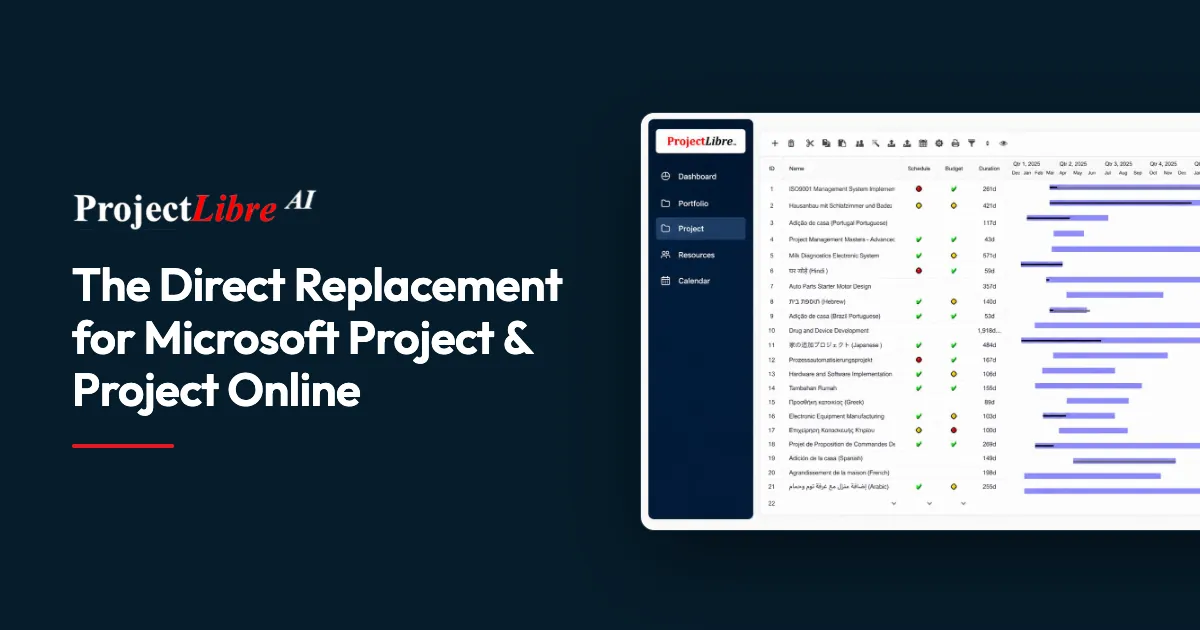
ProjectLibre Desktop is open-source project management software for individual project managers. You build a work breakdown structure, set dependencies, constraints and calendars, assign resources with rates and costs, and follow the schedule in Gantt charts, network diagrams and WBS charts with the critical path and float highlighted. Baselines and earned value show how the project is performing against the plan.
It opens Microsoft Project .mpp files and imports Primavera P6 and other project files, so you can keep working on existing schedules. Version 1.9.8 brought a large performance increase and stability fixes. The desktop app is designed for one user and one project at a time and stores files on your computer; multi-project portfolios, shared resource pools, resource leveling and real-time collaboration are part of the paid ProjectLibre Cloud.
What it does well
- Microsoft Project files. Opens .mpp files and imports Primavera P6 schedules.
- Gantt, WBS and network views. Several professional views of the same schedule.
- Critical path. Shows critical tasks and float based on dependencies and constraints.
- Resources and costs. Assign resources with rates and track costs per project.
- Baselines and earned value. Compare progress with the plan using earned value metrics.
Who it is for
Good fit
Individual project managers and students who need Microsoft Project-style scheduling without a license fee.
Look elsewhere
Teams that need shared resource pools, several linked projects or real-time collaboration on the desktop.
Pros and cons
Pros
- Free and open source
- Opens Microsoft Project .mpp files
- Critical path, baselines and earned value
- Available in many languages
Cons
- Single user and single project only
- Resource leveling and collaboration are reserved for the paid cloud
- Installer download goes through SourceForge mirrors
How to install ProjectLibre
The official ProjectLibre Desktop page leads to the Windows installer (an MSI), which is hosted on ProjectLibre's official SourceForge project. The developer notes that Windows Defender may warn about a new release; choose More info and Run anyway only if you downloaded it from the official page. 32-bit Windows needs the older 1.7 release.
Questions about ProjectLibre
Is ProjectLibre free?
Yes. ProjectLibre Desktop is free and open source with no subscription. ProjectLibre Cloud, a separate team product, is paid.
Can ProjectLibre open Microsoft Project files?
Yes. It opens .mpp files and also imports Primavera P6 and other supported project files.
Does ProjectLibre Desktop support resource leveling?
The official comparison lists resource leveling as a ProjectLibre Cloud feature; the desktop app focuses on single-project scheduling, resources and costs.


