

Our verdict: Cold Turkey is one of the hardest blockers to cheat: a locked block stops you from disabling the browser extension or uninstalling the app until it ends. The free edition covers timed website blocks only; app blocking, schedules, locks and breaks are part of the paid Pro version, which you can try for 7 days.
About Cold Turkey Blocker
Cold Turkey Blocker is a distraction blocker for Windows and macOS made by an independent developer, Felix, who lives off the software. It installs a desktop app plus extensions for the browsers it finds on your PC and blocks domains, specific URLs, YouTube channels, wildcard patterns, search keywords or the whole web with exceptions. Blocked pages show a motivational message, and statistics show where your time goes. Settings and stats are stored locally and can be exported as JSON.
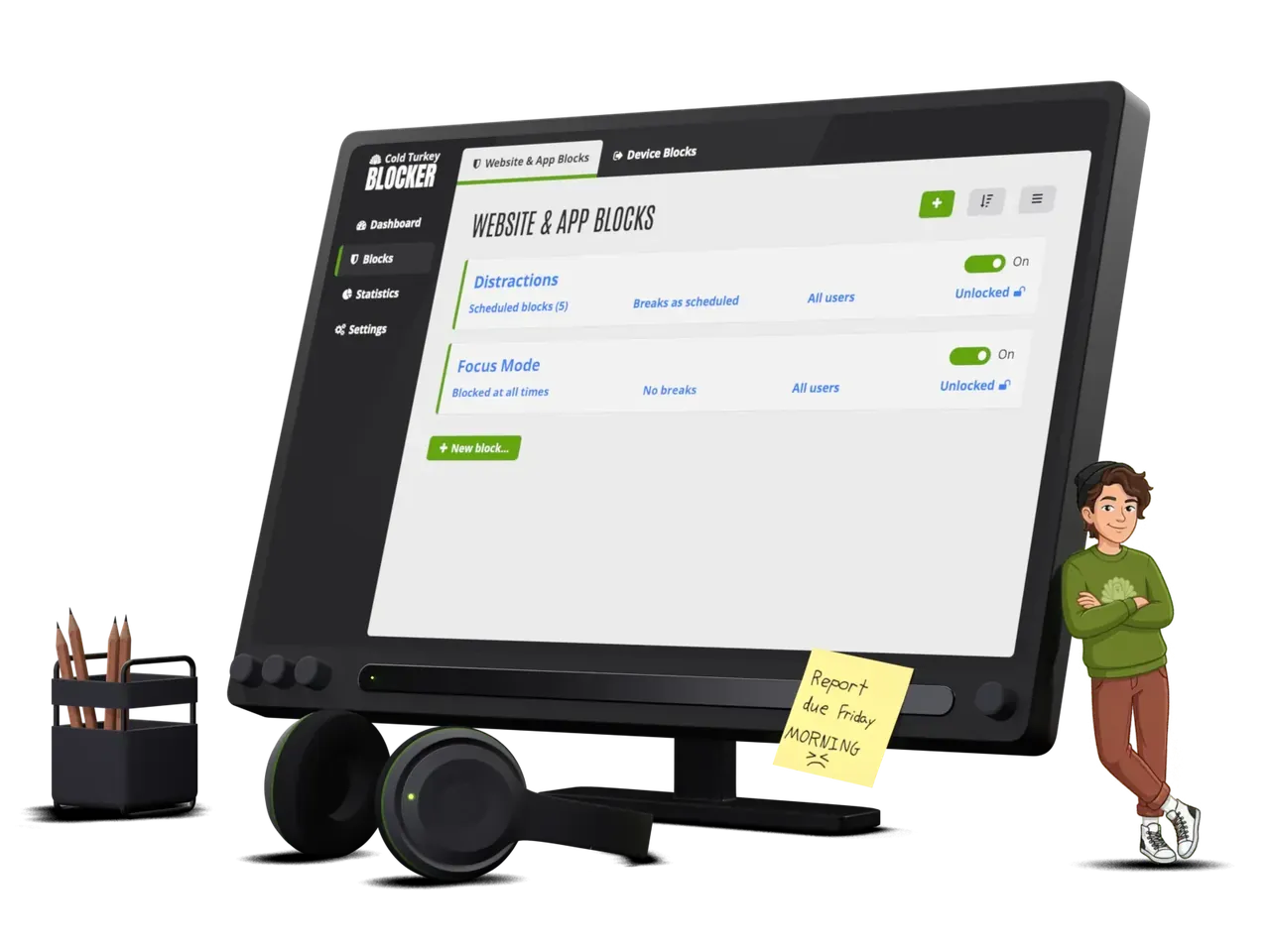
Blocker Free includes website blocking, website exceptions, timed blocks and statistics. Blocker Pro is a one-time purchase with lifetime updates that adds application blocking, weekly scheduled blocks, locking methods (timer, random text, delay, restart, password), Pomodoro breaks and allowances, device blocks and per-user selection. One purchase covers all Windows and Mac computers you personally use, and the free version includes a 7-day Pro trial.
What it does well
- Flexible website blocking. Block domains, URLs, YouTube channels, wildcard patterns or the whole internet.
- Website exceptions. Allow only the sites you need while everything else is blocked.
- Timed blocks. Start a block for a set duration from the app.
- Statistics. Local stats of your top distractions, including incognito visits.
- Pro: locks and apps. Paid version locks blocks so they cannot be undone and blocks programs too.
Who it is for
Good fit
Students and remote workers who keep defeating softer blockers and need a block they cannot easily undo.
Look elsewhere
People who want app blocking and schedules for free, or users on Linux or mobile devices.
Pros and cons
Pros
- Very hard to bypass when a block is locked
- Fine-grained URL, channel and wildcard rules
- Settings and statistics stay on your PC
- One-time Pro license for all your computers
Cons
- App blocking, schedules and locks require Pro
- No Linux, Android or iOS version
- Strict locks can backfire if set carelessly
How to install Cold Turkey Blocker
The button downloads the official Windows installer from getcoldturkey.com. After installation a popup offers to install the extensions for every supported browser on the PC; accept them, or blocking will not work in that browser. Be careful with locked blocks in Pro: you cannot shorten them once started.
Questions about Cold Turkey Blocker
Is Cold Turkey Blocker free?
Yes. Blocker Free blocks websites with exceptions, timed blocks and statistics at no cost. Blocker Pro is a one-time purchase that adds app blocking, schedules, locks and breaks, with a free 7-day trial inside the free version.
Can I uninstall Cold Turkey during a block?
Not while a locked block is active: the developer says a locked block prevents disabling the extension or uninstalling the app.
Does one Pro license work on Windows and Mac?
Yes. One purchase covers all Windows and macOS computers you personally use.


