

Our verdict: Toggl Track makes logging hours almost effortless, and the free plan is usable on its own rather than a disguised trial. Billable rates, team reports, timeline planning and timesheet approvals require paid plans, so agencies and larger teams will pay.
About Toggl Track
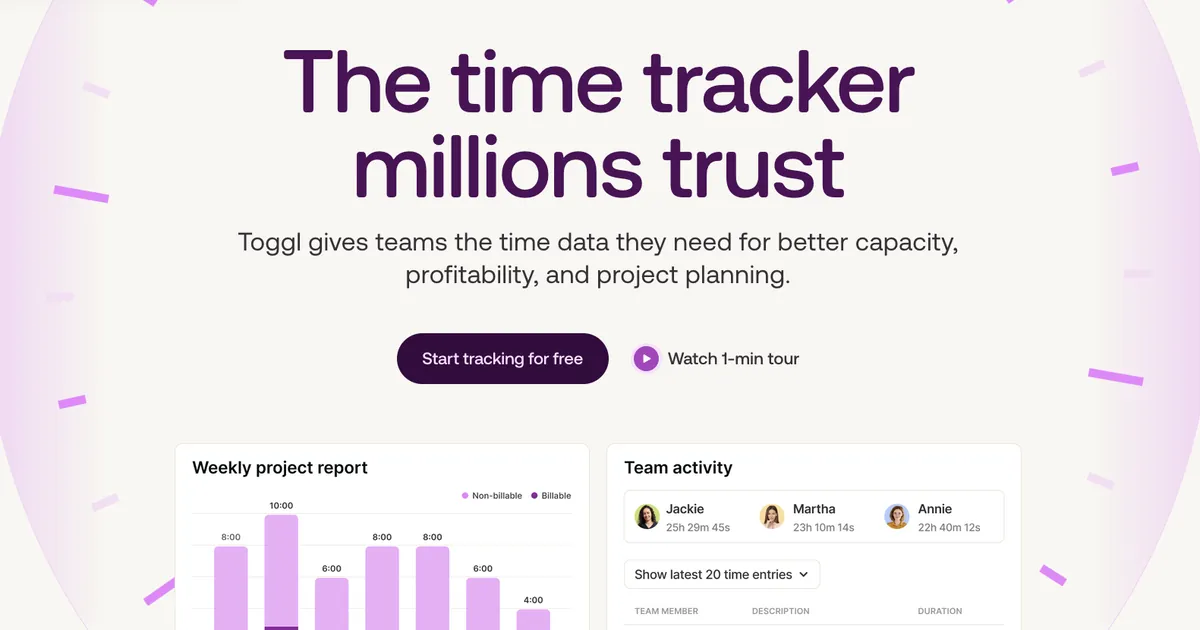
Toggl Track, now branded simply as Toggl on the official site, is a cloud time tracker. The Windows app starts a timer with one click, detects idle time when you step away, reminds you to track, runs a Pomodoro timer and can suggest time entries based on the apps and websites you use. Calendar integrations turn Google, Outlook or Apple events into entries.
The free plan includes manual and real-time timers, focus mode, calendar integrations, tasks and boards and personal reports, and it covers teams of up to 3 users. Paid plans add billable rates, team reports, timelines, milestones, time off, profitability reports, timesheet approvals and SSO. Toggl states that it does not take screenshots or record keystrokes.
What it does well
- One-click timer. Start and stop timers from the desktop app, keyboard shortcuts, phone or browser.
- Idle detection. Prompts you to keep or discard time when the computer has been idle.
- Autotracker. Suggests time entries based on the program or web page you are using.
- Pomodoro and reminders. Built-in Pomodoro timer and reminders to start tracking.
- Calendar integration. Turn Google, Outlook or Apple calendar events into time entries.
Who it is for
Good fit
Freelancers and small teams who want to see where their working hours go.
Look elsewhere
Agencies that need billable rates and invoicing data without paying, or people who refuse cloud accounts.
Pros and cons
Pros
- Very easy one-click tracking
- Useful free plan for solo users and up to 3 people
- Apps on desktop, mobile and browser
- No screenshots or keystroke monitoring
Cons
- Billable rates, team reports and approvals need a paid plan
- Requires an account; data is stored in Toggl's cloud
- Detailed reports live in the web app, not the desktop app
How to install Toggl Track
The download button fetches the current Windows installer from Toggl. You need a free Toggl account to sign in. In the app settings, turn on idle detection and tracking reminders; Autotracker rules are optional and only suggest entries, they do not record your activity for others.
Questions about Toggl Track
Is Toggl Track free?
Yes. Toggl says its free plan is free forever and covers individuals and teams of up to 3 users. Paid plans start at $9 per user per month.
Does Toggl Track monitor my screen?
No. Toggl states that it does not take screenshots or record keystrokes, browsing history or location.
Does it work offline?
The desktop app keeps tracking offline and syncs the entries when you are back online.


