

Our verdict: Clockify gives freelancers and small teams unlimited time tracking, timesheets and reports without paying, which is more than most rivals offer for free. Invoicing, approvals, time off, scheduling and expenses are paid features, and the desktop app is mainly a timer while reports and management live in the web app.
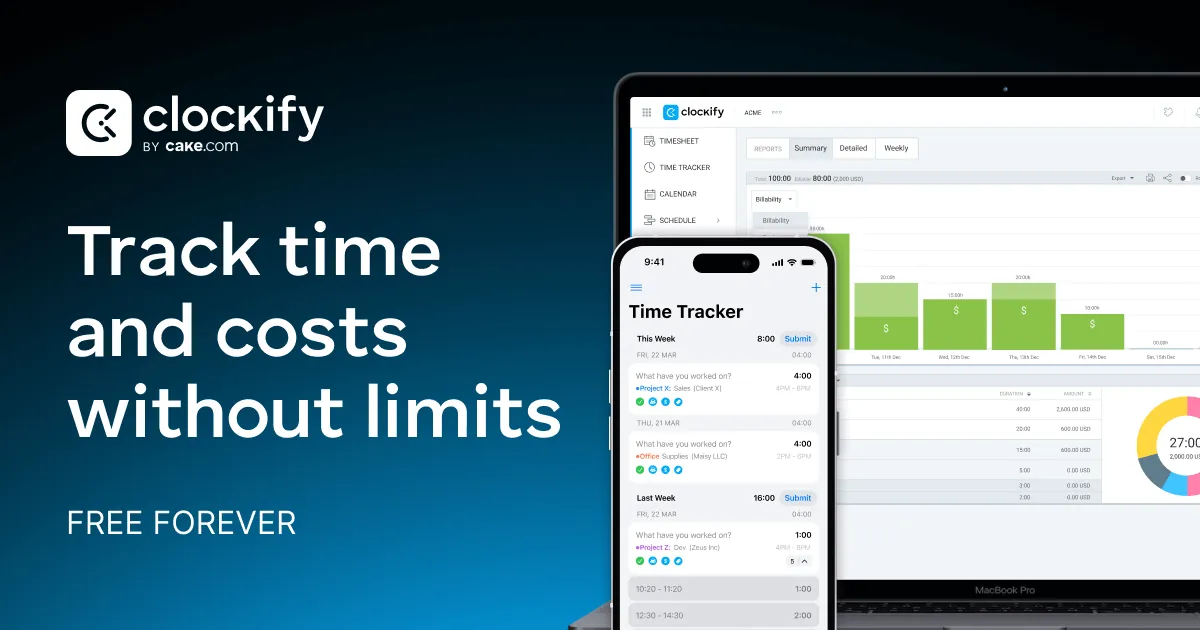
About Clockify
Clockify is a cloud time tracker from CAKE.com, the company behind Pumble and Plaky. The Windows app starts and stops a timer or lets you add time manually, with a project, task, tag and billable flag for each entry. Preferences add a default project, automatic start and stop with the computer, idle detection, reminders to start the timer and a Pomodoro timer. The auto tracker records which apps and websites you use so you can turn them into entries later; Clockify says that data is visible only to you.
The free plan covers up to 5 users with unlimited tracking, timesheets, calendar sync, auto tracker, team activity and reports. Paid plans start at $5.49 per seat per month billed annually ($6.99 monthly) and add time off, invoicing, approvals and attendance; higher tiers add scheduling, expenses, activity monitoring, GPS tracking and SSO. All paid features can be tried for 7 days without a card.
What it does well
- Timer and manual entries. Start a timer or add hours manually with project, task, tag and billable status.
- Timesheet. Log work daily or weekly and save timesheet templates.
- Auto tracker. Records app and website usage privately so you can create entries from it.
- Idle detection and reminders. Discard time spent away from the PC and get reminded to start the timer.
- Pomodoro timer. Work in intervals with break notifications.
Who it is for
Good fit
Freelancers and small teams who need unlimited time tracking and reports without a subscription.
Look elsewhere
Businesses that need invoicing, approvals or time off for free, or people who do not want a cloud account.
Pros and cons
Pros
- Unlimited tracking on the free plan
- Timesheets and reports included free
- Idle detection, reminders and Pomodoro
- Apps for desktop, mobile and browser
Cons
- Free plan limited to 5 users
- Invoicing, approvals and time off require a paid plan
- Reports and management only in the web app
How to install Clockify
The button downloads the official Windows MSI installer from clockify.me. Sign in with a free Clockify account. Enable idle detection, reminders and the auto tracker in Preferences; reports, projects and team settings are managed in the web version.
Questions about Clockify
Is Clockify free?
Yes. The free plan includes unlimited time tracking, timesheets and reports for up to 5 users. Paid plans start at $5.49 per seat per month billed annually, and paid features can be tried for 7 days without a card.
Does Clockify spy on my screen?
The free auto tracker records which apps and websites you use, and Clockify says this data is visible only to you. Activity monitoring for managers is a paid feature.
Can Clockify track time offline?
Yes. The desktop and mobile apps support offline mode and sync entries when you are back online.


