

Our verdict: darktable is the most complete free RAW workflow on Windows: it imports, rates, tags and develops camera files without ever changing the originals. It is powerful but has a steep learning curve, and its tools work differently from Lightroom.
About darktable
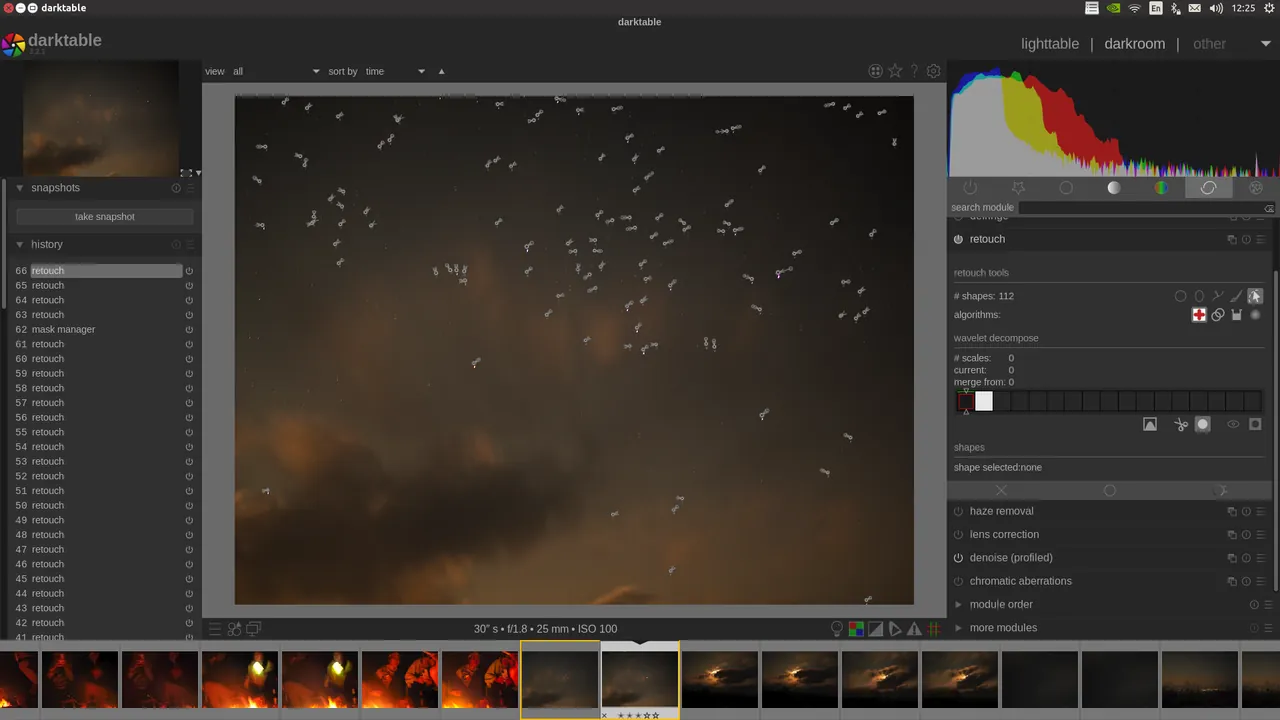
darktable is developed by a community of photographers and programmers and works in two main views. The lighttable is a library for importing, rating, tagging and filtering photos; the darkroom is where you develop a single image with processing modules.
All edits are stored as instructions in a database and in XMP sidecar files next to each photo, so the original RAW or JPEG file is never modified. Processing runs in 32-bit floating point, and many operations can use the graphics card through OpenCL.
What it does well
- Non-destructive editing. Edit history is saved separately, and the original file is never touched.
- RAW and HDR import. Opens raw files from many cameras, plus JPEG, HDR, PFM and other formats.
- Color management. Fully color managed, with built-in sRGB, Adobe RGB and linear RGB profiles.
- GPU acceleration. OpenCL support speeds up many processing modules on compatible graphics cards.
- Library and export. Tags, ratings, color labels and searches, with export to JPEG, PNG, TIFF, EXR and web galleries.
Who it is for
Good fit
Photographers who shoot RAW and want a free replacement for Lightroom's library and develop tools.
Look elsewhere
People who just want quick filters for phone photos, or who need layer-based compositing like Photoshop.
Pros and cons
Pros
- Originals are never modified
- Professional color management
- GPU acceleration via OpenCL
- Library and editor in one app
Cons
- Steep learning curve
- Workflow differs from Lightroom
- Large number of modules can be confusing
How to install darktable
The install page links the Windows x64 installer from darktable's official GitHub releases; a separate build exists for Windows on ARM. Windows SmartScreen may warn about the installer, and the darktable FAQ explains this. On first start, import a folder in the lighttable view, then double-click a photo to open it in the darkroom.
Questions about darktable
Is darktable a free Lightroom alternative?
Yes. It covers the same core tasks, organizing and developing RAW photos non-destructively, and it is open source with no subscription.
Where does darktable save my edits?
In its library database and in an XMP sidecar file next to each image. The original photo file stays unchanged.
Does darktable work on Windows?
Yes. The project publishes official Windows x64 and Windows on ARM installers on its install page.


