

Our verdict: The DeepL app is the quickest way to use DeepL's translations on Windows: select text anywhere, press a shortcut and read the result. The free plan is enough for occasional use, but translations run in the cloud and file translation is very limited without Pro.
About DeepL
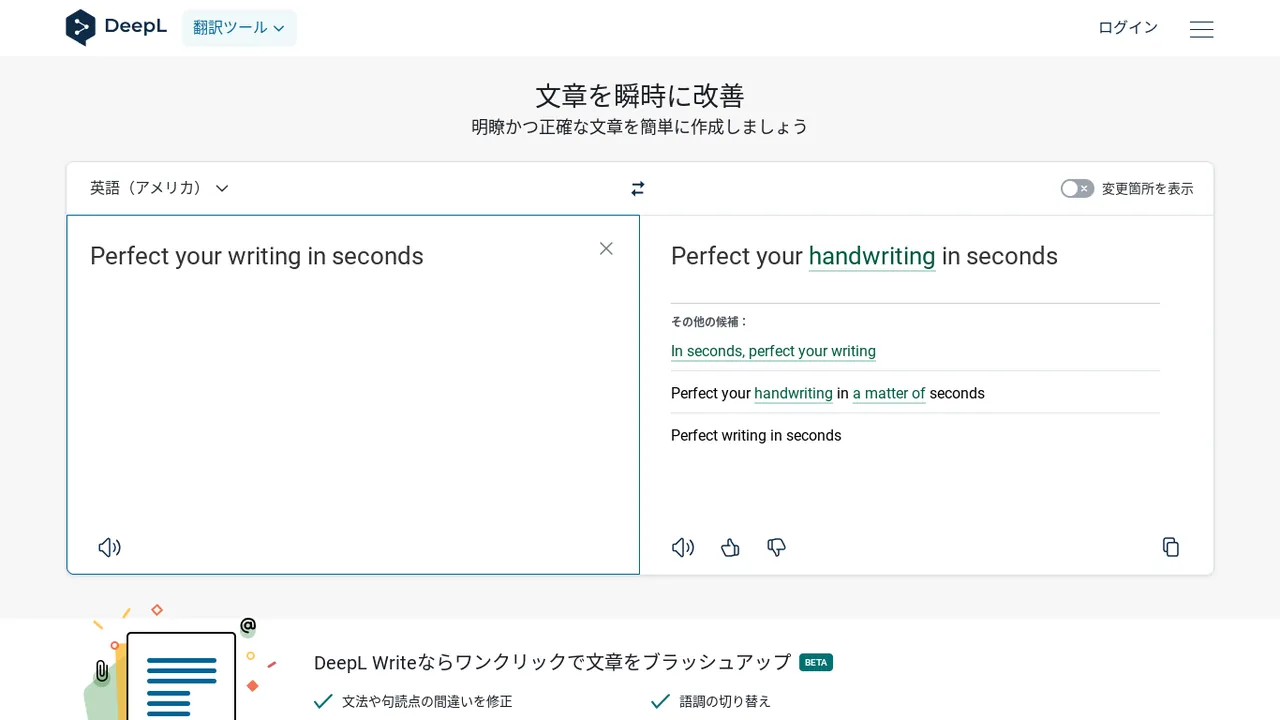
DeepL for Windows brings DeepL Translator and the DeepL Write writing assistant to the desktop. Select text in any program and press Ctrl+C+C to translate it, or press Ctrl+Shift+C+C to translate your own writing into another language and insert it. DeepL Write fixes grammar and spelling and can adjust tone and style.
The app connects to DeepL's cloud service, so texts leave the PC and an internet connection is required. The free version allows 50,000 characters of text translation per month, one file translation per month up to 5 MB and one glossary. DeepL Pro plans raise these limits, add more file translations and guarantee that texts are not used for training; Pro and Team plans can be tried for free before payment.
What it does well
- Shortcut translation. Select text anywhere and press Ctrl+C+C to translate it.
- Translate your writing. Ctrl+Shift+C+C translates text you wrote and inserts the result.
- DeepL Write. Corrects grammar and spelling and adjusts tone and style.
- File translation. Translates documents while keeping their layout, within plan limits.
- Glossaries. Define how specific terms should always be translated.
Who it is for
Good fit
People who often translate emails, documents or web text and want translations in any Windows app.
Look elsewhere
Anyone who must keep confidential text off third-party servers on the free plan, or needs offline translation.
Pros and cons
Pros
- Translate from any app with a shortcut
- DeepL Write included for writing improvements
- Free plan for occasional use
- No browser tabs needed
Cons
- Needs an internet connection; text is processed in the cloud
- Free plan allows only one file translation per month
- Data-training opt-out guarantee only on Pro plans
How to install DeepL
The download button fetches DeepLSetup.exe from DeepL's official download server; it installs the app and keeps it updated. Sign in with a DeepL account to use Pro features. Organisations on paid plans can request an MSI installer from DeepL support.
Questions about DeepL
Is DeepL free?
Yes, DeepL has a free version with 50,000 characters of text translation and one file translation per month. DeepL Pro is a paid subscription with higher limits and a free trial for new subscribers.
Does the DeepL app work offline?
No. Translations are processed on DeepL's servers, so an internet connection is required.
What is the DeepL shortcut?
Select text and press Ctrl+C+C to translate it. Ctrl+Shift+C+C translates your own writing and inserts it.


