

Our verdict: Grammarly catches spelling, grammar and punctuation mistakes in almost any Windows app, not just the browser. The free plan is genuinely useful for basic corrections and tone detection. Full-sentence rewrites, tone adjustment and plagiarism checks require Pro, and every check sends your text to Grammarly's servers.
About Grammarly
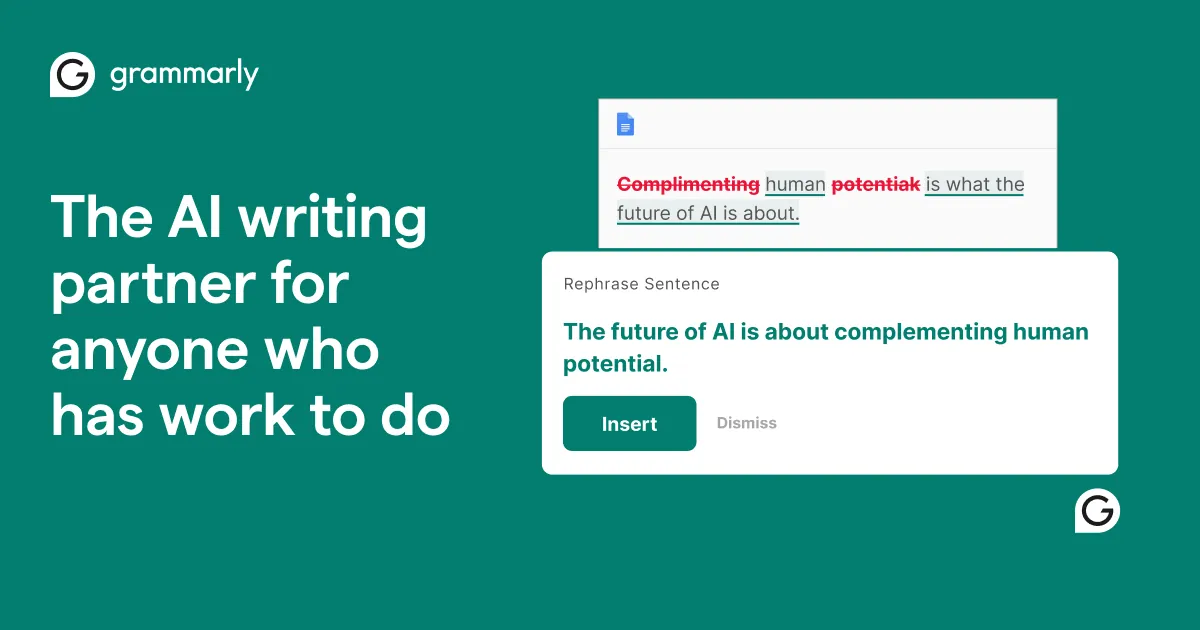
Grammarly is a cloud-based writing assistant; the company rebranded to Superhuman in 2025, but the Grammarly product keeps its name. The Windows app adds a floating button to Word, Outlook, desktop apps and browsers, so suggestions appear wherever you type.
The free plan corrects spelling, grammar and punctuation, shows your writing tone and includes 100 AI prompts a month, with no time limit. Pro, priced from $12 a month on the plans page, adds full-sentence rewrites, tone adjustment, fluency suggestions, plagiarism and AI-text detection and 2,000 prompts. A free account is required even for the free plan.
What it does well
- Spelling and grammar. Underlines mistakes in spelling, grammar and punctuation and offers one-click fixes.
- Works across apps. Suggestions appear in Word, Outlook, email clients, desktop apps and browsers.
- Tone detection. Shows how your message is likely to come across, such as formal or friendly.
- Generative AI prompts. Drafts, rewrites and replies from short prompts: 100 a month on the free plan.
- Per-app control. Turn Grammarly off for specific apps or documents you do not want checked.
Who it is for
Good fit
People who write a lot of English emails, documents and messages and want quick corrections.
Look elsewhere
Confidential writing you cannot send to a cloud service, or people who mainly write in languages other than English.
Pros and cons
Pros
- Free plan with no time limit
- Works in almost every Windows app
- Clear, easy-to-accept suggestions
Cons
- Text is processed on Grammarly's servers
- Rewrites and tone adjustment require Pro
- Account required even for the free plan
How to install Grammarly
The button downloads the official Windows installer from Grammarly; the same app is also available on the Microsoft Store. Sign in with a free Grammarly account after installation, then turn Grammarly off for any apps where you do not want it.
Questions about Grammarly
Is Grammarly free?
Yes, the free plan has no time limit and covers spelling, grammar, punctuation, tone detection and 100 AI prompts a month. It needs a free account. Pro adds rewrites, tone adjustment and plagiarism checks for a subscription fee.
Does Grammarly work in Microsoft Word?
Yes. Grammarly for Windows works in Word and Outlook, and there is also a separate Office add-in.
Does Grammarly work offline?
No. Suggestions are generated on Grammarly's servers, so an internet connection is required.


