

Our verdict: Docker Desktop is the simplest way to run containers on a Windows PC. It sets up the Docker engine, CLI and Compose on top of WSL 2 and adds a dashboard. Check the licence: larger companies and government bodies must pay.
About Docker Desktop
Docker Desktop packages the Docker engine, the docker CLI, Docker Compose and a graphical dashboard into one installer. On Windows it runs Linux containers through WSL 2, and it can also switch to Windows containers.
It is licensed under the Docker Subscription Service Agreement. It is free for personal use, education, non-commercial open-source projects and small businesses with fewer than 250 employees and less than 10 million US dollars in annual revenue. Professional use in larger organizations and in government entities requires a paid Pro, Team or Business subscription.
What it does well
- Docker engine and CLI. Build, run and manage containers with the standard docker commands.
- Docker Compose. Start multi-container apps from a single compose.yaml file.
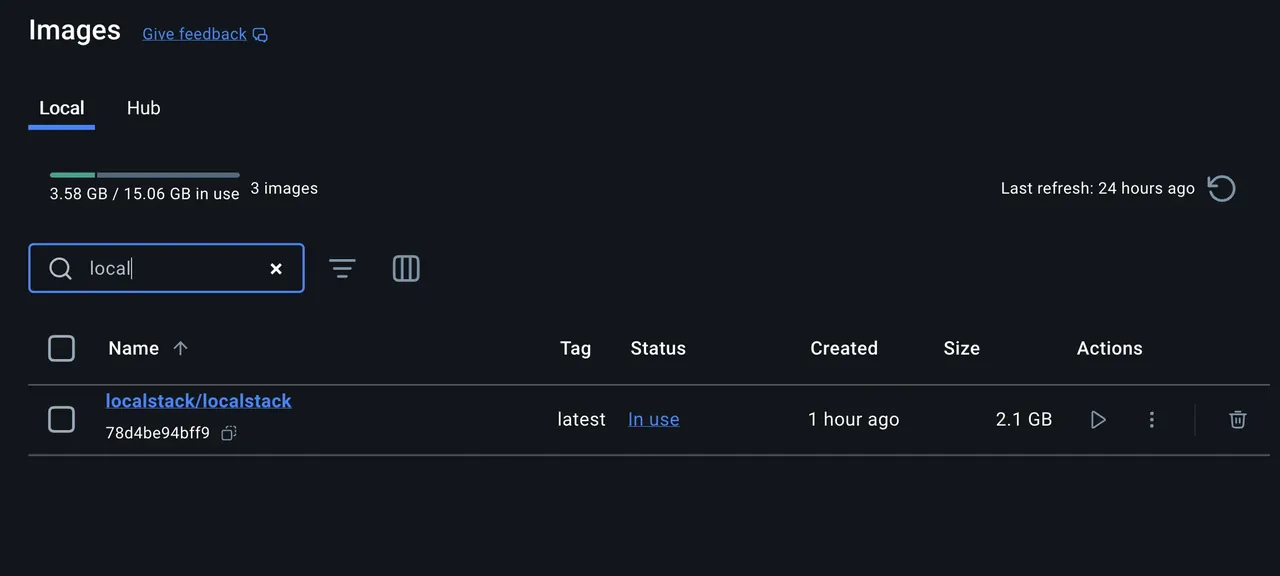
- Dashboard. See running containers, images, volumes and logs in a GUI.
- WSL 2 backend. Runs Linux containers efficiently on Windows 10 and 11.
- Kubernetes. Optional single-node Kubernetes cluster for local testing.
Who it is for
Good fit
Developers, students and small teams who need to run databases, services or full app stacks in containers locally.
Look elsewhere
Employees of companies with 250 or more staff or $10 million or more in revenue without a paid subscription, and PCs with little RAM.
Pros and cons
Pros
- Engine, CLI, Compose and GUI in one installer
- Runs Linux containers via WSL 2
- Optional local Kubernetes
- Free for individuals and small businesses
Cons
- Paid subscription required for larger companies and government use
- Uses a lot of RAM and disk space in the background
- Requires WSL 2 or Hyper-V and hardware virtualization
How to install Docker Desktop
Run the installer and keep the WSL 2 option selected; Windows may need to install WSL and restart. You must accept the Docker Subscription Service Agreement on first start. Signing in to a Docker account is optional for personal use. Limit memory for WSL in .wslconfig if containers use too much RAM.
Questions about Docker Desktop
Is Docker Desktop free?
Yes for personal use, education, non-commercial open source and small businesses with fewer than 250 employees and under $10 million in annual revenue. Other commercial use requires a paid subscription.
Do I need Docker Desktop to use Docker on Windows?
Not strictly. You can install the open-source Docker Engine inside a WSL 2 Linux distribution, but Docker Desktop is the easiest supported option.
Is Docker Engine also paid?
No. Docker states that the licensing of the open-source Docker Engine and Moby projects has not changed.


