

Our verdict: Rancher Desktop is a free way to get containers and a real Kubernetes cluster on a laptop, with the Kubernetes version selectable in settings. It bundles kubectl, Helm, nerdctl and the Docker CLI. On Windows it requires Windows 11 or Server 2025, WSL installed beforehand, and ideally 8 GB of RAM and 4 CPUs.
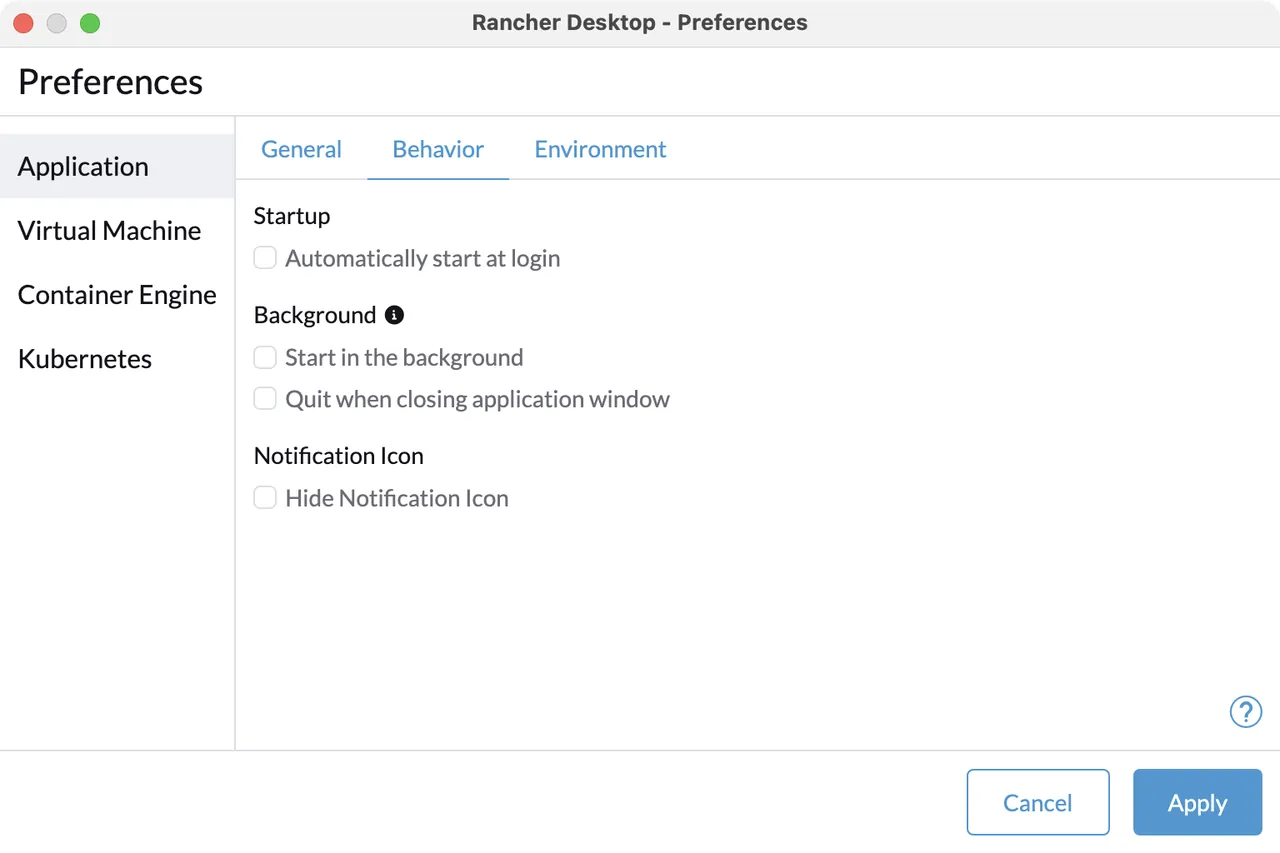
About Rancher Desktop
Rancher Desktop is an open source desktop app from SUSE, licensed under Apache 2.0, that provides container management and Kubernetes on the desktop. Kubernetes comes from K3s, and you can choose the version and turn it off if you only need containers. The container engine is either containerd with nerdctl or Moby (dockerd) with the Docker CLI.
On Windows it runs inside WSL distributions and needs Windows 11, including Home, or Windows Server 2025, with virtualization enabled and WSL installed before the installer. Helm, kubectl, nerdctl, the Docker CLI and Docker Compose are included. A privileged service, installed with administrator rights, lets ports be exposed beyond 127.0.0.1.
What it does well
- Local Kubernetes. K3s cluster with a selectable Kubernetes version.
- Two container engines. containerd with nerdctl or Moby with the Docker CLI.
- Bundled tools. Includes kubectl, Helm, nerdctl, Docker CLI and Docker Compose.
- Port forwarding. Forwards ports from Kubernetes services to the host.
- Extensions. Adds tools from an extension catalog inside the app.
Who it is for
Good fit
Developers who test Kubernetes workloads locally and want a free Docker Desktop alternative.
Look elsewhere
Windows 10 users, PCs with less than 8 GB of RAM, and people who only need a single container.
Pros and cons
Pros
- Free and open source (Apache 2.0)
- Real K3s Kubernetes with a version picker
- Choice of containerd or Docker engine
- Bundles kubectl, Helm and Docker Compose
Cons
- Windows 11 or Server 2025 only on Windows
- WSL must be installed before setup
- Recommends 8 GB RAM and 4 CPUs
How to install Rancher Desktop
Install WSL first with wsl --install and restart. Then run the MSI; installing for all users with administrator rights adds the privileged service. Open Rancher Desktop, choose the container engine and Kubernetes version, and wait for the first start to finish. Uninstalling leaves the rancher-desktop WSL distributions behind.
Questions about Rancher Desktop
Is Rancher Desktop free?
Yes. Rancher Desktop is open source under the Apache 2.0 license and free for personal and commercial use.
Does Rancher Desktop work on Windows 10?
No. The current version supports Windows 11, including Home, and Windows Server 2025.
Can I use docker commands with Rancher Desktop?
Yes. Select the dockerd (moby) engine in settings and the bundled Docker CLI and Docker Compose work as usual.


