

Our verdict: The DuckDuckGo browser is the simplest way to get strong privacy defaults on Windows: tracker blocking, ad and cookie pop-up blocking and a Fire Button that wipes everything. It has far fewer settings and extensions than Chrome or Firefox, so power users may find it too limited.
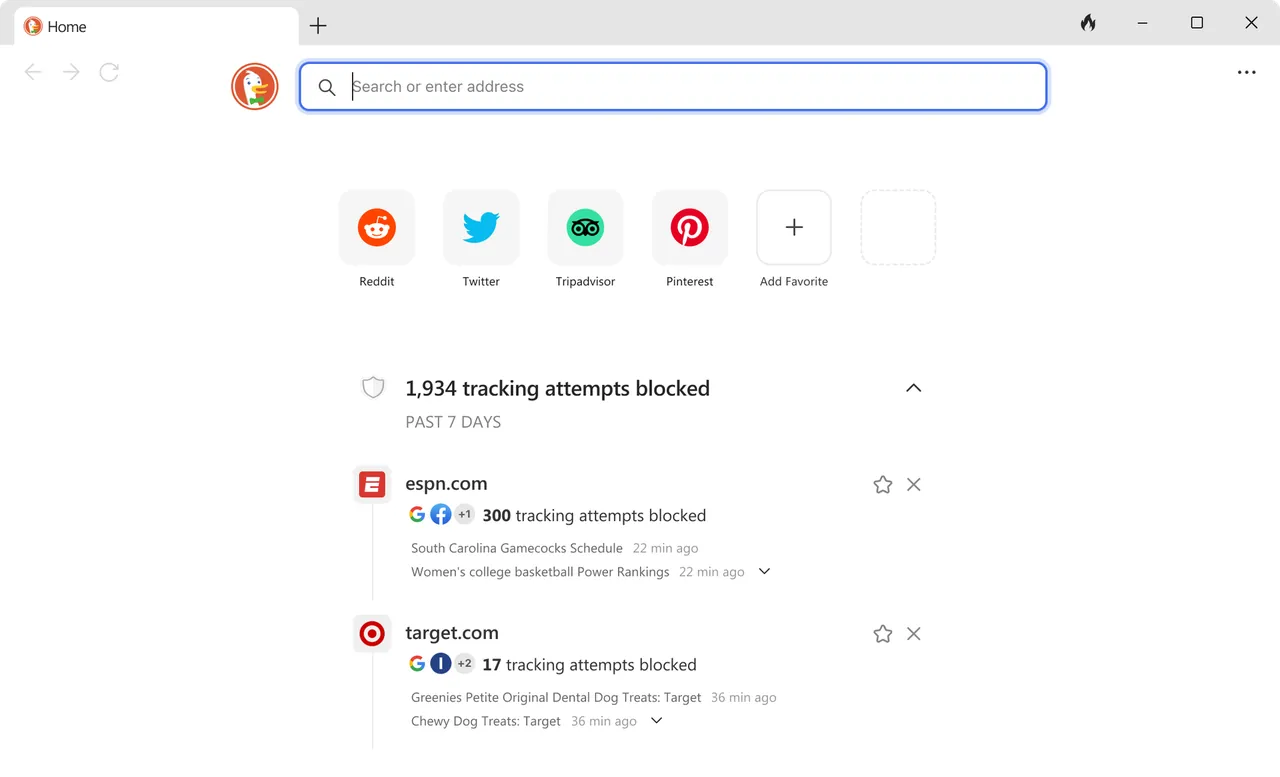
About DuckDuckGo Browser
DuckDuckGo, known for its private search engine, makes its own browser for Windows, macOS, Android and iOS. Private search is the default, and third-party trackers from Google, Facebook and others are blocked in every tab without extra setup.
The browser also blocks most ads, including on YouTube videos, opts you out of cookie pop-ups where possible, includes a password manager, email tracker blocking through Email Protection, and the Fire Button that deletes tabs, history and browsing data in one click. Duck.ai, a private chat with popular AI models, is optional and can be turned off.
What it does well
- Tracker blocking. Blocks third-party trackers from Google, Facebook and other companies by default.
- Ad and cookie pop-up blocking. Blocks most ads and automatically opts out of cookie banners where possible.
- Fire Button. Deletes all tabs, history and browsing data with one click.
- Password manager. Saves and fills passwords securely inside the browser.
- Duck.ai. Optional private chat with popular AI models; conversations are not used for training.
Who it is for
Good fit
People who want strong privacy protection without configuring extensions or settings.
Look elsewhere
Power users who rely on a large extension library, deep customization or advanced developer tools.
Pros and cons
Pros
- Strong privacy defaults out of the box
- Blocks most ads and cookie pop-ups
- One-click data deletion
- Simple, uncluttered interface
Cons
- Few settings and limited extension support compared with Chrome or Firefox
- Installs through App Installer or the Microsoft Store, not a classic setup file
How to install DuckDuckGo Browser
The official page downloads a small .appinstaller file that installs the browser through Windows App Installer; the browser is also in the Microsoft Store. If installation fails with a package error, DuckDuckGo's help pages offer an MSIX bundle instead. It requires Windows 10 from May 2020 or later, 64-bit for current versions.
Questions about DuckDuckGo Browser
Is DuckDuckGo Browser free?
Yes. The browser is free to download and use; a VPN and some other protections are part of a paid DuckDuckGo subscription.
Does it work on 32-bit Windows?
No. After version 0.170.0 the Windows browser no longer supports x86; you need 64-bit Windows 10 or Windows 11.
Does DuckDuckGo block YouTube ads?
Yes. Its ad blocking also covers ads on YouTube videos.


