

Our verdict: Brave is the easiest way to get Chrome-level site compatibility with ad and tracker blocking already switched on. It runs Chrome Web Store extensions and needs no setup. The downside is extra features you may not want, such as a crypto wallet, BAT rewards and a paid VPN.
About Brave
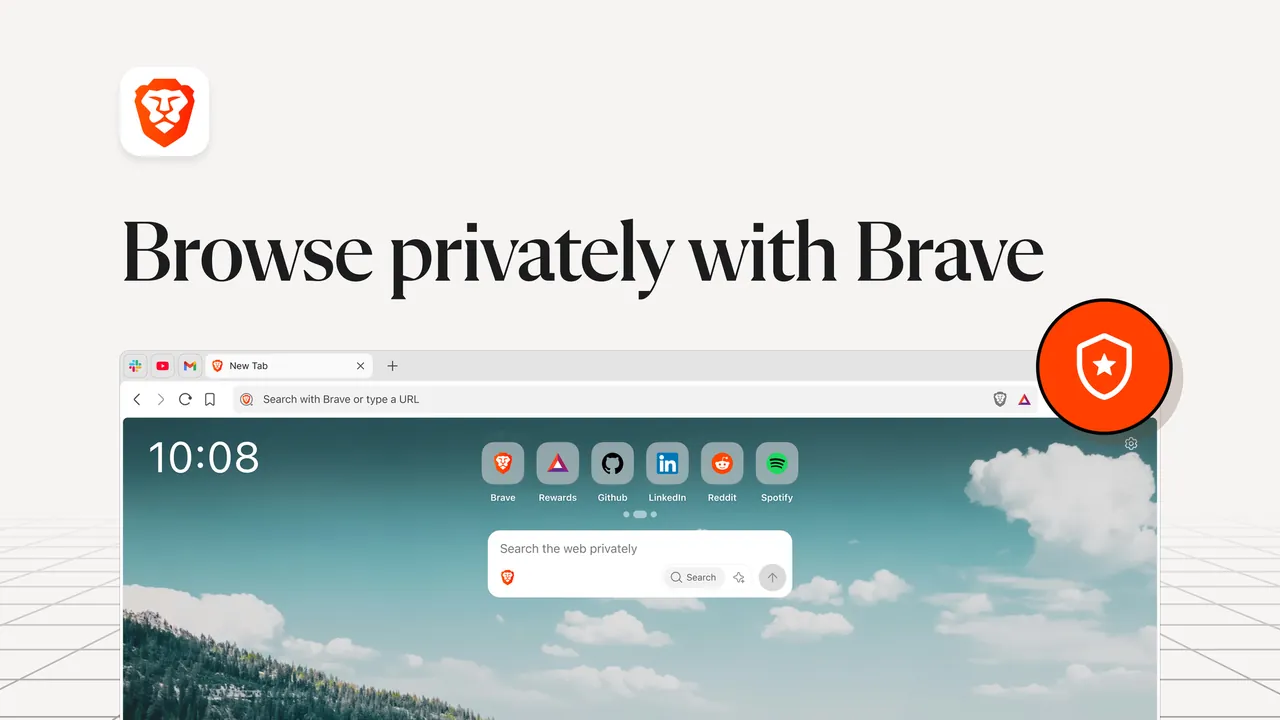
Brave is built by Brave Software on Chromium, the same engine as Chrome and Edge, so most sites and Chrome extensions work the same way. Its own code is published under the Mozilla Public License 2.0.
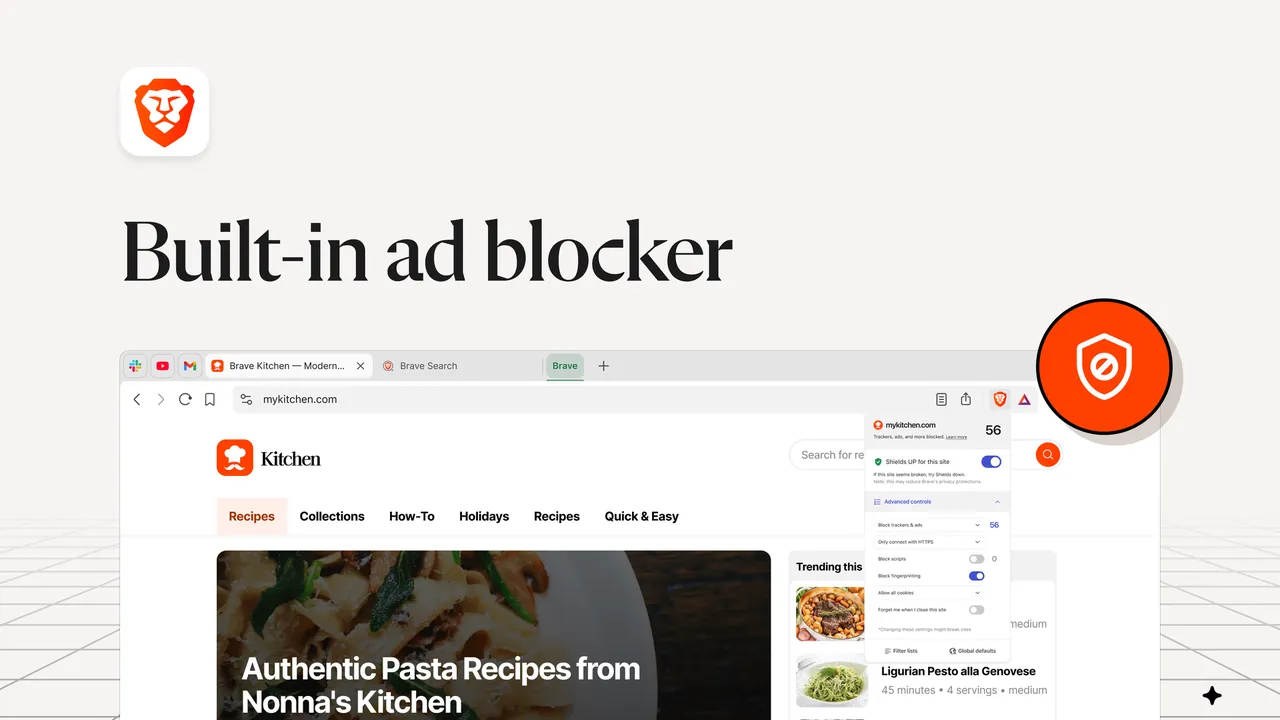
The core feature is Shields, which blocks ads, trackers, fingerprinting and third-party cookies by default and can be adjusted per site. On top of that Brave adds optional services: Brave Rewards pays BAT tokens for viewing privacy-preserving ads, Brave Wallet is a built-in crypto wallet, and Brave Firewall + VPN is a paid subscription.
What it does well
- Brave Shields. Blocks ads, trackers, fingerprinting and cookie notices by default, with per-site controls.
- Chrome extensions. Installs extensions from the Chrome Web Store, including ones that rely on Manifest V2.
- Private windows with Tor. Routes a private window through the Tor network to hide your IP address.
- Encrypted sync. Syncs bookmarks, passwords and open tabs between devices without a Brave account.
- Vertical tabs and sidebar. Stacks tabs down the side and keeps bookmarks and reading list one click away.
Who it is for
Good fit
People who want Chrome compatibility with ad and tracker blocking that works out of the box.
Look elsewhere
Users who want a minimal browser without crypto, rewards or VPN offers in the interface.
Pros and cons
Pros
- Ad and tracker blocking on by default
- Runs Chrome extensions
- Open source
- Sync without creating an account
Cons
- Crypto wallet, BAT rewards and VPN offers are built into the interface
- Brave VPN is a paid subscription after a 7-day trial
How to install Brave
The button on brave.com downloads a small setup file that fetches and installs the current release. On first launch Brave offers to import bookmarks, passwords and extensions from Chrome, Edge or Firefox. Rewards and Wallet stay off until you open and enable them.
Questions about Brave
Is Brave really free?
Yes. The browser and Shields are free. Only optional extras such as Brave Firewall + VPN cost money.
Do I have to use crypto in Brave?
No. Brave Rewards and Brave Wallet are optional and can be ignored or hidden.
Can I use Chrome extensions in Brave?
Yes. Brave installs extensions from the Chrome Web Store, and keeps support for extensions that rely on Manifest V2.


