

Our verdict: Edge is already installed on Windows 11 and runs Chrome extensions on the same Chromium engine. Sleeping tabs and efficiency mode help on laptops with little memory. The downside is the steady push of Microsoft services, Bing and Copilot prompts that you have to switch off in Settings.
About Microsoft Edge
Microsoft Edge has been built on Chromium, the open-source project behind Google Chrome, since 2020. Because of that it opens the same websites as Chrome and can install extensions from the Chrome Web Store as well as from Microsoft's own Edge Add-ons store.
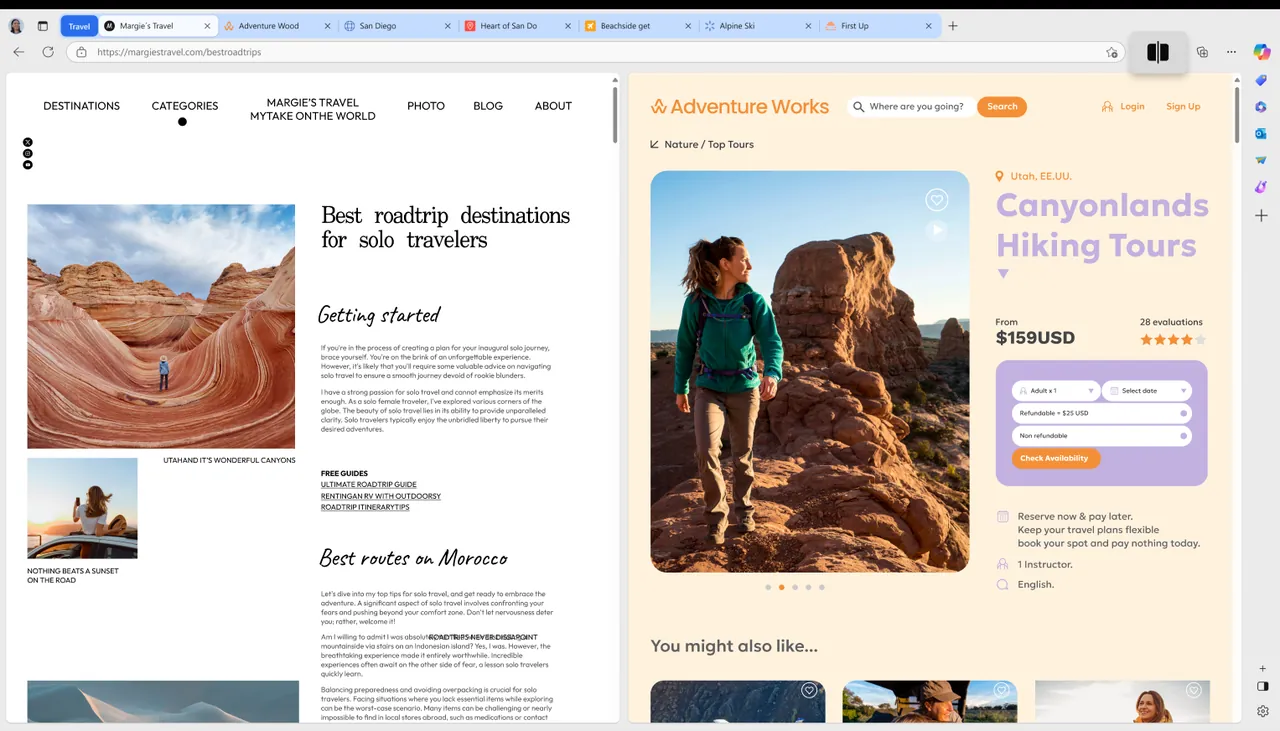
Edge ships with Windows 10 and Windows 11 and is updated through its own updater. Signing in with a Microsoft account syncs favorites, passwords, history and open tabs. Microsoft adds its own features on top of Chromium, including sleeping tabs, vertical tabs, Immersive Reader, a built-in PDF reader with annotation and the Copilot sidebar.
What it does well
- Sleeping tabs. Puts background tabs to sleep after a set time to free memory and CPU.
- Vertical tabs. Moves the tab strip to the side of the window, which helps with many open tabs.
- Built-in PDF reader. Opens, highlights, annotates and fills in PDF forms without another program.
- Immersive Reader. Strips clutter from articles and can read text aloud.
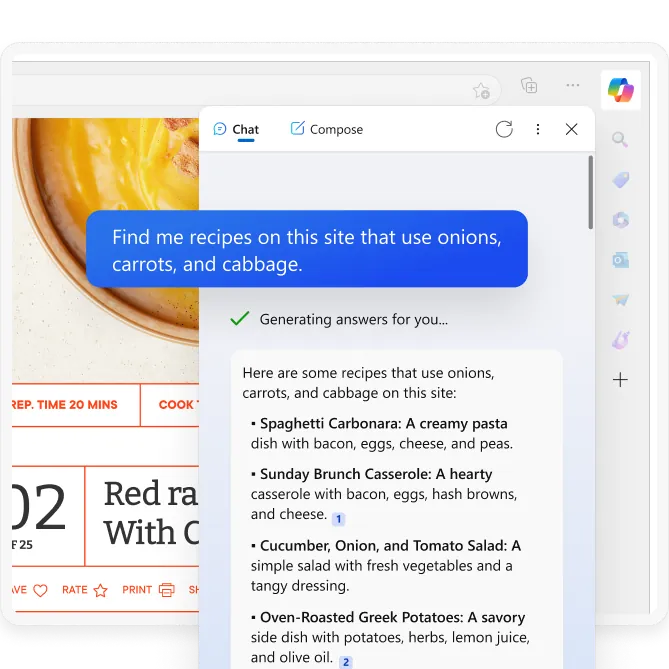
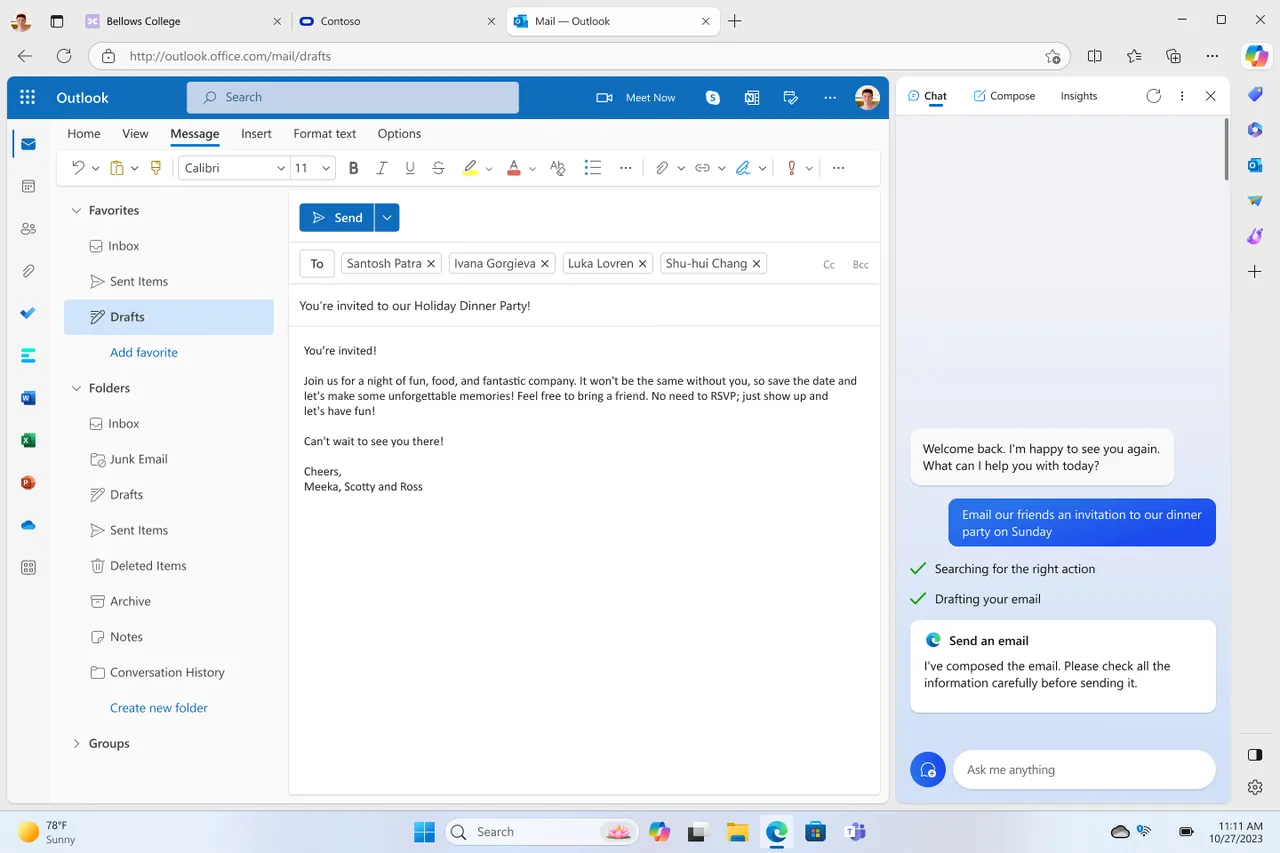
- Copilot sidebar. Microsoft's AI assistant can summarize the current page or answer questions next to it.
Who it is for
Good fit
Windows users who want a Chromium browser that is already installed and syncs with a Microsoft account.
Look elsewhere
People who want a browser without built-in promotion of Microsoft services, Bing and AI features.
Pros and cons
Pros
- Preinstalled and updated with Windows
- Runs Chrome extensions
- Sleeping tabs save memory
- Good built-in PDF reader
Cons
- Promotes Bing, Copilot and Microsoft services across the interface
- Sends diagnostic data to Microsoft by default
- Closed source
How to install Microsoft Edge
Edge is preinstalled on Windows 10 and 11, so you only need the installer to repair or reinstall it, or on other systems. The download is a small online installer that fetches the rest. After setup, review Settings → Privacy, search and services to change the search engine and turn off optional diagnostic data and personalization.
Questions about Microsoft Edge
Is Microsoft Edge free?
Yes. Edge is free to download and use, and it comes preinstalled on Windows 10 and Windows 11.
Can Edge use Chrome extensions?
Yes. Edge is built on Chromium and can install extensions from the Chrome Web Store after you allow extensions from other stores.
Can I change the default search engine from Bing?
Yes. Go to Settings → Privacy, search and services → Address bar and search and pick another search engine.


