

Our verdict: Tor Browser is the tool to use when hiding your IP address and getting past censorship matter more than speed. It isolates every site and deletes cookies and history when you close it. Pages load slower, and stricter security levels break some websites.
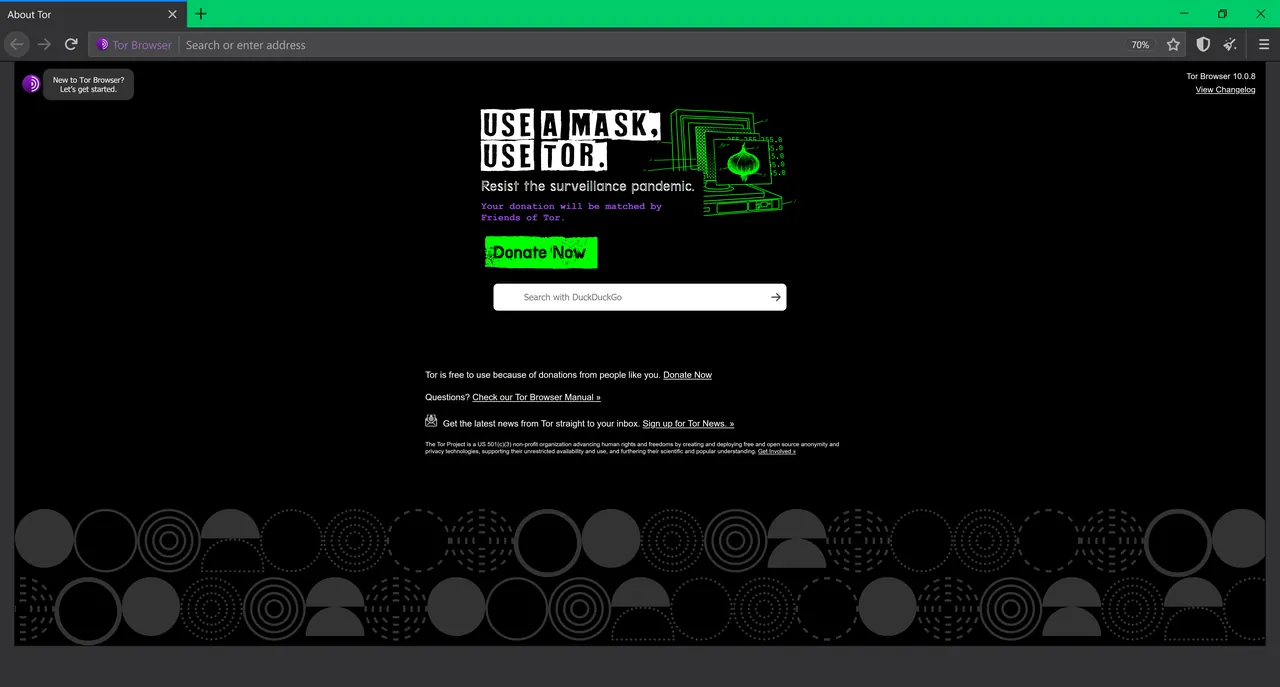
About Tor Browser
Tor Browser is developed by The Tor Project, a non-profit, and is based on Firefox Extended Support Release. It sends your traffic through three relays in the Tor network, so the sites you visit do not see your IP address and anyone watching your connection only sees that you use Tor.
Each website is isolated so third-party trackers cannot follow you between sites, and cookies and history are cleared when you finish browsing. If Tor is blocked where you are, the browser can connect through bridges. It also opens .onion sites that exist only on the Tor network.
What it does well
- Tor network routing. Encrypts traffic and passes it through three relays to hide your IP address.
- Per-site isolation. Keeps trackers and ads from following you from one website to another.
- Security levels. Standard, Safer and Safest modes disable risky features such as JavaScript.
- Bridges. Connects through unlisted relays where Tor is blocked by a government or ISP.
- Onion services. Opens .onion sites that are reachable only through Tor.
Who it is for
Good fit
Journalists, activists and anyone who needs to hide their location or reach blocked sites.
Look elsewhere
Everyday browsing where speed, streaming and logged-in accounts matter most.
Pros and cons
Pros
- Hides your IP address
- Clears cookies and history on exit
- Works around censorship with bridges
- Free and open source
Cons
- Slower than a regular browser
- Higher security levels break some sites
- Extra add-ons are discouraged
How to install Tor Browser
On the Tor Browser for Desktop page, download the Windows (x86_64) build and run it to unpack the browser into a folder. Start Tor Browser and click Connect, or set up a bridge if Tor is blocked on your network. The Tor Project advises against installing extra add-ons or running a separate VPN alongside it.
Questions about Tor Browser
Is Tor Browser free?
Yes. It is free and open source, published by the non-profit Tor Project.
Should I use a VPN with Tor Browser?
The Tor Project's own guidance is not to use a separate VPN with Tor Browser.
Can Tor Browser open .onion sites?
Yes. Onion services work only through Tor, and Tor Browser opens them directly.


