

Our verdict: Firefox is the main browser on Windows that does not run on Google's Chromium engine. It blocks many trackers by default and still fully supports powerful ad-blocking extensions. A few websites are tested less on it, but most work without problems.
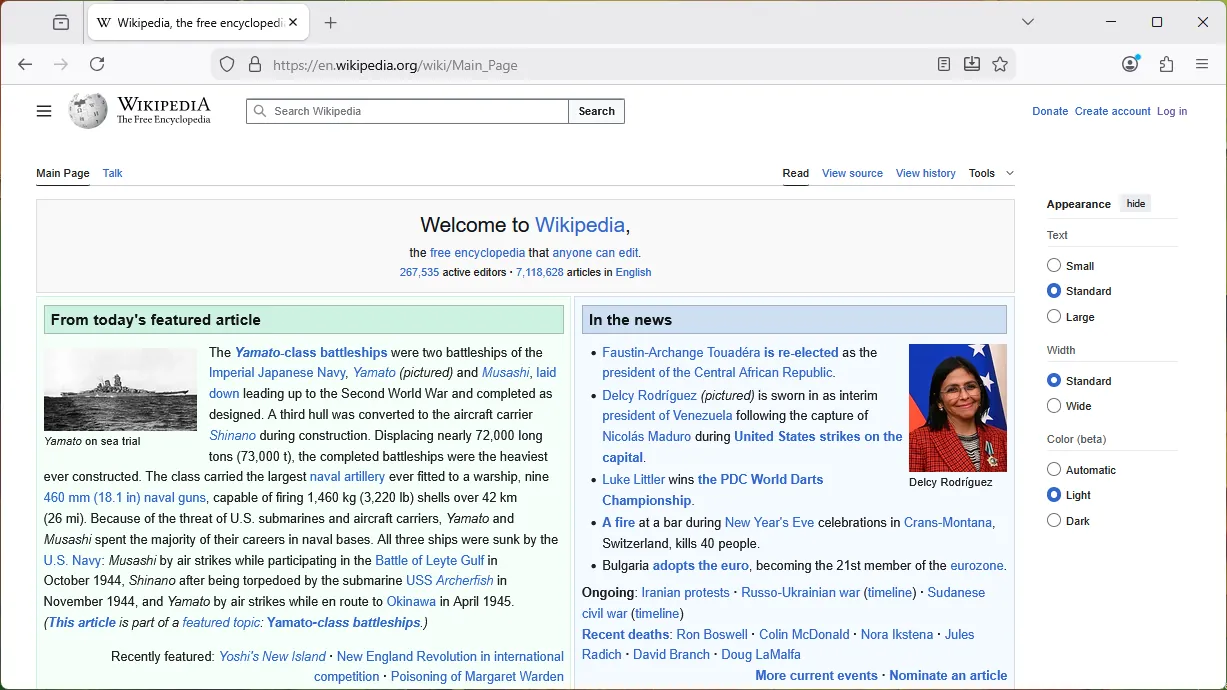
About Firefox
Firefox is built by Mozilla on its own Gecko engine. That matters because Chrome, Edge, Opera, Brave and Vivaldi all share Chromium, so Firefox is one of the few real alternatives that keeps the web from depending on a single engine.
Enhanced Tracking Protection is on by default and blocks many cross-site trackers, social media trackers and cryptominers. Firefox continues to support the extension features that advanced content blockers such as uBlock Origin rely on.
What it does well
- Tracking protection. Blocks known trackers and isolates cookies per site by default.
- Strong extension support. Full-featured content blockers and privacy add-ons keep working.
- Firefox Sync. Syncs bookmarks, passwords, history and open tabs between devices with an encrypted account.
- Containers. The Multi-Account Containers add-on keeps work, personal and shopping logins apart in one window.
- Reader view and screenshots. Cleans up cluttered articles and captures full-page screenshots without extensions.
Who it is for
Good fit
People who care about privacy and want strong ad-blocking without switching to an obscure browser.
Look elsewhere
Users who depend on a web app that only officially supports Chrome.
Pros and cons
Pros
- Independent engine
- Tracking protection on by default
- Best support for content blockers
- Encrypted sync
Cons
- Some sites are tested mainly on Chrome
- Sends usage data by default (can be turned off in Settings)
How to install Firefox
The official page gives you a small installer that downloads the rest. If you need an offline or enterprise installer, Mozilla offers full installers on its site as well. On first launch Firefox offers to import bookmarks and passwords from your current browser.
Questions about Firefox
Is Firefox really free?
Yes. Mozilla earns money mainly from search partnerships, not from selling the browser.
Can I move my Chrome bookmarks to Firefox?
Yes. Firefox offers an import on first start, and later under Bookmarks → Manage bookmarks → Import and Backup.
Does Firefox support uBlock Origin?
Yes, and it supports the full version of the extension.


