

Our verdict: LibreSprite is a solid free choice for drawing and animating sprites, built on the last open-source version of Aseprite. Layers, frames and onion skinning cover the core pixel art workflow. It lacks the newer features that Aseprite added after the fork, such as tilemaps.
About LibreSprite
LibreSprite started as a fork of Aseprite on the last commit released under the GPL v2, before Aseprite moved to a proprietary license in 2016. Since then it has been developed independently by a volunteer community.
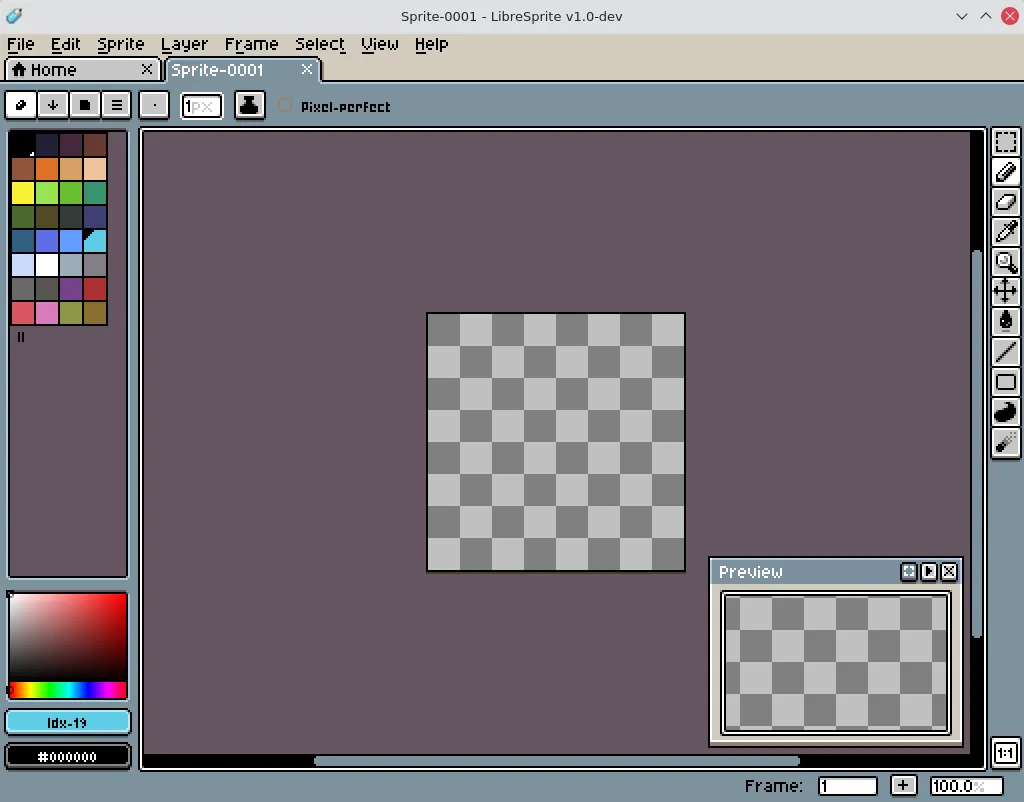
A sprite is built from layers and frames, so you draw each animation step and preview it in real time. Pixel-precise tools, shading mode, ready-made palettes and a tiled mode for seamless textures are aimed at game artists who work at small resolutions.
What it does well
- Layers and frames. Each sprite combines layers with animation frames on a timeline.
- Real-time preview. Play the animation while you draw to check timing and motion.
- Onion skinning. Shows neighbouring frames as transparent overlays while you draw.
- Tiled drawing mode. Draw repeating patterns and textures that wrap at the edges.
- Palettes. Use ready-made palettes or build your own for a consistent look.
Who it is for
Good fit
Indie game developers and hobbyists who want a free, open-source sprite editor.
Look elsewhere
Artists who need tilemap layers or the newest Aseprite features, or painters working at high resolutions.
Pros and cons
Pros
- Free and open source
- Familiar Aseprite-style workflow
- Onion skinning and animation preview
- Runs on Windows, macOS, Linux and Android
Cons
- Lacks features Aseprite added after 2016
- Smaller community and fewer tutorials than Aseprite
How to install LibreSprite
Download the Windows x64 installer from the official GitHub release; a portable zip is also offered on the same page. Sprites are saved in the .ase format, which older Aseprite versions can open too.
Questions about LibreSprite
Is LibreSprite free?
Yes. It is open source under the GNU GPL v2 with no paid edition.
Is LibreSprite the same as Aseprite?
It started from the last GPL version of Aseprite in 2016 and has been developed separately since then, so newer Aseprite features are missing.


