

Our verdict: Clip Studio Paint has the most natural pen feel and the best comic and manga tools among mainstream drawing apps. PRO covers illustration, while EX adds multipage comics and full animation. The edition and plan choices are confusing, and the free trial ends with saving switched off.
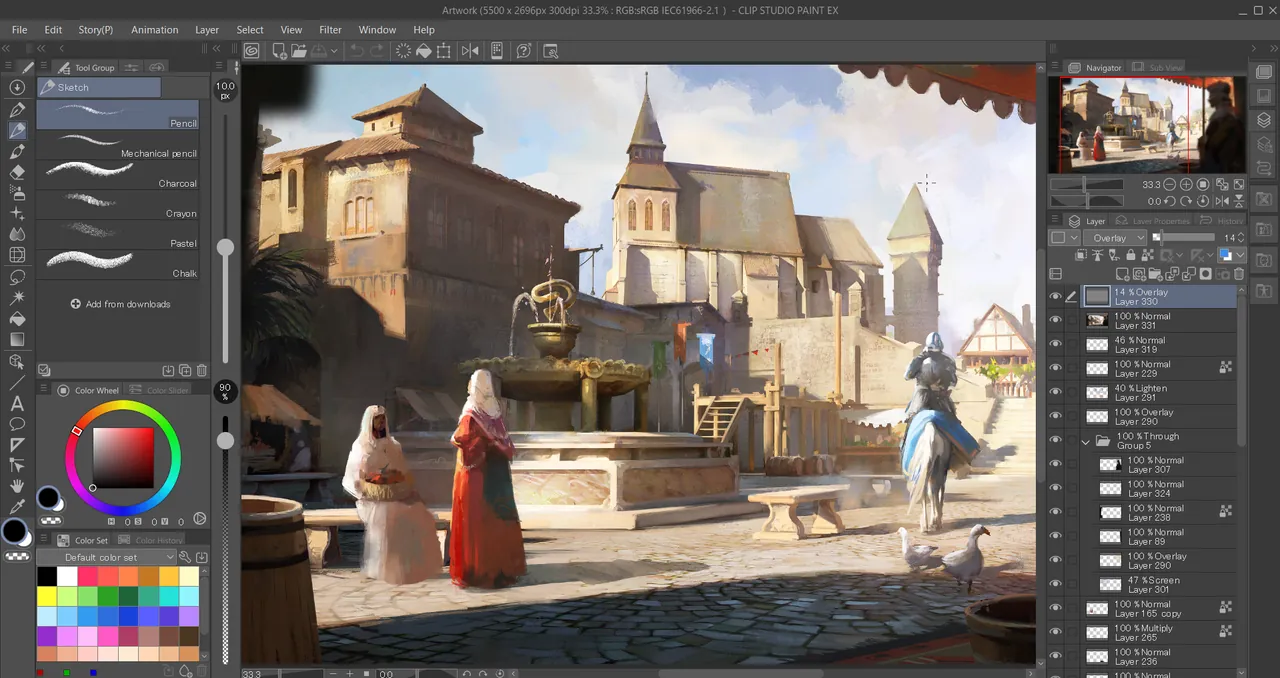
About Clip Studio Paint
Clip Studio Paint is made by Celsys in Japan and comes in two grades: PRO for illustration and single-page comics, and EX with multipage projects, PDF export and full-length animation. On Windows you can buy a perpetual license (PRO Ver. 5.0 lists at US$63) or a 12-month plan (PRO from US$26.99 per year), which is the cheapest regular option on the official US pricing page.
To start the free trial you install the latest version and register through the app with a Clip Studio account. Celsys advertises up to six months free depending on the offer; the plan offer of up to three months asks for a payment card and bills when it ends. When a trial ends, the app keeps launching, but saving, export, copy and paste and printing are disabled.
What it does well
- Brush engine. Pressure-sensitive pens and brushes with stabilization and vector line layers.
- Comic tools. Panel borders, speech balloons, screentones and perspective rulers.
- 3D models. Posable 3D figures and objects as drawing references.
- Animation. Frame-by-frame animation; up to 24 frames in PRO, full-length in EX.
- Clip Studio Assets. A large library of community brushes, materials and 3D models.
Who it is for
Good fit
Illustrators, comic and manga artists, and animators who draw with a pen tablet or display.
Look elsewhere
Photo editors, or anyone who wants to keep saving work without paying after the trial.
Pros and cons
Pros
- Excellent pen and line stabilization
- Best-in-class comic and manga tools
- Perpetual license still available
- Huge asset library
Cons
- Saving and export stop when the trial ends
- Confusing choice of grades, plans and version upgrades
- Perpetual licenses do not include new features without an Update Pass
How to install Clip Studio Paint
The Windows installer from clipstudio.net installs both the Clip Studio launcher and Clip Studio Paint. You register the trial inside the app with a free Clip Studio account; only the plan-based free offer needs a card. Check the PRO and EX comparison before buying, because animation and multipage comics need EX.
Questions about Clip Studio Paint
Is Clip Studio Paint free?
No. There is a free trial that needs a Clip Studio account; after it, saving and export are disabled. PRO costs US$26.99 per year on the 12-month plan or US$63 for a perpetual license on the official US pricing page.
What is the difference between PRO and EX?
PRO covers illustration and single-page comics with simple animation up to 24 frames. EX adds multipage comic projects, PDF and ebook export, and full-length animation.
Do perpetual licenses get updates?
A perpetual license keeps the features of the version you bought. Features added later need a paid version upgrade or the yearly Update Pass.


