

Our verdict: MyPaint is a simple, focused painting app for sketching and loose painting with a graphics tablet. Its brushes feel natural, and the canvas never runs out. Development is slow: the last stable release dates from 2020, and it has few editing tools.
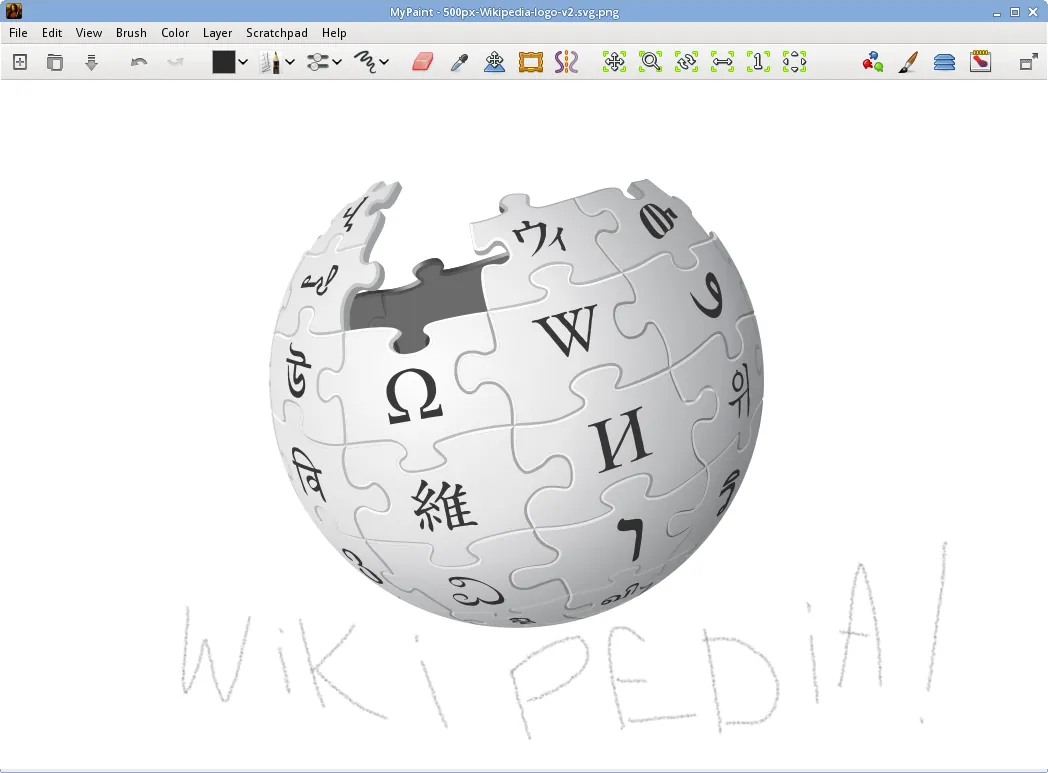
About MyPaint
MyPaint is a community project built by volunteer developers and artists and released under the GPL. Its brush engine, libmypaint, is also used by other programs such as Krita and GIMP.
The interface can be hidden completely in fullscreen mode, leaving only the canvas and your brush. The canvas grows in any direction as you paint. Brushes imitate charcoal, pencils, ink and paint, and each one can be tuned in detail or created from scratch, with full support for pen pressure and tilt.
What it does well
- Brush engine. Brushes that emulate charcoal, pencil, ink and paint, all customizable.
- Unlimited canvas. The canvas extends in any direction as you paint.
- Fullscreen mode. Hides every panel so only the canvas remains.
- Tablet support. Pressure and tilt from graphics tablets drive brush dynamics.
- Layers. Basic layers with blend modes and opacity.
Who it is for
Good fit
Sketching and painting with a graphics tablet without interface clutter.
Look elsewhere
Comic production, photo editing or anyone who needs selections, filters and text tools.
Pros and cons
Pros
- Free and open source
- Natural, configurable brushes
- Endless canvas
- Clean, distraction-free interface
Cons
- Last stable release is from 2020
- Few selection, filter and text tools
How to install MyPaint
Use the 64-bit Windows installer from the official site. Connect your graphics tablet before starting MyPaint so it detects pressure. A standalone 7z archive is offered as an alternative if you do not want to install it.
Questions about MyPaint
Is MyPaint free?
Yes. It is open source under the GPL with no paid version.
Can I use MyPaint brushes in other apps?
Yes. Its brush engine is used in Krita and GIMP, which can load MyPaint brushes.


