

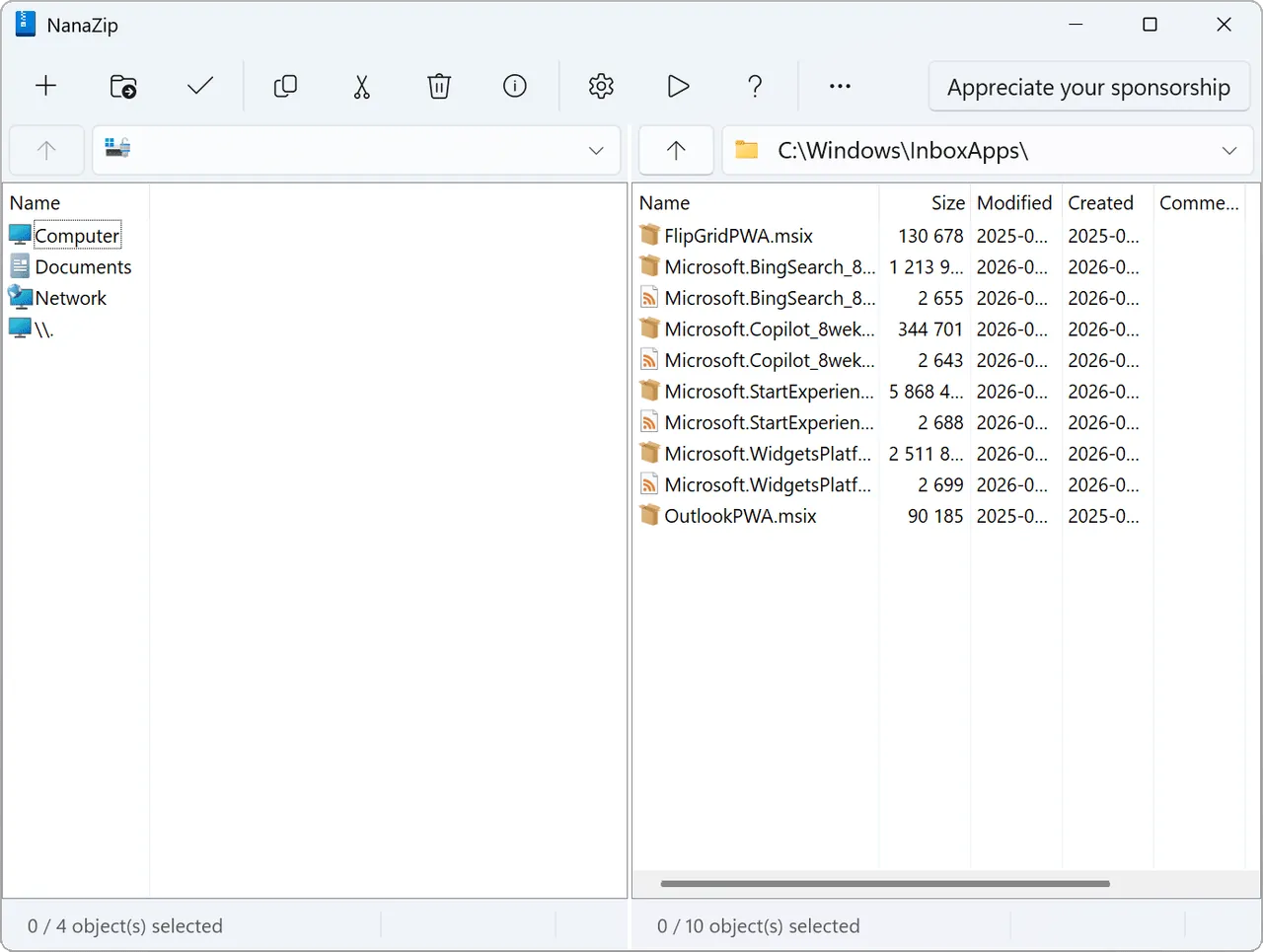
Our verdict: NanaZip is 7-Zip made to fit modern Windows. It keeps 7-Zip's compression engine but appears in the Windows 11 right-click menu without "Show more options" and follows dark mode. It ships only as an MSIX package, which some users and older systems cannot use.
About NanaZip
NanaZip is maintained by Kenji Mouri of M2-Team and is forked from the source code of 7-Zip. It also inherits the extra codecs of the 7-Zip ZS and 7-Zip NSIS forks, so it handles formats such as Zstandard and Brotli that plain 7-Zip does not.
The app is packaged as MSIX, which gives clean installs and removals and the integration with the Windows 10 and 11 File Explorer context menu. It adds dark mode and Mica for all windows, a 7-Zip command alias, Smart Extraction, an option to open the folder after extraction and propagation of the Mark-of-the-Web to extracted files.
What it does well
- Modern context menu. Appears directly in the Windows 11 right-click menu.
- Dark mode and Mica. Every window follows the Windows theme.
- Extra codecs. Zstandard, Brotli, LZ4 and other codecs inherited from 7-Zip ZS.
- Many hash algorithms. Adds BLAKE2b, SHA-3, xxHash, SM3 and more to the hash menu.
- Mark-of-the-Web. Files extracted from downloaded archives keep the Windows security mark.
Who it is for
Good fit
Windows 10 and 11 users who like 7-Zip but want it in the new context menu and in dark mode.
Look elsewhere
Windows 7 or 8 users, or anyone who needs a classic EXE or MSI installer.
Pros and cons
Pros
- Native Windows 11 context menu entry
- Dark mode for all windows
- More codecs and hashes than 7-Zip
- Open source, no ads
Cons
- Only an MSIX package, no classic installer
- Requires Windows 10 version 2004 or later
- Rolling releases change faster than 7-Zip
How to install NanaZip
Install NanaZip from the Microsoft Store or download the .msixbundle from the official GitHub release and double-click it to open App Installer. The license XML on the release page is only needed for offline provisioning by admins. Choose the stable NanaZip package, not NanaZipPreview.
Questions about NanaZip
Is NanaZip free?
Yes. NanaZip is open source and free. A Sponsor Edition exists for people who want to support the developer, but it is not required.
What is the difference between NanaZip and 7-Zip?
NanaZip uses 7-Zip's code but adds Windows 11 context-menu integration, dark mode, MSIX packaging and extra codecs and hash algorithms.
What is NanaZip Preview?
A separate preview channel with newer changes. Most users should install the stable NanaZip package.


