

Our verdict: Portmaster is a free, open-source way to see and control every connection your apps make, with tracker blocking and encrypted DNS built in. It is more complex than a simple firewall front-end, and longer history, bandwidth stats and the SPN privacy network are paid.
About Safing Portmaster
Portmaster is an application firewall from Safing, a company based in Austria. It intercepts all network connections, shows them per app in a live monitor and lets you allow or block apps, domains and countries, with global defaults and per-app overrides.
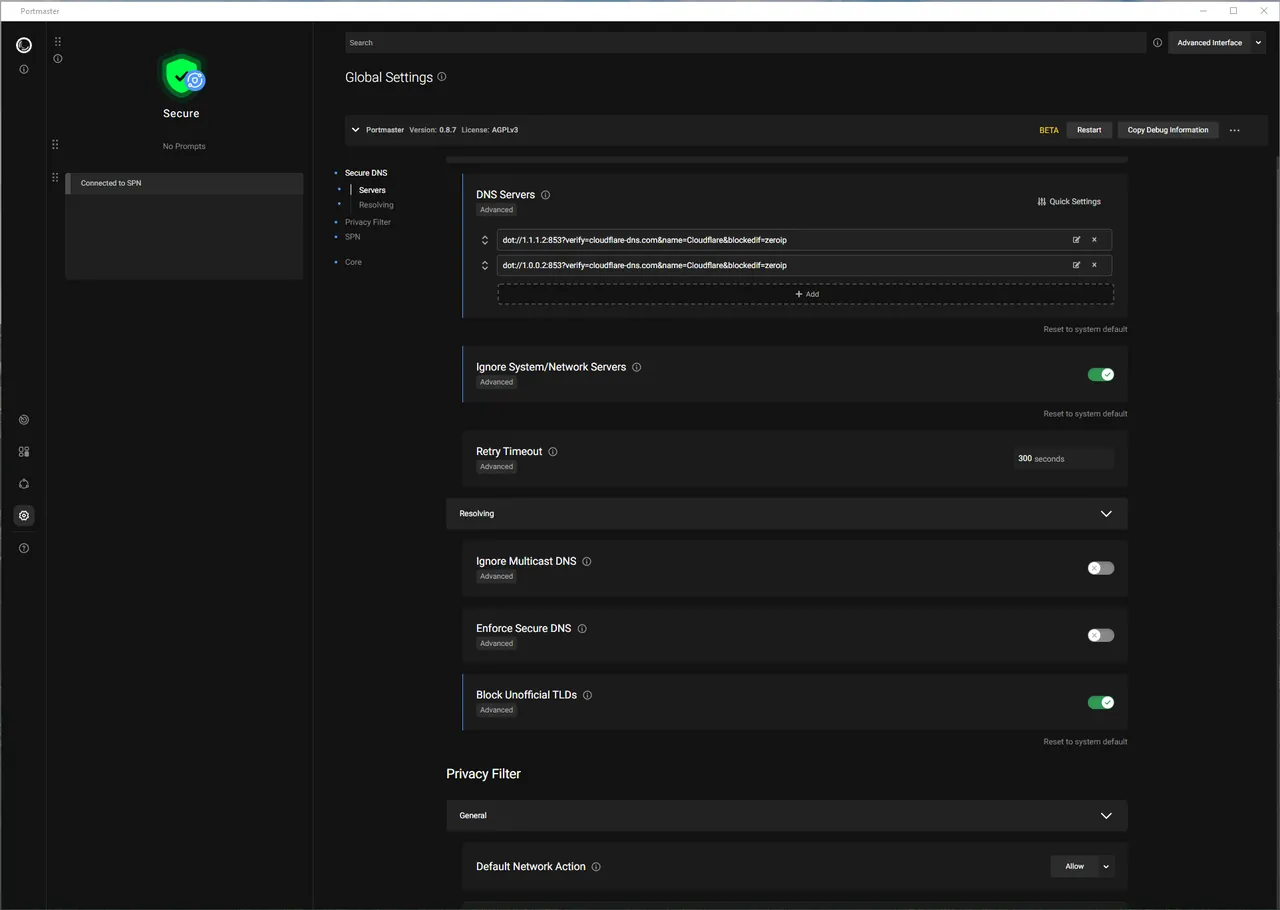
The free version includes the privacy filter with blocklists for ads, trackers and malware, Secure DNS over encrypted resolvers and the network monitor. Paid plans add network history, bandwidth visibility, weekly reports and the SPN, Safing's onion-routed network that gives each connection its own exit IP. The source code is on GitHub under the GPL v3.
What it does well
- Per-app firewall rules. Allow or block each app, domain or country, with global defaults.
- Network monitor. Live view of every connection grouped by application.
- Privacy filter. Blocklists for ads, trackers and malware domains for all apps.
- Secure DNS. Sends DNS queries over encrypted connections to the resolver you choose.
- Open source. Code for the app, UI and SPN is public on GitHub under the GPL v3.
Who it is for
Good fit
Privacy-minded users who want to see and control which apps connect where.
Look elsewhere
Beginners who want a firewall they never have to configure, or PCs with VPN or security tools that filter traffic.
Pros and cons
Pros
- Free and open source
- Per-app network monitor and rules
- System-wide tracker blocking and encrypted DNS
- Windows and Linux versions
Cons
- Network history, bandwidth stats and SPN are paid features
- Installs a network filter driver that can conflict with VPNs and other security tools
- Many settings to learn compared with simpler firewalls
How to install Safing Portmaster
Download the x64 setup and install it; Portmaster adds a network filter driver and a background service. Open the app, review the default settings and start in a permissive mode, then block apps as you see them in the monitor. If a VPN or other filtering software stops working, check Safing's compatibility notes.
Questions about Safing Portmaster
Is Portmaster free?
Yes. Safing says Portmaster's core privacy features are free forever. Paid plans add investigative tools such as network history and access to the SPN.
Is Portmaster open source?
Yes. The source code is on GitHub under the GNU GPL v3.
Does Portmaster replace Windows Firewall?
It filters outgoing and incoming connections per app on its own. You can keep Windows Firewall enabled alongside it.


