

Our verdict: Project64 is the best-known Nintendo 64 emulator for Windows and runs most popular games without configuration. The last public release is from 2021, newer builds are for Patreon supporters, and a window asking for support appears until you pay. You need your own game dumps.
About Project64
Project64 is a free, open-source emulator for the Nintendo 64 and 64DD, written in C++. It aims to run games out of the box with high-definition graphics, good compatibility, save states and built-in cheat codes, while offering dozens of configuration options for users who want them. The code is under the GNU GPL v2.
The current public release is Project64 3.0.1 for Windows. Development versions with the latest changes are available to Patreon supporters. The emulator shows a window asking for support; all features keep working without paying, and a supporter code removes the prompt. Project64 includes no games; use dumps of cartridges you own.
What it does well
- High-definition graphics. Renders N64 games above their original resolution.
- Save states. Save and load anywhere, in addition to in-game saves.
- Built-in cheats. Cheat codes for many games are included.
- 64DD support. Emulates the Nintendo 64DD disk drive add-on.
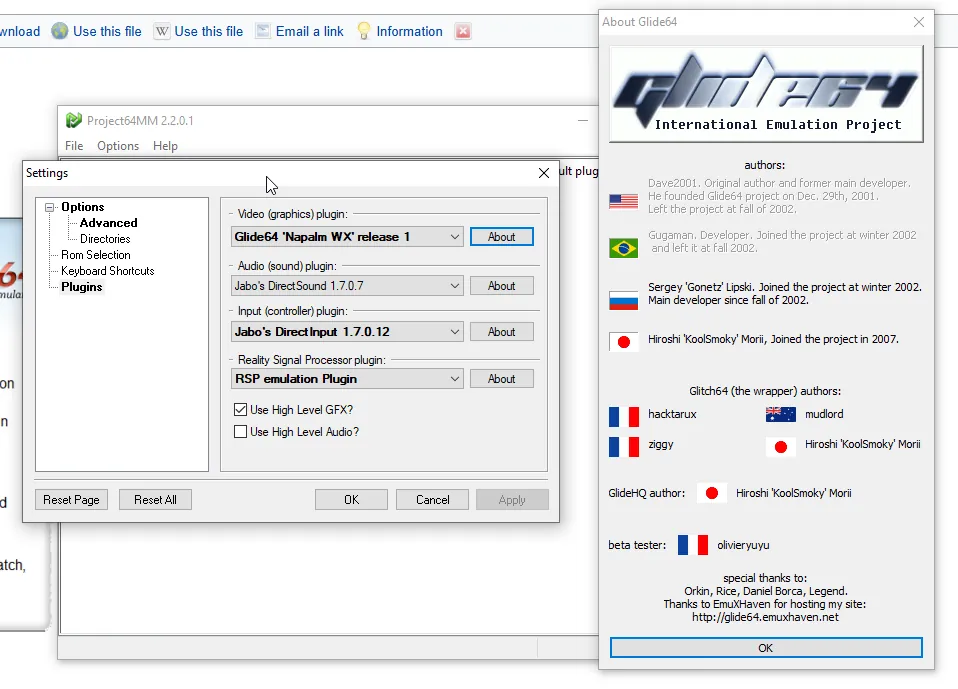
- Plugin settings. Dozens of options for graphics, audio, input and emulation.
Who it is for
Good fit
Players who want to revisit their own Nintendo 64 games on Windows with minimal setup.
Look elsewhere
Users who dislike donation prompts, need macOS or Linux, or want the very latest public updates.
Pros and cons
Pros
- Runs most popular N64 games without setup
- HD graphics and save states
- Built-in cheat codes
- Free and open source
Cons
- Support request window until you pay
- Last public release is from 2021
- Windows only; the download page shows ads
How to install Project64
The button downloads the official Project64 3.0.1 installer. The download page shows ads; use only the automatic download or the Try again link on pj64-emu.com. Run the installer, then open a game dump with File → Open ROM and configure your gamepad under Options → Configure Controller Plugin.
Questions about Project64
Is Project64 free?
Yes. Project64 is open source under the GNU GPL v2 and all features work without paying. Supporters get a code that removes the window asking for support.
Does Project64 include games?
No. You need dumps of Nintendo 64 cartridges that you own.
How do I get newer Project64 versions?
Development builds with the latest changes are available to Patreon supporters. The public release on the website is 3.0.1.


