

Our verdict: RealVNC Viewer is a dependable client for controlling your own computers and Raspberry Pi boards, with encryption when paired with RealVNC Server. The free Lite plan covers three personal devices and one connection at a time. Connecting to third-party VNC servers and any work use require a paid plan.
About RealVNC Viewer
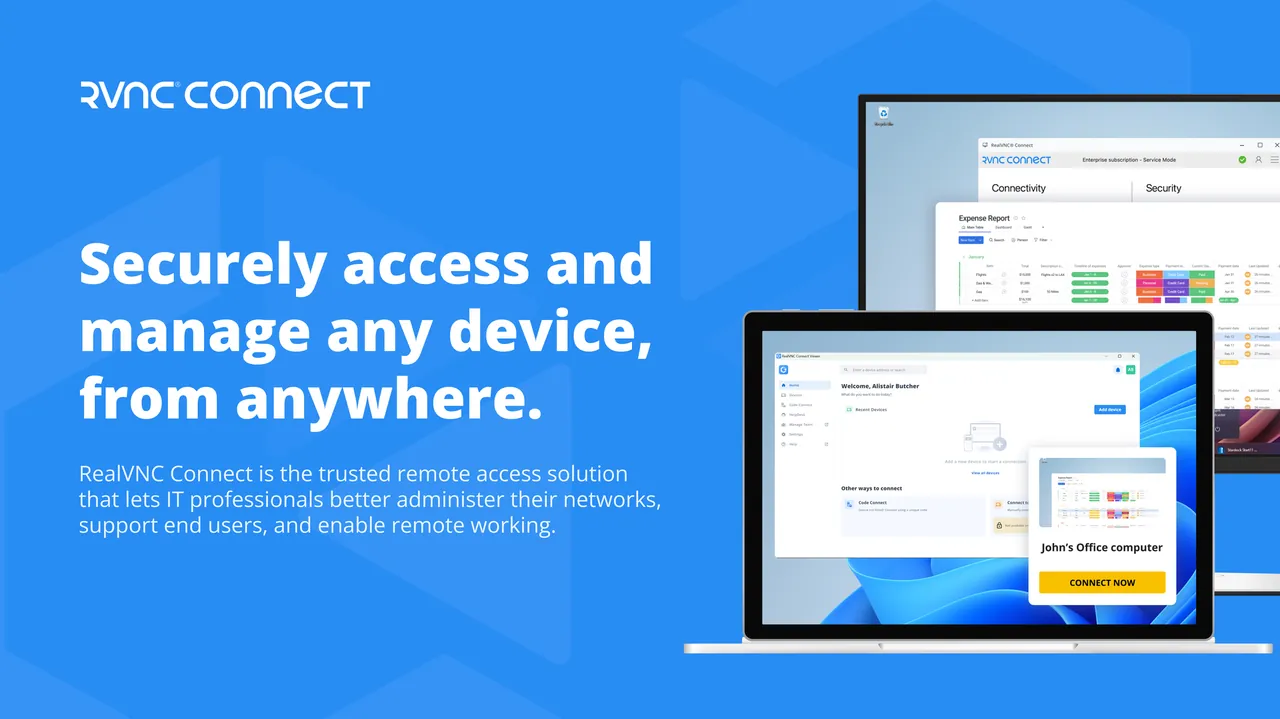
RealVNC Viewer is the client part of RealVNC Connect, from the company founded by the original developers of VNC. You install it on the device you control from and connect to computers running RealVNC Server through the RealVNC cloud or directly.
The free Lite plan is for non-commercial use: one user account, up to three devices and one connection at a time, without technical support. Connecting to a computer at your workplace counts as commercial use. Paid plans add more devices, file transfer and printing, session recording and access to third-party VNC servers.
What it does well
- Cloud and direct connections. Reach devices through your RealVNC account or by address.
- End-to-end encryption. Sessions with RealVNC Server are encrypted end to end.
- Raspberry Pi support. Connects to Raspberry Pi devices, including headless ones.
- Cross-platform. Viewers for Windows, macOS, Linux, iOS and Android.
- Address book. Keeps your devices in a synced list after sign-in.
Who it is for
Good fit
Hobbyists who control a few personal computers or Raspberry Pi boards.
Look elsewhere
Work use, IT support or people who need to connect to free VNC servers like TightVNC without paying.
Pros and cons
Pros
- Free for three personal devices
- Encrypted sessions with RealVNC Server
- Good Raspberry Pi support
- Clients for all major platforms
Cons
- Third-party VNC servers need a paid plan
- Lite plan: one connection at a time, no support
- Account sign-in required
How to install RealVNC Viewer
Open the official download page and choose the Windows installer; MSI packages and a standalone version are also offered. Create a free RealVNC account and activate the Lite plan, then install RealVNC Server on the computers you want to reach.
Questions about RealVNC Viewer
Is RealVNC Viewer free?
Yes, with the free Lite plan for non-commercial use on up to three devices. Business use and connecting to third-party VNC servers need a paid plan.
Can RealVNC Viewer connect to TightVNC or UltraVNC?
Only with a paid plan of your own or as a member of a paid team, according to RealVNC.
Does it work with Raspberry Pi?
Yes. The Lite plan supports remote, including headless, access to Raspberry Pi devices.


