

Our verdict: Sunshine is the host you install on your gaming PC so Moonlight clients can stream from it. It works with AMD, Intel and NVIDIA GPUs and replaces the discontinued NVIDIA GameStream. Setup happens in a browser-based admin page, which takes a few minutes but is well documented.
About Sunshine
Sunshine is an open-source game streaming server developed by LizardByte under the GNU GPL v3. It was built from the ground up for Moonlight and is the host the Moonlight project recommends.
Sunshine captures the screen of your PC, encodes it with the GPU and sends it to any Moonlight client on your network or over the internet. You manage it through a local web interface where you add apps, pair clients with a PIN and adjust encoder settings.
What it does well
- Hardware encoding. Uses AMD VCE, Intel QuickSync or NVIDIA NVENC; software encoding is available as a fallback.
- Web admin interface. Configure apps, encoders, audio and paired devices from a browser on the host PC.
- Works with Moonlight. Streams to Moonlight clients on Windows, macOS, Linux, Android, iOS, TVs and handhelds.
- App list. Add games and launchers as apps, or stream the whole desktop.
- HDR and 4K. Supports 4K and HDR streaming on suitable GPUs and networks.
Who it is for
Good fit
Owners of a gaming PC who want to stream their games to other devices with Moonlight.
Look elsewhere
Windows 10 users (the current release lists Windows 11 as the minimum) and PCs without a GPU video encoder.
Pros and cons
Pros
- Free replacement for NVIDIA GameStream
- Supports AMD, Intel and NVIDIA GPUs
- Configured through a clear web interface
- Open source and actively developed
Cons
- Current Windows build requires Windows 11
- Initial setup and pairing take some effort
- Some gamepad profiles need a separately installed driver
How to install Sunshine
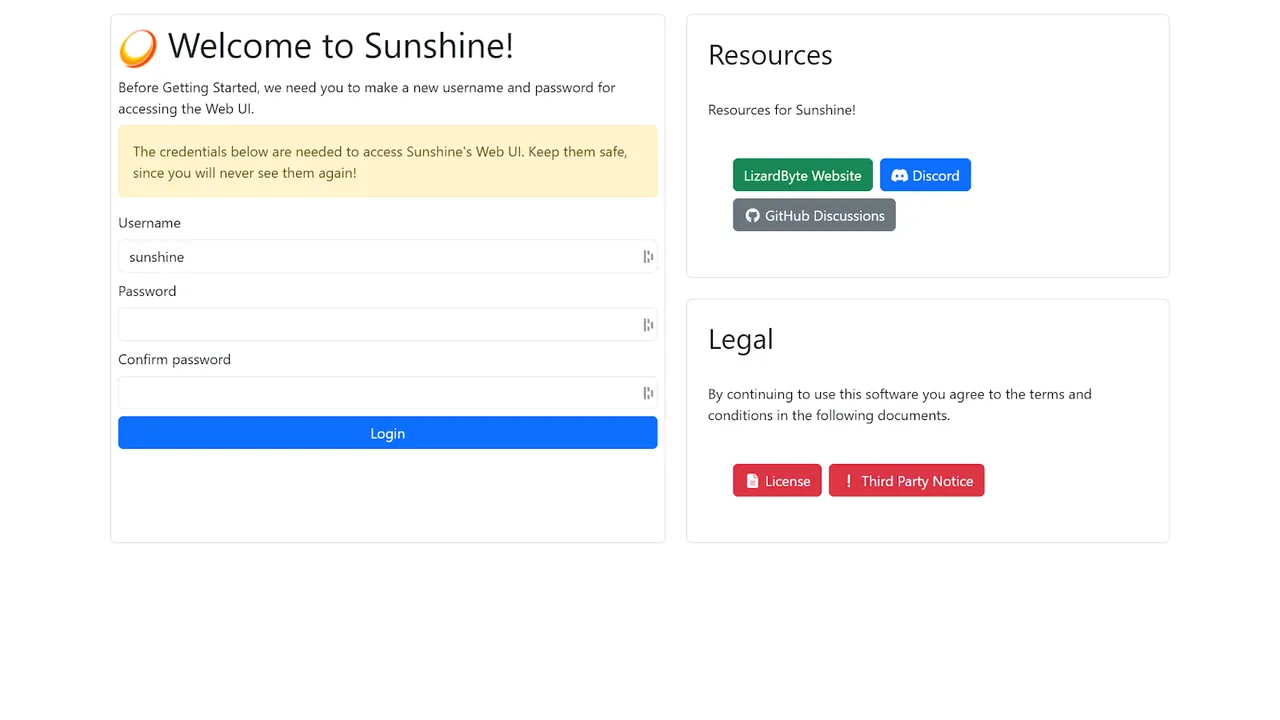
Run the MSI installer on the gaming PC and allow it through Windows Firewall. Open the web interface from the Start menu, create the admin username and password, then pair each Moonlight client by entering the PIN it shows on the PIN page. Gamepad emulation may need an extra driver such as ViGEmBus.
Questions about Sunshine
Is Sunshine free?
Yes. Sunshine is open source under the GNU GPL v3 and costs nothing.
Do I need Moonlight to use Sunshine?
Yes. Sunshine is only the host; you play on another device using a Moonlight client.
What GPU does Sunshine need?
An AMD GPU with VCE 1.0 or newer, an Intel Skylake or newer CPU with QuickSync, or an NVIDIA GPU with NVENC. Software encoding also works but is slower.


