

Our verdict: Moonlight is the best free way to play games from your desktop PC on a laptop, TV or phone in your home. Paired with the Sunshine host it gives low latency at high resolution and frame rate. It is only a client, so you also need a capable gaming PC running a host app.
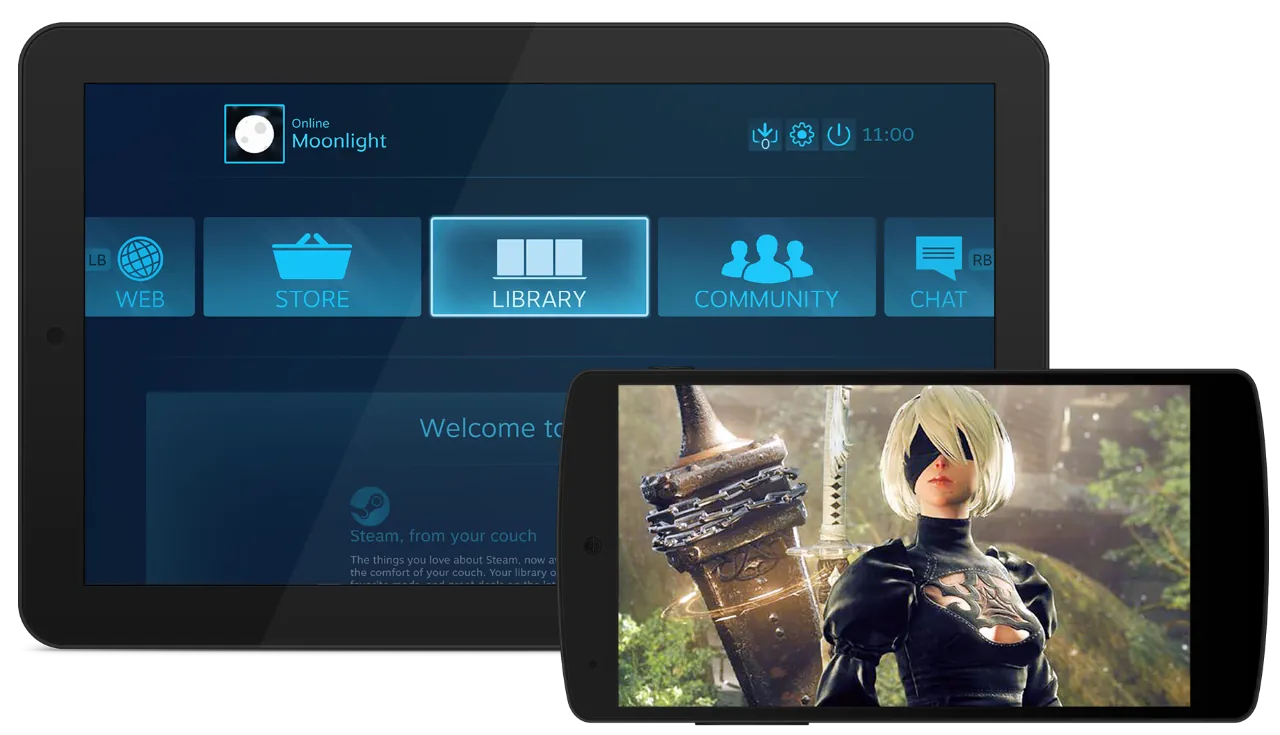
About Moonlight
Moonlight is an open-source implementation of NVIDIA's GameStream protocol, built by a community project under the GNU GPL v3. The project states it has no ads, bundled services, paid versions or subscriptions.
Moonlight does not run games itself. It connects to a host PC running Sunshine, the recommended open-source host, and shows the host's games or full desktop. NVIDIA has discontinued the GameStream feature in GeForce Experience, so Sunshine is now the usual host.
What it does well
- Up to 4K with HDR. Streams games or the full desktop at up to 4K with HDR on a capable client.
- 120 FPS streaming. The PC client streams at up to 120 FPS, with an option to disable V-Sync for lower latency.
- Controller support. Forwards gamepads, keyboard and mouse input from the client to the host PC.
- Remote play. Works over the internet through port forwarding, IPv6 or virtual networks like Tailscale or ZeroTier.
- Many clients. Official and community clients exist for Android, iOS, Apple TV, Raspberry Pi, Steam Link and more.
Who it is for
Good fit
Players who want to stream games from a desktop gaming PC to a laptop, TV or handheld at home.
Look elsewhere
People without a separate gaming PC to act as the host, or who want a cloud gaming service.
Pros and cons
Pros
- Low latency on a good home network
- Up to 4K, HDR and 120 FPS
- Clients for almost every device
- No ads or paid tiers
Cons
- Needs a separate host app such as Sunshine
- Streaming over the internet requires network setup
- Quality depends heavily on Wi-Fi conditions
How to install Moonlight
Install Sunshine on the gaming PC first, then install Moonlight on the device you want to play on. Moonlight finds hosts on the local network automatically; select the host and enter the PIN it shows into the Sunshine web interface to pair. Use a wired connection or 5 GHz Wi-Fi on both sides for a stable stream.
Questions about Moonlight
Is Moonlight free?
Yes. Moonlight is open source under the GNU GPL v3 with no ads, paid versions or subscriptions.
Does Moonlight still work without GeForce Experience?
Yes. NVIDIA discontinued GameStream, but Moonlight works with Sunshine, a free open-source host that supports AMD, Intel and NVIDIA GPUs.
Can I use Moonlight outside my home?
Yes, but you need to make the host reachable through port forwarding, IPv6 or a virtual network such as Tailscale or ZeroTier.


