

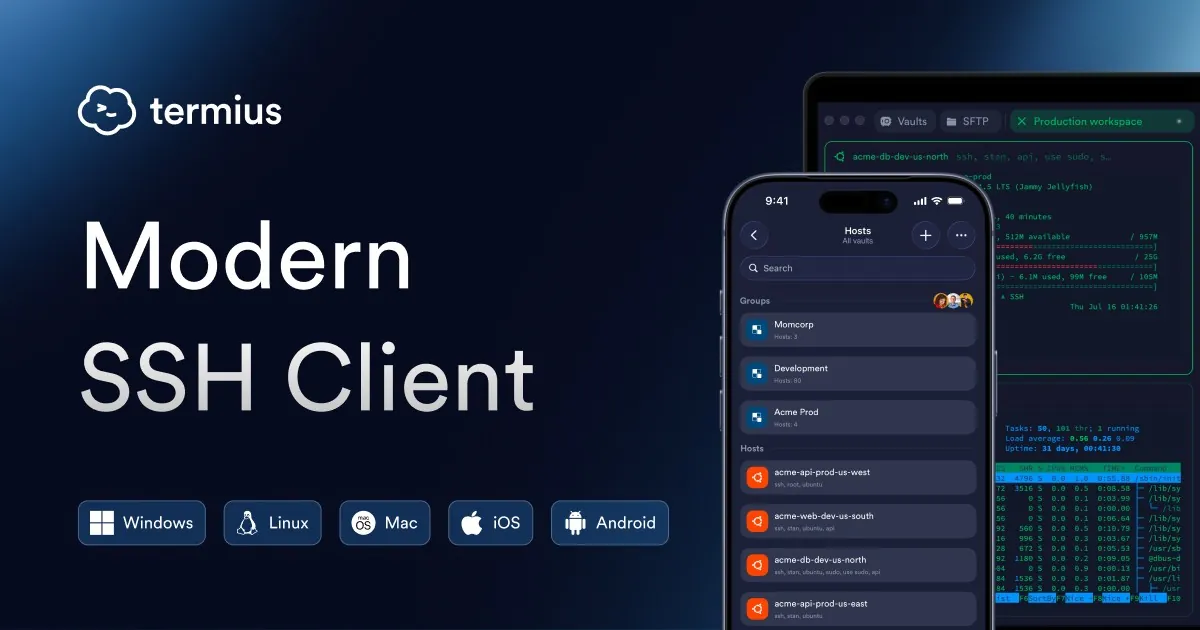
Our verdict: Termius is a good-looking SSH client that organizes servers, keys and port forwards in one vault and works the same on desktop and phone. The free Starter plan covers SSH, SFTP, port forwarding and a local vault, and may be used commercially. Syncing hosts between devices, snippets automation and session logs require a paid plan.
About Termius
Termius connects to servers over SSH, Mosh and Telnet, transfers files over SFTP and also opens local terminals. Hosts, groups, keys, snippets and port forwarding rules are stored in a vault. The Starter plan keeps everything in a local vault on the device only, which is not synced or backed up.
The Starter plan is free, including for commercial use. When you first open the app you are asked to sign in or create an account, which starts a trial of paid features; you can also log out and use Termius locally without an account. Pro costs $10 per month paid annually and adds an end-to-end encrypted cloud vault, sync across mobile and desktop, session logs and snippets automation. Team and Business plans add shared vaults.
What it does well
- SSH, Mosh and Telnet. Connects to remote servers and opens local terminal tabs.
- SFTP. Transfers files between your PC and a server in a two-pane view.
- Port forwarding. Saves local, remote and dynamic forwarding rules.
- Host vault. Organizes hosts in groups with saved keys and credentials.
- Autocomplete. Suggests commands as you type in the terminal.
Who it is for
Good fit
Developers and home lab users who want a modern SSH client with saved hosts, especially if they also connect from a phone.
Look elsewhere
Users who want free sync between devices, and people who prefer open-source tools such as PuTTY.
Pros and cons
Pros
- Clean, modern interface
- SSH, SFTP, Mosh and port forwarding in one app
- Free plan allowed for commercial use
- Same app on Windows, macOS, Linux, iOS and Android
Cons
- Sync between devices needs a paid plan
- Local vault data is lost when you log out or uninstall
- Closed source and pushes an account at first launch
How to install Termius
The button downloads the Windows installer from termius.com. On first launch Termius asks you to sign in or create an account; a new account starts a trial of paid features and is not charged automatically. You can log out and keep using the Starter plan locally, but logging out or uninstalling deletes local vault data, so export or note your hosts first.
Questions about Termius
Is Termius free?
Yes. The Starter plan is free, including for commercial use, and includes SSH, SFTP, port forwarding and a local vault. Pro costs $10 per month paid annually and adds an encrypted cloud vault and sync across devices.
Can I use Termius without an account?
Yes. Termius asks you to sign in or sign up on first launch, but you can log out and use it locally. Syncing data requires an account and a subscription.
Does Termius store my passwords in the cloud?
Only with an account on a paid plan, where data is end-to-end encrypted with your encryption password before it is synced. On the free Starter plan data stays in a local vault on the device.


