

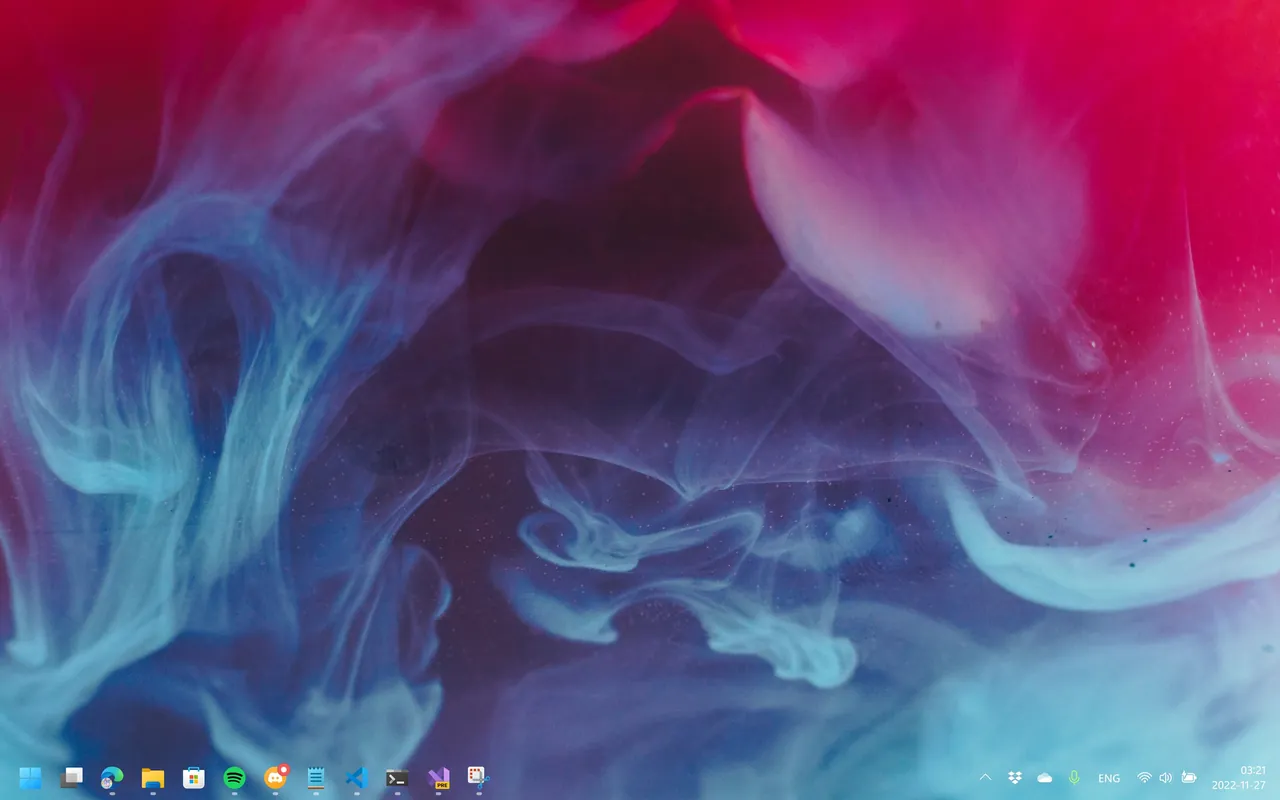
Our verdict: TranslucentTB does one thing well: it makes the taskbar transparent or tinted with almost no impact on performance. Dynamic modes change the look when a window is maximized or Start is open. It only changes appearance, not taskbar layout or behavior.
About TranslucentTB
TranslucentTB is a small open-source tray app under the GPL v3 that changes how the Windows 10 and Windows 11 taskbar looks. The developers say it uses a few megabytes of RAM and almost no CPU. It is compatible with ExplorerPatcher and RoundedTB.
You choose a taskbar state: normal, opaque, clear, blur or acrylic, and pick a color with transparency in a live-preview color picker. Dynamic modes switch to another state when a window is visible or maximized, or when Start, Search or Task View is open. Blur works only on Windows 10 and the first Windows 11 release (build 22000).
What it does well
- Taskbar states. Opaque, clear, blur and acrylic, each with a custom color.
- Color picker. Pick any color with transparency and see a live preview.
- Dynamic modes. Different looks for maximized windows, Start, Search and Task View.
- Taskbar line toggle. On Windows 11, shows or hides the line above the taskbar per mode.
- Light footprint. Uses a few MB of RAM and almost no CPU.
Who it is for
Good fit
People who want a transparent or color-matched taskbar without heavy shell tweaks.
Look elsewhere
Users who want to move, resize or restyle taskbar buttons; TranslucentTB only changes the background.
Pros and cons
Pros
- Free and open source
- Tiny resource use
- Rules for maximized windows, Start and Search
- Works with ExplorerPatcher
Cons
- Changes only the taskbar background
- Blur mode is not available on current Windows 11 builds
- Some antivirus programs flag it by mistake, as the developers note
How to install TranslucentTB
Open the TranslucentTB.appinstaller file and Windows App Installer installs the app; the Microsoft Store version is the same app with background updates. Use the tray icon to pick a state and color, and check Open at boot in its menu to start with Windows.
Questions about TranslucentTB
Is TranslucentTB free?
Yes. It is open source under the GPL v3 and free on GitHub and the Microsoft Store.
Why does TranslucentTB not start with Windows?
Check Open at boot in the tray menu. If the option is grayed out, the project's README lists registry policy values that allow startup tasks.


