

Our verdict: Auto Dark Mode adds the automatic light and dark switching that macOS and phones have and Windows lacks. Beyond the theme it can swap wallpapers, cursors and accent colors, and it pauses while you play games. Windows 10 versions older than 22H2 are not supported.
About Auto Dark Mode
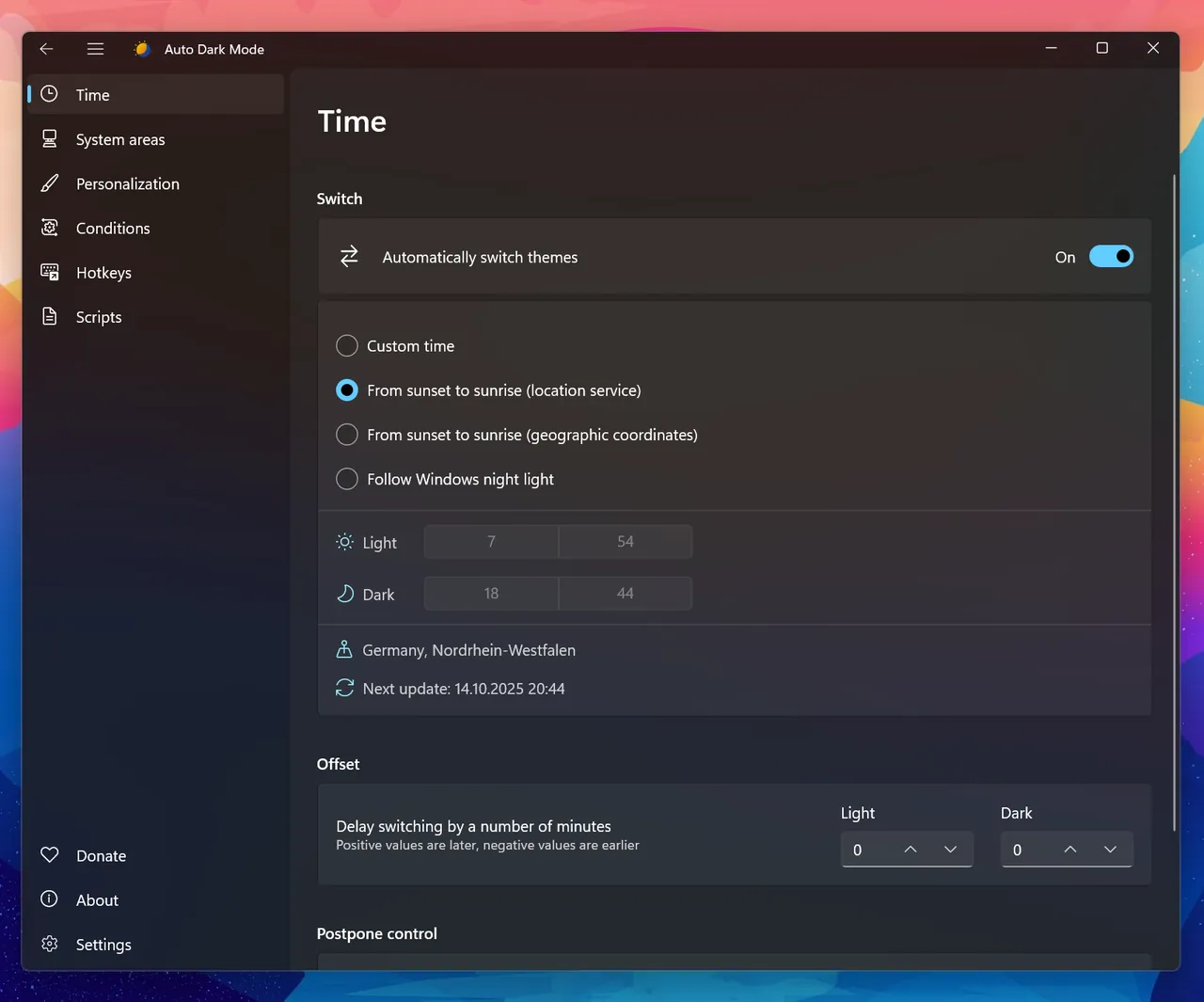
Auto Dark Mode is an open-source app that switches the Windows apps and system theme between light and dark at fixed times, at sunrise and sunset for your location, or based on an ambient light sensor. You can postpone or delay the next switch, and keyboard shortcuts and a tray menu let you switch manually.
Each switch can also change the desktop wallpaper, mouse cursor, accent color and its use on the taskbar and title bars, the touch keyboard theme or a complete Windows .theme file, and can turn on the grayscale color filter. It avoids switching while a game is running, can force dark mode on battery, and runs custom scripts. It needs no administrator rights and updates itself.
What it does well
- Scheduled switching. Light and dark theme at set times or at local sunrise and sunset.
- Wallpaper and cursor. Changes wallpaper, mouse cursor and accent color with each theme.
- Theme files. Switches complete Windows .theme files instead of single settings.
- Game detection. Skips switching while you play to avoid stutter.
- Scripts and hotkeys. Runs custom scripts on each switch and toggles the theme by shortcut.
Who it is for
Good fit
Anyone who wants Windows dark at night and light by day without changing settings by hand.
Look elsewhere
Windows 10 versions older than 22H2, and users who keep one theme all the time.
Pros and cons
Pros
- Free and open source
- Sunrise and sunset scheduling
- Changes wallpaper, cursor and accent too
- No administrator rights needed
Cons
- Not supported on Windows 10 older than 22H2
- Unsigned installer can trigger SmartScreen warnings
- Only affects apps that follow the Windows theme setting
How to install Auto Dark Mode
The button downloads the official setup for x86 and x64 PCs from the GitHub release; ARM64 setups and ZIPs are on the same release page, and a Microsoft Store version exists. Windows or the browser may show a security notice because the installer is not signed with a paid certificate. After installation, enable automatic switching and allow location if you want sunset times.
Questions about Auto Dark Mode
Is Auto Dark Mode free?
Yes. Auto Dark Mode is open source under the GNU GPL v3 and free on GitHub and the Microsoft Store.
Why does Windows warn me when I download Auto Dark Mode?
The developers do not have a paid code-signing certificate, so Windows or the browser may show a security notice. The project says these messages can be ignored for the official download.
Can Auto Dark Mode switch at sunset?
Yes. It can calculate sunrise and sunset for your location and switch the theme at those times. You can also postpone or delay the next switch.


