

Our verdict: Tresorit offers serious end-to-end encryption with apps for every desktop system, including Linux. The free Basic plan is small: 3 GB, two devices, 500 MB per file and no file versions. Inactive free accounts are deleted after 210 days without a login.
About Tresorit
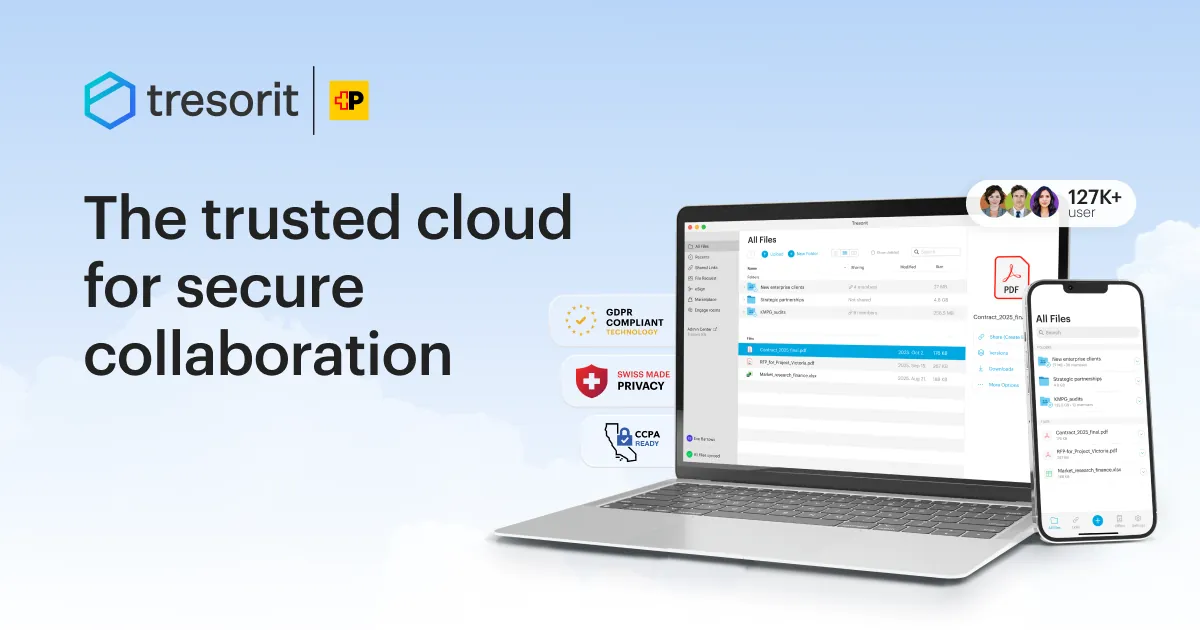
Tresorit encrypts files on your device before upload with zero-knowledge end-to-end encryption, so Tresorit cannot see them. Files live in encrypted folders that you sync to your computer or open through Tresorit Drive in File Explorer. You can share folders with others or send files through encrypted links, and plug-ins for Gmail and Outlook encrypt attachments.
The free Basic plan includes 3 GB of storage, files up to 500 MB, sync on up to two devices and 10 active share links of up to 250 MB, with no credit card. It has no file version history, and you must log in at least once every 210 days or the account and its data are deleted. Paid personal plans start at 50 GB and offer a 14-day trial, which requires payment details.
What it does well
- Zero-knowledge encryption. Files are encrypted on your device; Tresorit cannot read them.
- Tresorit Drive. Opens your cloud files in File Explorer without syncing everything.
- Encrypted share links. Send files to anyone through encrypted download links.
- Email plug-ins. Encrypt attachments in Gmail and Outlook.
- Remote wipe. Remove Tresorit data from a lost device.
Who it is for
Good fit
Privacy-minded users who want a small encrypted space for important documents on Windows, Mac or Linux.
Look elsewhere
Anyone who needs lots of free storage, large files or version history.
Pros and cons
Pros
- End-to-end encryption on the free plan
- Apps for Windows, macOS and Linux
- No card needed for the free plan
- Gmail and Outlook encryption plug-ins
Cons
- Free plan has only 3 GB and a 500 MB file limit
- No file versions on the free plan
- Free accounts are deleted after 210 days without login
How to install Tresorit
Install the Windows app from the official download page and create a free Basic account in it; no card is needed. Create a folder for your documents and choose which folders to sync. Log in at least every 210 days so the free account is not deleted.
Questions about Tresorit
Is Tresorit free?
Yes. Tresorit Basic is free with 3 GB of encrypted storage on two devices, without a card. Paid plans add more space and features and have a 14-day trial that needs payment details.
Can Tresorit see my files?
No. Tresorit uses zero-knowledge end-to-end encryption, so files are encrypted on your device.
What happens if I do not use my free account?
You must log in at least once every 210 days. Otherwise the Basic account and all its data are deleted; Tresorit sends email reminders first.


