

Our verdict: iCloud for Windows is essential if you own an iPhone or Mac and also use a Windows PC. It puts your iCloud photos and files in File Explorer and your passwords in the browser, but the free 5 GB fills quickly and the current version needs Windows 11.
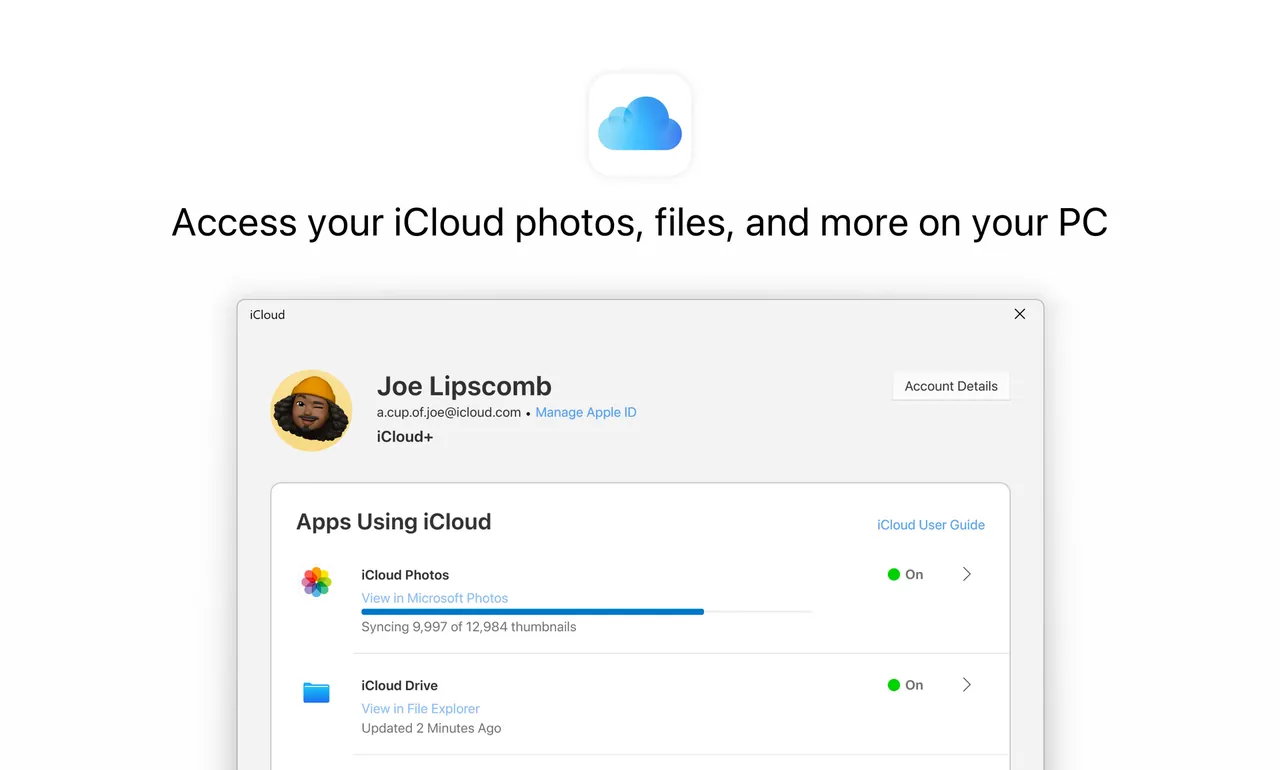
About iCloud for Windows
iCloud for Windows is Apple's official app for accessing an Apple Account's iCloud data on a PC. Apple distributes it through the Microsoft Store, and the latest version requires Windows 11 and, for mail and calendar sync, Outlook 2021 or later.
The app adds iCloud Drive and iCloud Photos to File Explorer, syncs contacts, calendars and mail with Outlook, and brings iCloud Passwords to Windows browsers. Every Apple Account includes 5 GB of free iCloud storage; more space comes with paid iCloud+ plans. Managed Apple Accounts are not supported.
What it does well
- iCloud Drive in File Explorer. Open and edit your iCloud files like local folders.
- iCloud Photos. Photos from your iPhone appear on the PC, and PC photos upload to iCloud.
- iCloud Passwords. Use passwords and passkeys saved on your Apple devices in Windows browsers.
- Outlook sync. Keep iCloud mail, contacts and calendars in Outlook.
- Bookmark sync. Sync Safari bookmarks with Chrome, Edge or Firefox.
Who it is for
Good fit
iPhone, iPad and Mac owners who also use a Windows PC.
Look elsewhere
People without Apple devices, or PCs still on Windows 10.
Pros and cons
Pros
- Official Apple app, free
- Puts iCloud Photos and Drive in File Explorer
- Brings iPhone passwords to Windows browsers
Cons
- Only 5 GB of free storage
- Latest version needs Windows 11
- Available only through the Microsoft Store
How to install iCloud for Windows
Open Apple's support page and follow the Microsoft Store link. Sign in with your Apple Account, then tick only the features you need, such as Photos or iCloud Drive. Install the iCloud Passwords browser extension separately if you want password autofill.
Questions about iCloud for Windows
Is iCloud for Windows free?
Yes. The app is free and includes 5 GB of iCloud storage. Extra storage requires a paid iCloud+ plan.
Does iCloud for Windows work on Windows 10?
Apple says the latest version requires Windows 11 or later.
Where do I download iCloud for Windows?
From the Microsoft Store; Apple's support page links to the official listing.


