

Our verdict: Voicemeeter solves audio routing problems Windows cannot handle on its own, such as sending your mic and music together into a call. It is powerful and free, but the mixer concepts and the setup take real effort to learn.
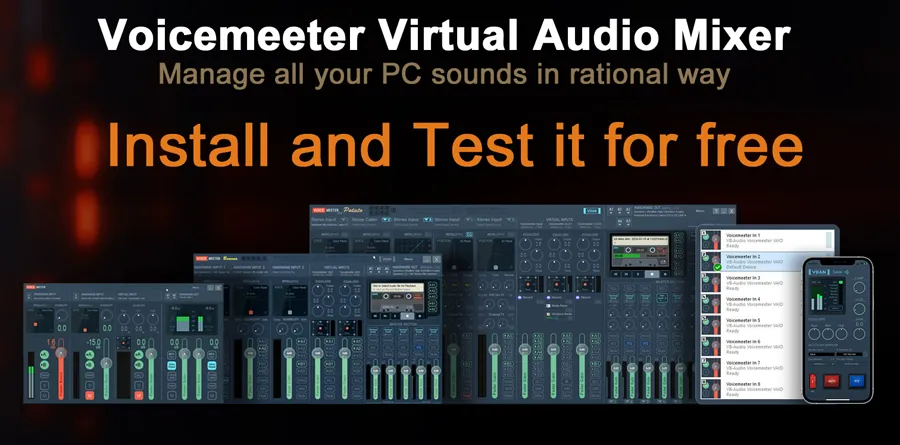
About Voicemeeter
Voicemeeter is made by VB-Audio Software. It is donationware: all main functions are free, and you pay what you want if you find it useful.
It installs a virtual audio device and a mixer application. You can mix three inputs, two physical and one virtual, and send them to two buses and several outputs, including ASIO for music software.
What it does well
- Virtual audio device. Appears in Windows as an audio device that any app can use as input or output.
- Mixing console. Mixes microphones, music and app audio with faders, mute and solo.
- Per-strip processing. EQ, compressor and gate controls and a 3D panning control for each input.
- ASIO support. Connects to music software through a virtual ASIO driver.
- VBAN networking. Sends and receives audio streams over the local network.
Who it is for
Good fit
Streamers, podcasters and gamers who need to mix several audio sources or use two headsets.
Look elsewhere
People who only want to change the volume per app; the Windows mixer or EarTrumpet is simpler.
Pros and cons
Pros
- Free with all main functions
- Solves complex routing in Windows
- ASIO and network audio support
Cons
- Steep learning curve
- Requires a reboot after install and uninstall
- Download is a ZIP that must be extracted first
How to install Voicemeeter
Download the ZIP from vb-audio.com, extract it and run the setup program as administrator. Reboot after installing and after uninstalling. Follow the user manual from step zero; most problems come from choosing the wrong output device for A1.
Questions about Voicemeeter
Is Voicemeeter free?
Yes. It is donationware: free to use with all main functions, and you may pay what you want.
How do I send my mic and music into Discord together?
Route the mic and the music player to Voicemeeter's inputs, then choose the Voicemeeter output as the microphone in Discord.


