

Our verdict: XAMPP is the quickest way to get Apache, MariaDB and PHP running on a Windows PC for learning or testing a PHP site. The control panel starts and stops each service with one click. The Windows builds have not been updated since PHP 8.2.12, and the stack is meant for development only, not for a public server.
About XAMPP
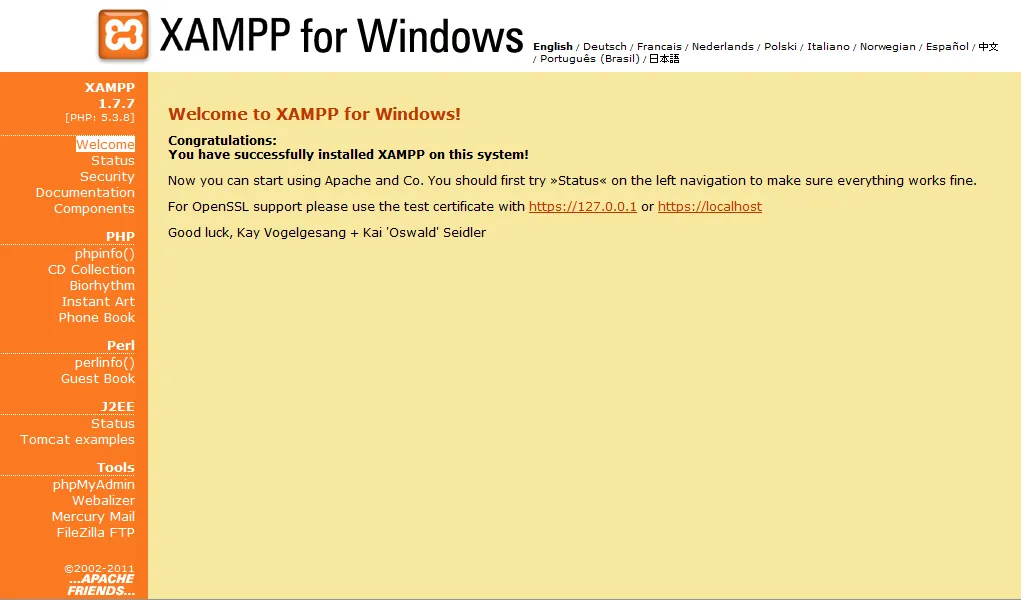
XAMPP is a free Apache distribution maintained by Apache Friends. The Windows installer puts Apache, MariaDB, PHP, phpMyAdmin, OpenSSL, Perl, Tomcat, the Mercury mail server and the FileZilla FTP server into one folder, and the XAMPP Control Panel starts, stops and configures each service.
Apache Friends offers separate Windows installers for PHP 8.0, 8.1 and 8.2; you pick one, and switching PHP versions means installing another package. The project says XAMPP is configured with all features turned on for developer convenience, so it should not be exposed to the internet. Commercial use is free from XAMPP's side, but the bundled products keep their own licenses.
What it does well
- All-in-one stack. Apache 2.4, MariaDB 10.4, PHP and Perl install together in one folder.
- Control Panel. Starts, stops and opens logs and config files for each service from one window.
- phpMyAdmin included. Manage MariaDB databases in the browser right after installation.
- Extra servers. Ships Tomcat, the Mercury mail server and the FileZilla FTP server for testing.
- Several PHP versions. Separate installers for PHP 8.0, 8.1 and 8.2.
Who it is for
Good fit
Students and PHP developers who want a working local Apache, MariaDB and PHP setup in minutes, for example for WordPress testing.
Look elsewhere
Production hosting, and developers who need current PHP releases or several PHP versions side by side.
Pros and cons
Pros
- Apache, MariaDB, PHP and phpMyAdmin in one installer
- Simple Control Panel for all services
- Free, including for commercial use from XAMPP's side
- Also available for macOS and Linux
Cons
- Windows builds are not updated often; the newest bundles PHP 8.2.12
- Default configuration is insecure and meant only for local development
- Switching PHP versions requires a separate installation
How to install XAMPP
Pick the installer with the PHP version you need on the download page; the files are hosted on the project's SourceForge page. Install to C:\xampp rather than Program Files to avoid permission problems with User Account Control. If Apache does not start, another program may already be using port 80 or 443; change the port in the Apache config from the Control Panel.
Questions about XAMPP
Is XAMPP free?
Yes. XAMPP is free to download and use, and Apache Friends says commercial use is free from XAMPP's point of view. The bundled programs keep their own open-source licenses.
Can I use XAMPP as a live web server?
It is not recommended. XAMPP is configured with all features turned on for developers and is meant for local testing, not for a server exposed to the internet.
Which PHP version does XAMPP for Windows include?
Apache Friends offers separate Windows installers with PHP 8.0.30, 8.1.25 and 8.2.12.


