
Browsers · Updated
The best web browsers for Windows
Every browser below is free, so the choice comes down to engine, privacy and extras. Most of them, including Chrome, Edge, Brave, Vivaldi and Opera, are built on Google's open-source Chromium engine, which means websites and Chrome Web Store extensions work the same way in all of them. Firefox and the browsers based on it use Mozilla's Gecko engine, one of the few real alternatives.
The differences are in what each company adds or removes. Some block ads and trackers out of the box, some tie your browsing to a Google or Microsoft account, and some build in a VPN, messengers or an AI assistant. You can keep two browsers installed side by side, for example one for work accounts and one for private browsing.
Our picks at a glance
| App | Best for | License | Price | Download |
|---|---|---|---|---|
 Google Chrome Google Chrome |
The best site compatibility and Google services | Freeware | Free | Review |
 Firefox Firefox |
Privacy and full-strength ad blockers on an independent engine | Open source | Free | Review |
 Brave Brave |
Chrome compatibility with ad blocking built in | Open source | Free | Review |
 Microsoft Edge Microsoft Edge |
Laptops with little memory and Microsoft account users | Freeware | Free | Review |
 Vivaldi Vivaldi |
Power users with dozens of open tabs | Freeware | Free | Review |
 Opera Opera |
A built-in free VPN, ad blocker and messengers | Freeware | Free | Review |
 Opera GX Opera GX |
Gamers who keep a browser open while playing | Freeware | Free | Review |
 LibreWolf LibreWolf |
Firefox with hardened privacy settings | Open source | Free | Review |
 Tor Browser Tor Browser |
Hiding your IP address and getting past censorship | Open source | Free | Review |
1. Google Chrome — Web Browser
Best for: The best site compatibility and Google services
- Freeware
- Free
- Browsers
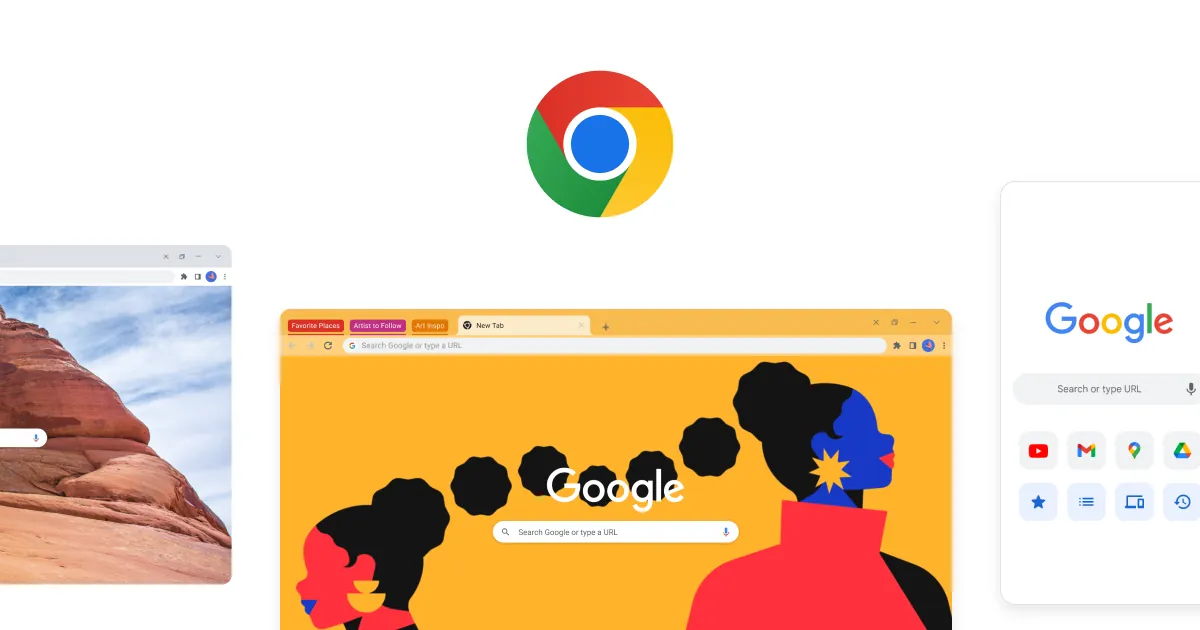
Chrome is the browser most websites are tested on first, and it fits naturally if you use Gmail, Drive and Android. Google Password Manager, Safe Browsing warnings, tab groups and the largest catalog of extensions are built in, and signing in syncs bookmarks and passwords across devices.
The trade-off is privacy. Chrome has no built-in ad or tracker blocking, sync links your browsing data to your Google Account, and some Gemini features need a paid Google AI plan. Brave gives the same compatibility with blocking switched on.
Pros
- Best website compatibility
- Largest extension catalog
- Automatic security updates
Cons
- No built-in ad or tracker blocking
- Sync links browsing data to your Google Account
- Some Gemini features require a paid Google AI plan
2. Firefox — Web Browser
Best for: Privacy and full-strength ad blockers on an independent engine
- Open source
- Free
- Browsers
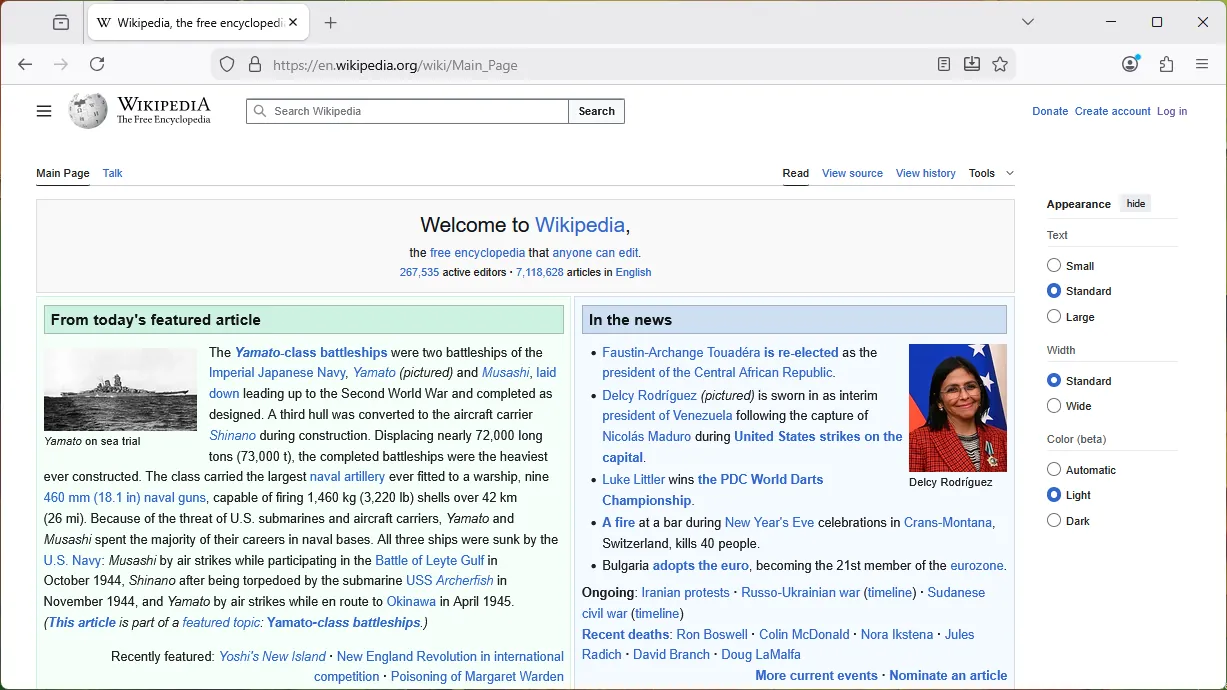

Firefox is the main browser on Windows that does not run on Chromium. Enhanced Tracking Protection is on by default and blocks many cross-site trackers, social media trackers and cryptominers, and Firefox supports the full version of advanced content blockers such as uBlock Origin. Firefox Sync encrypts bookmarks, passwords and open tabs between devices.
A few sites are tested mainly on Chrome, and Firefox sends usage data by default, which you can turn off in Settings. If you want Firefox with stricter defaults and no telemetry, look at LibreWolf.
Pros
- Independent engine
- Tracking protection on by default
- Best support for content blockers
Cons
- Some sites are tested mainly on Chrome
- Sends usage data by default (can be turned off in Settings)
3. Brave — Privacy Browser
Best for: Chrome compatibility with ad blocking built in
- Open source
- Free
- Browsers
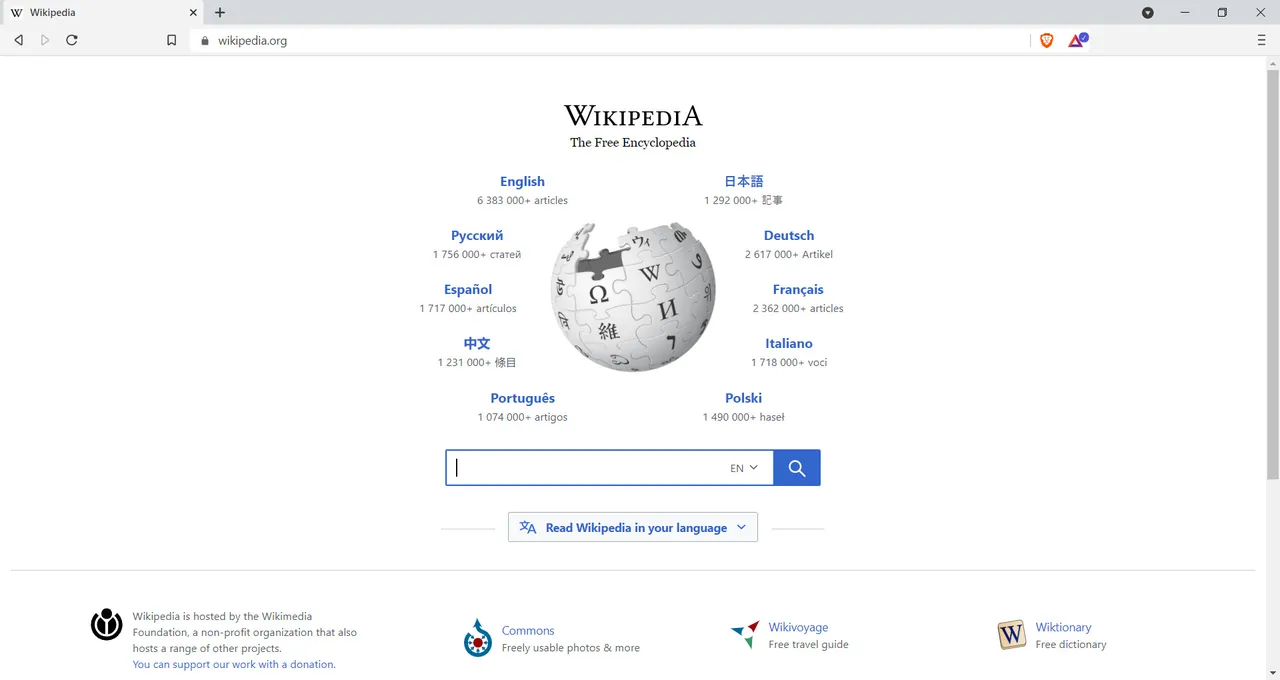

Brave runs on Chromium like Chrome, so sites and Chrome Web Store extensions behave the same, but Brave Shields block ads, trackers, fingerprinting and cookie notices by default with per-site controls. It keeps support for extensions that rely on Manifest V2, syncs without an account and can open a private window through the Tor network.
The downside is clutter you may not want: a crypto wallet, BAT rewards for viewing privacy-preserving ads and offers for the paid Brave VPN appear in the interface. All of them are optional and can be hidden.
Pros
- Ad and tracker blocking on by default
- Runs Chrome extensions
- Open source
Cons
- Crypto wallet, BAT rewards and VPN offers are built into the interface
- Brave VPN is a paid subscription after a 7-day trial
4. Microsoft Edge — Web Browser
Best for: Laptops with little memory and Microsoft account users
- Freeware
- Free
- Browsers
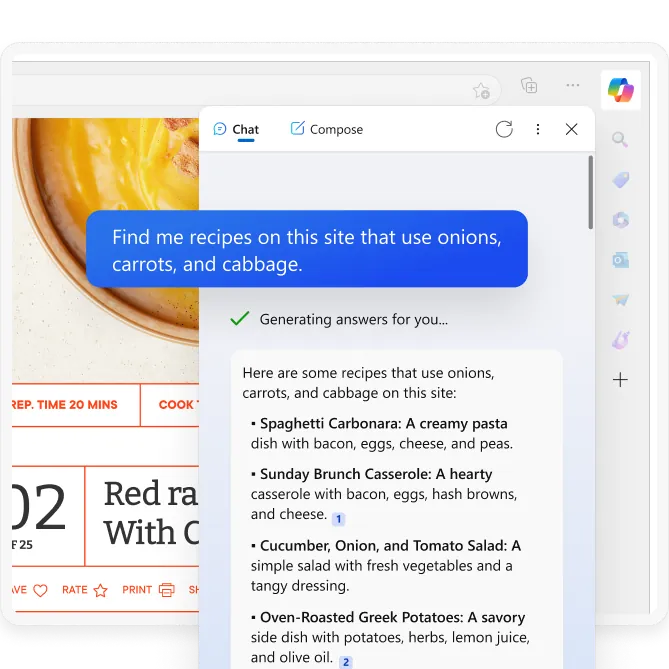
Edge comes preinstalled on Windows 10 and 11, runs on Chromium and can install extensions from the Chrome Web Store. Sleeping tabs free memory and CPU from background tabs, and it adds vertical tabs, Immersive Reader, a PDF reader that can annotate and fill forms, and the Copilot sidebar.
Microsoft promotes Bing, Copilot and its services across the interface, sends diagnostic data by default and keeps the browser closed source. If you want Edge's vertical tabs without the promotion, Vivaldi and Brave have them too.
Pros
- Preinstalled and updated with Windows
- Runs Chrome extensions
- Sleeping tabs save memory
Cons
- Promotes Bing, Copilot and Microsoft services across the interface
- Sends diagnostic data to Microsoft by default
- Closed source
5. Vivaldi — Web Browser
Best for: Power users with dozens of open tabs
- Freeware
- Free
- Browsers
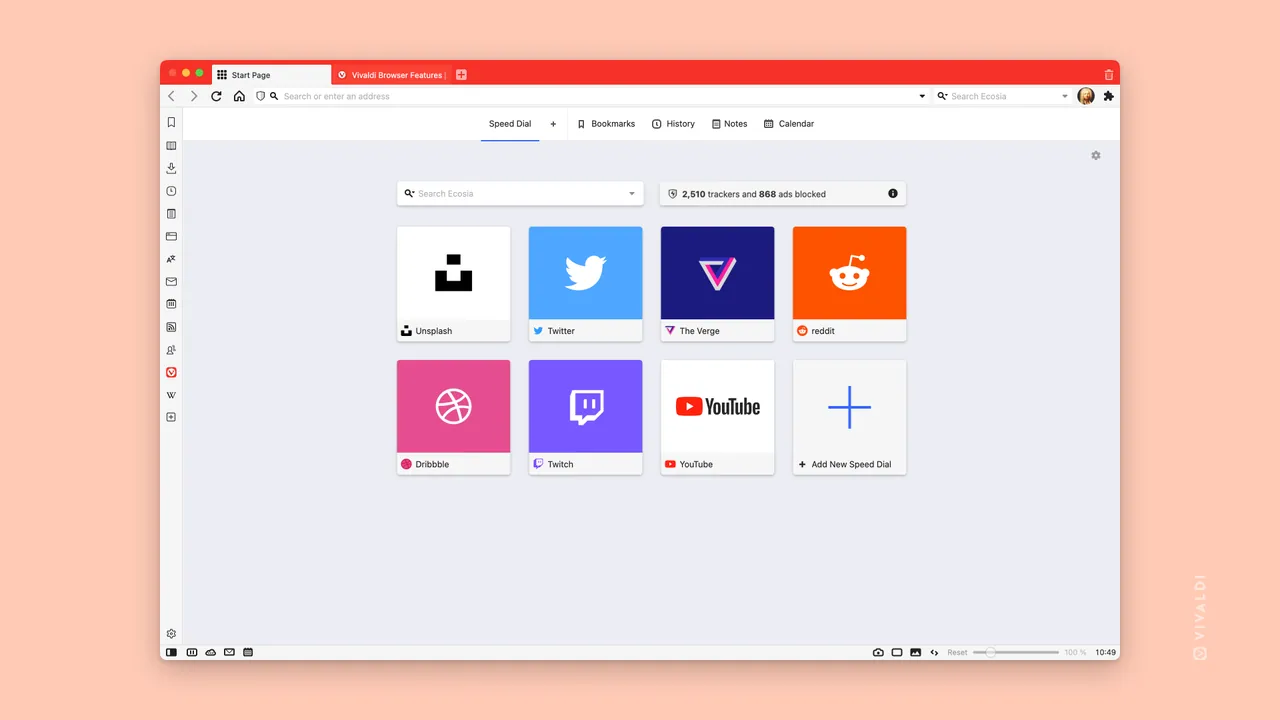
Vivaldi builds in what other browsers leave to extensions: two-level tab stacks, split-screen tab tiling, workspaces, web panels in the sidebar, notes, an email client, a calendar and a feed reader. A tracker and ad blocker is included, and sync is end-to-end encrypted.
The number of options can overwhelm new users, and the interface code is closed source, although its Chromium changes are published under a BSD license. For a similar feature set on Firefox's engine, see Floorp.
Pros
- Very deep customization
- Tab stacks, tiling and workspaces
- Built-in mail, calendar and feeds
Cons
- Many options can overwhelm new users
- Interface code is closed source
6. Opera — Web Browser
Best for: A built-in free VPN, ad blocker and messengers
- Freeware
- Free
- Browsers
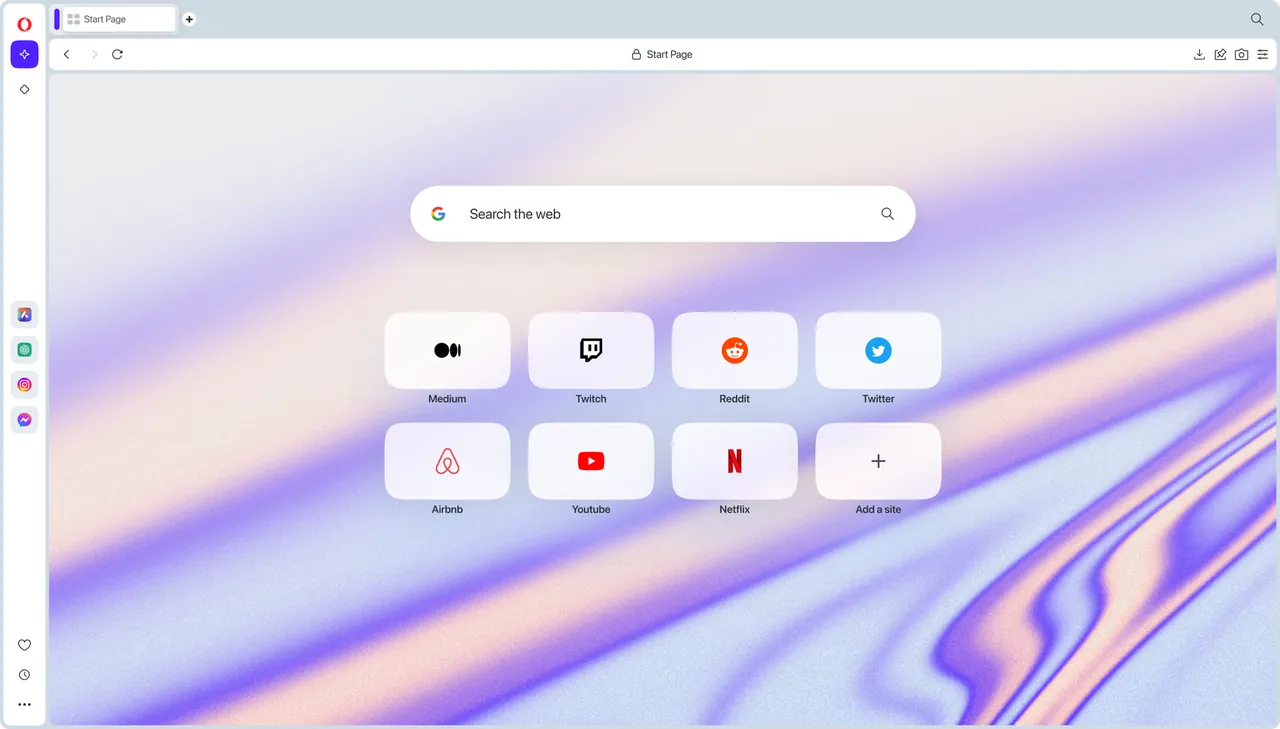
Opera includes an ad and tracker blocker, a free browser VPN, WhatsApp, Telegram and Messenger in the sidebar, Tab Islands for grouping tabs and the Opera AI assistant. It runs on Chromium and installs most Chrome extensions, so switching from Chrome is painless.
The free VPN is a browser proxy that only covers traffic inside Opera, not other apps, and the Speed Dial start page has sponsored shortcuts. For a system-wide VPN, use a dedicated app such as Proton VPN.
Pros
- Free VPN and ad blocker built in
- Messengers in the sidebar
- Runs Chrome extensions
Cons
- Free VPN only covers the browser, not other apps
- Speed Dial includes sponsored shortcuts
- Closed source
7. Opera GX — Gaming Browser
Best for: Gamers who keep a browser open while playing
- Freeware
- Free
- Browsers
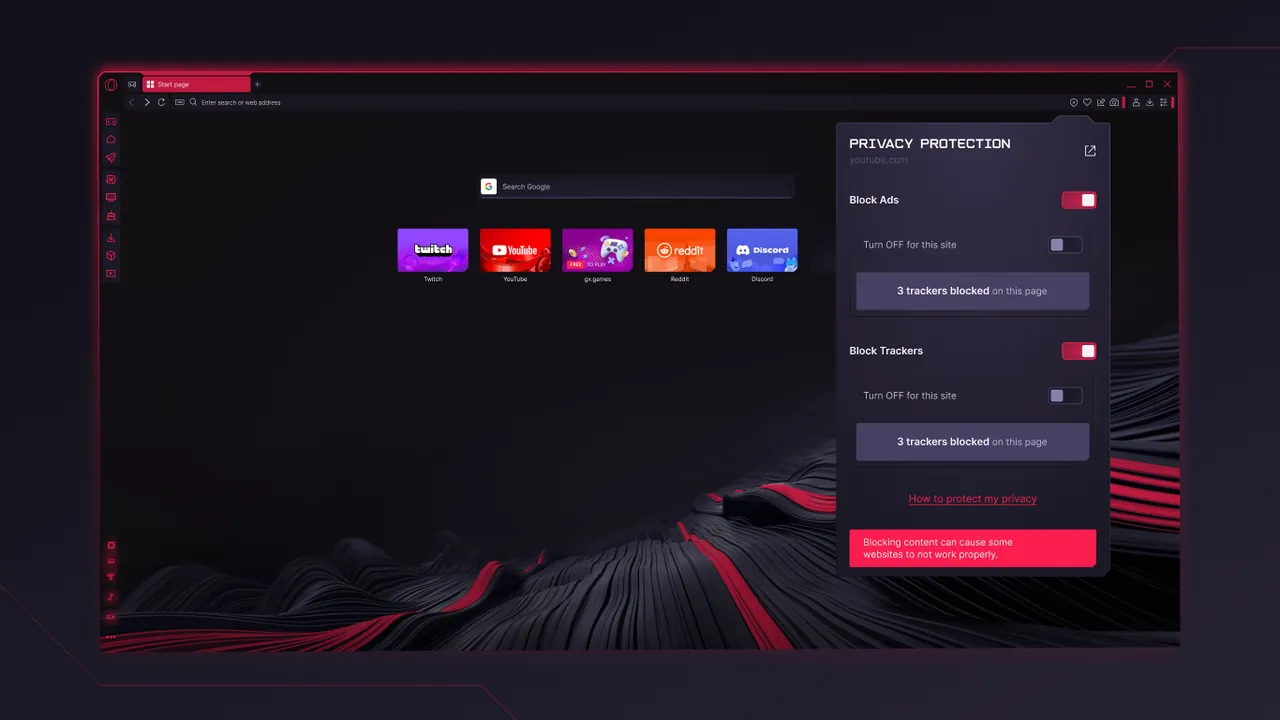
Opera GX is regular Opera with GX Control, which caps how much RAM, CPU and network bandwidth the browser may use while a game runs. It also adds Twitch and Discord panels, GX Corner with game deals and news, and themes, sounds and background music.
If you do not need the limiters, the gaming news, deals and sounds are just clutter, and like Opera the free VPN covers only the browser. The browser is closed source.
Pros
- RAM, CPU and network limiters
- Free VPN and ad blocker built in
- Runs Chrome extensions
Cons
- Gaming news, deals and sounds add clutter
- Free VPN only covers the browser
- Closed source
8. LibreWolf — Private Browser
Best for: Firefox with hardened privacy settings
- Open source
- Free
- Browsers
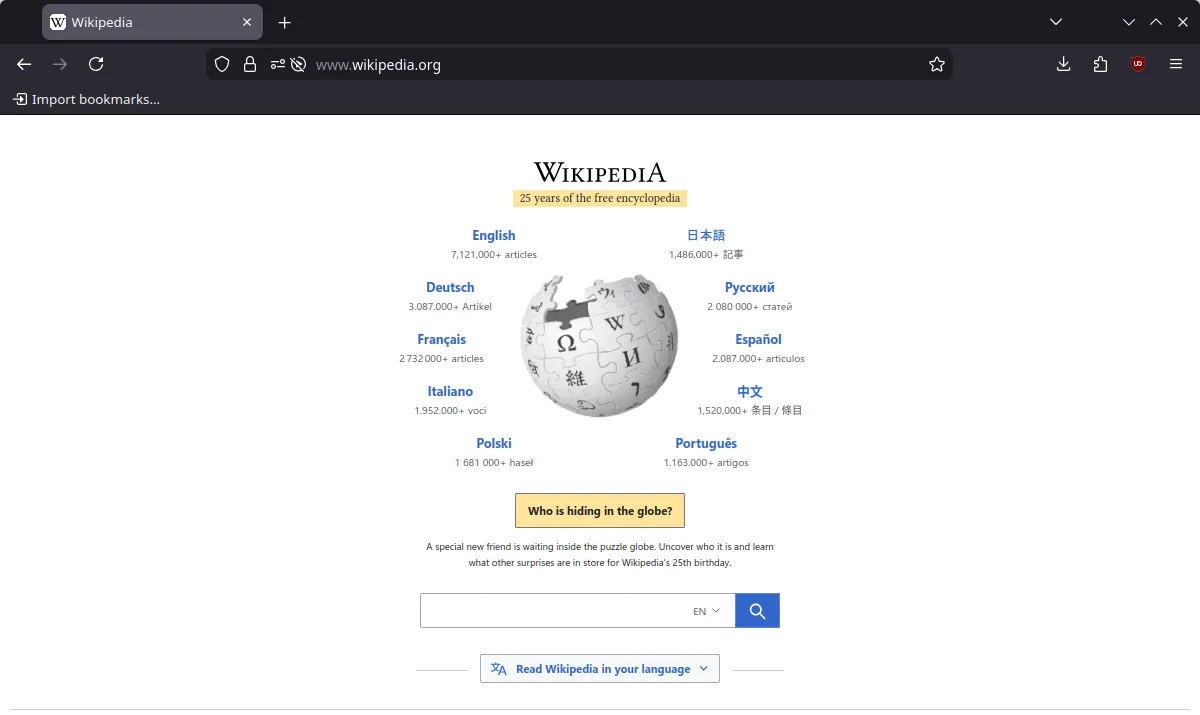

LibreWolf rebuilds each Firefox release with telemetry and sponsored content removed, uBlock Origin preinstalled and stricter privacy and anti-fingerprinting settings applied by default. It supports Firefox extensions, and Firefox Sync can be switched on.
It has no built-in automatic updater on Windows, so you install new versions yourself or through winget. DRM video for streaming services is off by default, and the strict settings break some sites until you adjust them.
Pros
- uBlock Origin preinstalled
- No telemetry
- Hardened privacy settings by default
Cons
- No built-in automatic updater on Windows
- DRM video is disabled by default
- Strict settings can break some websites
9. Tor Browser — Anonymous Browser
Best for: Hiding your IP address and getting past censorship
- Open source
- Free
- Browsers
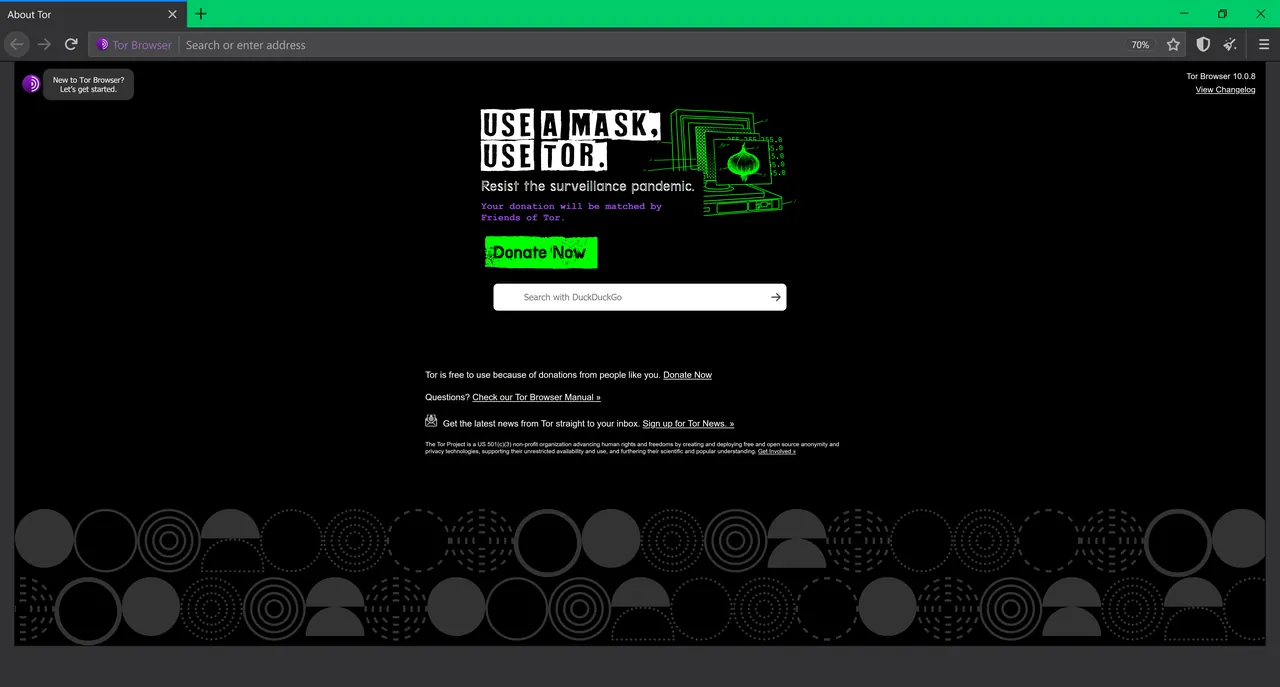

Tor Browser, from the non-profit Tor Project, sends your traffic through three relays in the Tor network, so sites do not see your IP address. It isolates every site, clears cookies and history when you finish, connects through bridges where Tor is blocked and opens .onion sites.
It is not an everyday browser: pages load slower, higher security levels break some sites, and extra add-ons are discouraged. For anti-fingerprinting without the Tor network, the Mullvad Browser uses the same privacy design.
Pros
- Hides your IP address
- Clears cookies and history on exit
- Works around censorship with bridges
Cons
- Slower than a regular browser
- Higher security levels break some sites
- Extra add-ons are discouraged
Chromium or Firefox?
Chromium browsers (Chrome, Edge, Brave, Vivaldi, Opera) share the engine most sites are tested on and the Chrome Web Store. Gecko browsers (Firefox, LibreWolf, Floorp, Waterfox, Tor Browser) use Firefox add-ons and keep full support for advanced content blockers such as uBlock Origin.
If a web app you depend on only supports Chrome, stay on Chromium. Otherwise, Firefox gives you an engine that is not controlled by Google.
Which browser blocks ads without extensions?
Brave, Vivaldi, Opera, Opera GX and Waterfox block ads out of the box, and LibreWolf ships with uBlock Origin. Firefox blocks trackers by default but needs an extension for ads. Chrome and Edge have no built-in ad blocking.
What about Arc?
Arc has a distinctive sidebar layout with Spaces and split view, but it is in maintenance mode: it receives Chromium and security updates and no new features, and it requires an account. The developer now points new users to its newer browser, Dia. It is a fine choice if you already like it, not a long-term pick for new users.
Frequently asked questions
What is the best web browser for Windows 11?
Chrome if you want the best site compatibility and Google services, Firefox if you want privacy on an independent engine, and Brave if you want Chrome compatibility with ad blocking built in. Edge is already installed and works well on low-memory laptops.
Is Firefox better than Chrome?
For privacy, yes: Firefox blocks trackers by default and fully supports advanced ad blockers. Chrome has better compatibility with sites tested only on Chrome and ties in with Google services, but has no built-in tracker or ad blocking.
Is Brave safe to use?
Brave is open source under the Mozilla Public License 2.0 and built on Chromium. Its crypto wallet and rewards are optional, and you can ignore or hide them.
Which browser is best for privacy?
Tor Browser if you need to hide your IP address. For everyday browsing, LibreWolf and Brave block trackers and ads out of the box, and Firefox blocks trackers by default.
Are these browsers free?
Yes. All browsers in this guide are free. Optional extras cost money, such as Brave Firewall + VPN, Opera VPN Pro and some Gemini features in Chrome.
ExeDepot does not host installers. Every download button opens the developer's own server or official download page. Prices and licenses come from each developer's site and were checked on .