

Our verdict: Any Video Converter Free does the basics well: batch conversion to MP4, MP3 and other formats with no watermark or file size limit. The catch is constant promotion of Pro, Ultimate and paid AI credits inside the app. If you want a converter without upsells, HandBrake or Shutter Encoder are cleaner choices.
About Any Video Converter Free
Any Video Converter is made by Anvsoft, which has sold video software for about 20 years. The free edition converts between MP4, MOV, MKV, AVI, WebM, MP3 and many more formats locally on your PC, with GPU acceleration and a fast mode that copies the original codec when possible.
Recent versions add a trimmer, clip merger, compressor with target-size presets, an audio merger and DVD or CD import. The same window also hosts AI enhancement and AI video generation tools that run on credits, and some download and preset features are reserved for the paid Pro and Ultimate editions.
What it does well
- Batch conversion. Converts whole folders to MP4, MP3, MKV, MOV, WebM and other formats.
- No watermark or size limit. Free exports are clean, including multi-gigabyte 4K files.
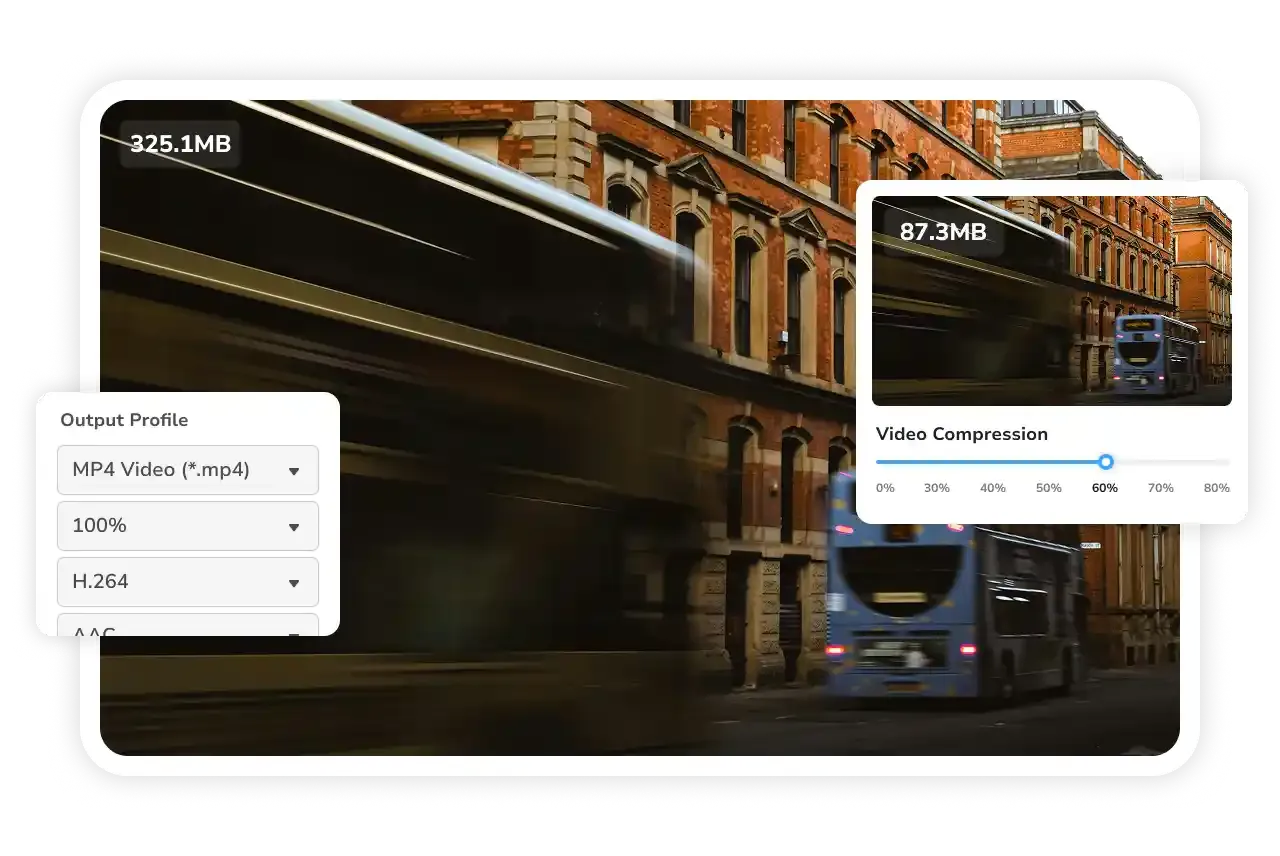
- Compressor presets. Shrinks video by percentage or target size with quality or resolution priority.
- Trim and merge. Cuts clips, reorders them and joins them before exporting.
- Fast conversion mode. Matches the source codec to convert much faster when re-encoding is not needed.
Who it is for
Good fit
Beginners who want a guided converter and compressor with presets for common devices.
Look elsewhere
Users who dislike in-app upsells and AI credit offers next to the basic tools.
Pros and cons
Pros
- No watermark or file size limit
- Batch conversion and compression presets
- GPU acceleration
- Trimming and merging built in
Cons
- Frequent prompts for Pro, Ultimate and paid AI credits
- Some download and preset features require a paid edition
- Windows version needs 64-bit Windows 10 or 11
How to install Any Video Converter Free
Use the avc-free.exe installer from the official site, not a download portal. Anvsoft says the official installer has no bundled software, but still read each screen. Ignore the AI credit and upgrade prompts if you only need conversion.
Questions about Any Video Converter Free
Is Any Video Converter free?
The free edition converts, compresses and trims video at no cost and without a watermark. Pro, Ultimate and AI credits are paid add-ons.
Does Any Video Converter Free add a watermark?
No. Anvsoft states that free conversions have no watermark, no file size limit and no daily cap.
Does the installer bundle other software?
Anvsoft says the official installer has no bundled software. Download it only from any-video-converter.com, not from download portals.


