

Our verdict: Lively Wallpaper is the free, open-source answer to paid animated wallpaper apps. It plays videos, web pages and even Unity or Godot games on the desktop and pauses them when a game or full-screen app runs. Animated wallpapers still cost some battery and GPU time on laptops.
About Lively Wallpaper
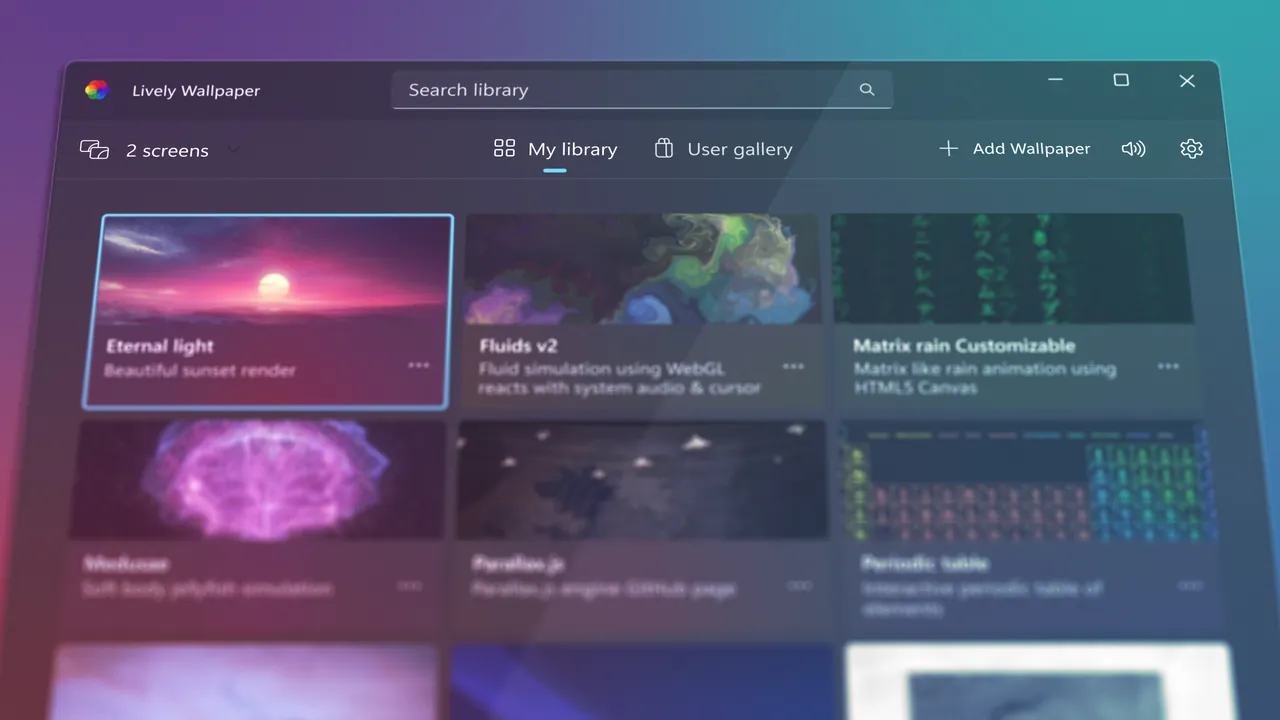
Lively Wallpaper turns the Windows desktop into a live background. You can drag a video, GIF or web page into the app to set it as wallpaper, and interactive web wallpapers or Unity and Godot games can react to the mouse. It is open source under the GPL v3 with no features behind a paywall.
Playback pauses automatically when a full-screen app or game runs, during remote desktop sessions and, if you choose, on battery power. Any wallpaper can also work as a Windows screensaver, and Lively can be controlled from the command line. The GitHub installer needs admin rights and supports app and game wallpapers, which the Microsoft Store version lacks.
What it does well
- Video, GIF and web wallpapers. Drag and drop media or a web page to set it as wallpaper.
- Interactive wallpapers. Web pages and Unity or Godot games can run as live, clickable wallpapers.
- Smart pausing. Pauses during full-screen apps, remote sessions or on battery.
- Screensaver. Uses any wallpaper as a Windows screensaver on multiple monitors.
- Command-line control. Control wallpapers from scripts or tools such as AutoHotkey.
Who it is for
Good fit
Desktop PC users who want animated or interactive wallpapers without paying.
Look elsewhere
Laptop users who prioritize battery life, and anyone who wants a completely static, minimal desktop.
Pros and cons
Pros
- Free and open source, no paywall
- Videos, web pages and games as wallpaper
- Pauses automatically during games
- Works as a screensaver
Cons
- Animated wallpapers use extra GPU power and battery
- Store version lacks app and game wallpapers and plugins
- GitHub installer needs admin rights and extra runtimes
How to install Lively Wallpaper
The GitHub installer needs an administrator account and installs the .NET runtime and other dependencies. The Microsoft Store version needs no extra dependencies but cannot run app or game wallpapers. In Settings, set Lively to pause on battery if you use a laptop.
Questions about Lively Wallpaper
Is Lively Wallpaper free?
Yes. It is open source under the GPL v3, with no features behind a paywall.
Which Lively version should I install?
The GitHub installer supports every wallpaper type but needs admin rights and dependencies. The Microsoft Store version installs without dependencies but has no app or game wallpapers.


