

Our verdict: Rainmeter is the classic free tool for building a custom Windows desktop with live widgets. It uses very few resources and has a large community that shares ready-made skins. Getting a polished result takes time, and skins from the internet vary in quality.
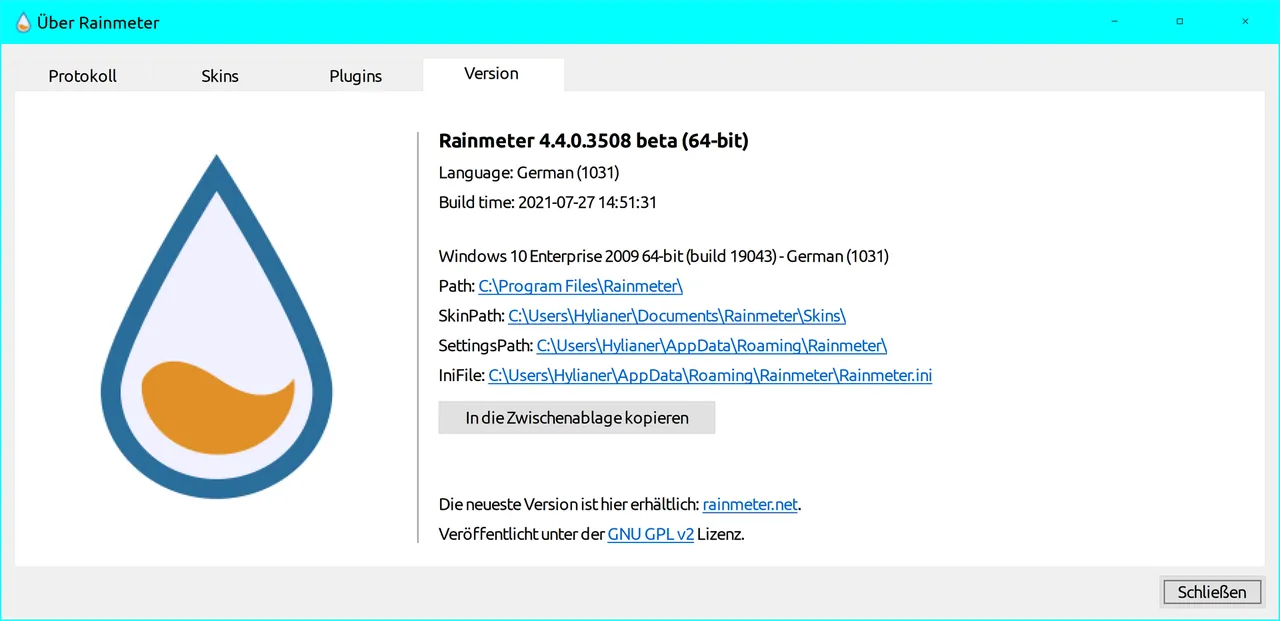
About Rainmeter
Rainmeter shows small programs called skins on your desktop, from hardware usage meters and clocks to full audio visualizers and app launchers. It has been free and open source under the GNU GPL v2 since 2001 and runs on Windows 7 through Windows 11.
A few simple skins come with the app, but most users install skin packages made by the community. Skins are written in a simple text format that you can edit to change their look or create your own. Rainmeter itself sends no data over the network; only skins you install, for example weather skins, connect to the internet.
What it does well
- Desktop skins. Meters, clocks, launchers, notes and visualizers placed anywhere on the desktop.
- System monitoring. Shows CPU, memory, disk and network usage in real time.
- Simple skin language. Edit or write skins in plain text configuration files.
- Community skins. Install skin packages shared by the community, listed on the Discover page.
- Low resource use. Designed to run in the background with very little CPU and RAM.
Who it is for
Good fit
People who want a personal desktop with live system stats, clocks and widgets.
Look elsewhere
Users who want a finished look in one click without tweaking files.
Pros and cons
Pros
- Free and open source
- Very light on system resources
- Large community of skin makers
- Fully customizable
Cons
- Making skins look good takes time and some editing
- Skins from third parties vary in quality and may stop working
How to install Rainmeter
Download the installer from rainmeter.net and choose the standard installation. Default skins appear on the desktop after the first launch; right-click a skin to move, unload or edit it. Install new skins from .rmskin packages, which open in Rainmeter's skin installer.
Questions about Rainmeter
Is Rainmeter free?
Yes. It has been free and open source under the GNU GPL v2 since 2001.
Does Rainmeter send data online?
Rainmeter itself transmits no data by default. Skins you install may connect to the internet, for example to fetch weather or RSS feeds.


