

Our verdict: Seelen UI is the most complete free way to rebuild the Windows desktop: toolbar, dock, launcher, tiling and widgets in one app. It is built on web technology, so it uses more memory than the stock shell and needs WebView2 and Edge. Expect some setup time before it looks the way you want.
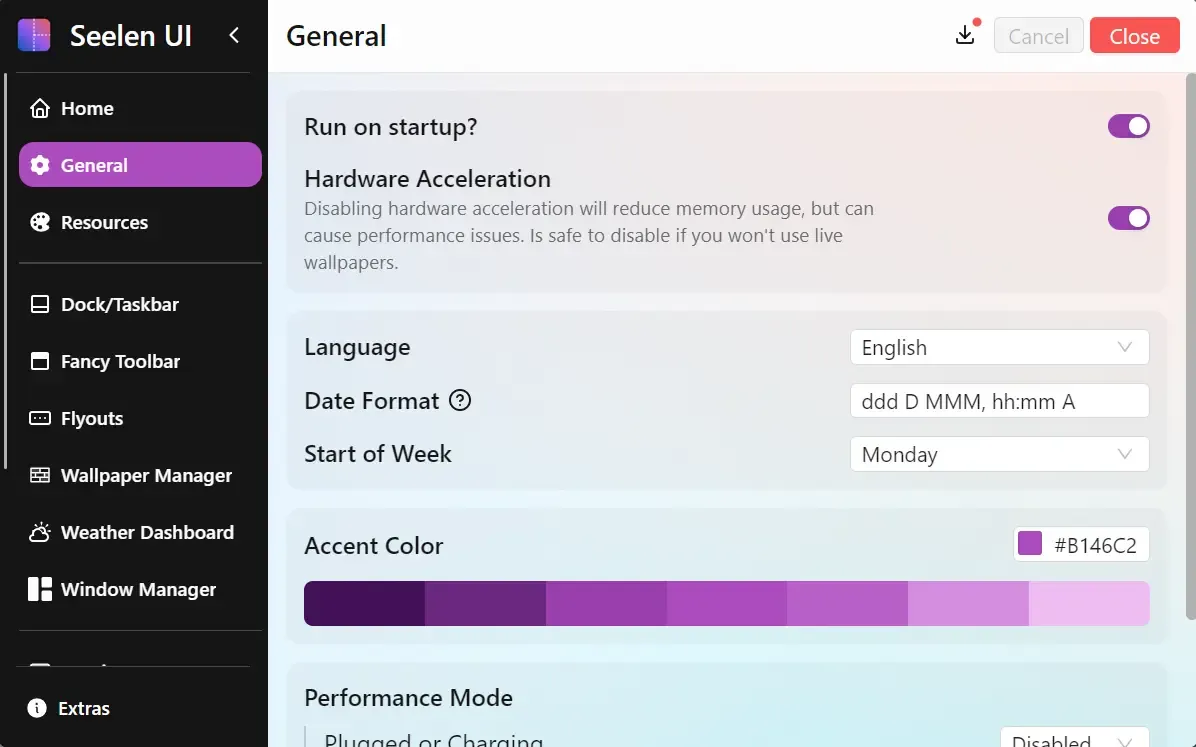
About Seelen UI
Seelen UI is an open-source desktop environment for Windows 10 and 11, built with Rust and Tauri. It can replace the taskbar with its Fancy Toolbar, add a macOS-style dock, swap the Start menu for its own launcher and tile windows automatically. Each module can be turned on separately in the settings.
Themes are written in CSS and JSON, and community themes, widgets and icon packs can be installed from the app. The interface is translated into more than 70 languages. The app is distributed through GitHub releases, the Microsoft Store and winget; the Store and winget builds arrive one to three business days later than GitHub.
What it does well
- Fancy Toolbar. A themeable bar with live CPU, RAM, network, battery and media widgets that replaces the taskbar.
- Dock. A dock with pinned apps, window previews and auto-hide that can sit on any screen edge.
- Tiling window manager. Arranges windows automatically in BSP, tall, wide or grid layouts with keyboard control.
- App launcher. A keyboard-driven launcher that searches apps, files, Windows Settings pages and Control Panel items.
- Live wallpapers. Plays video or HTML wallpapers, with different collections per monitor and per virtual desktop.
Who it is for
Good fit
People who want to redesign the whole Windows desktop with themes, widgets and tiling from one app.
Look elsewhere
Low-memory PCs and users who removed Microsoft Edge or WebView2 from Windows.
Pros and cons
Pros
- Toolbar, dock, launcher and tiling in one app
- CSS-based themes and community add-ons
- Signed installers, also in the Microsoft Store
- Translated into 70+ languages
Cons
- Needs WebView2 and Microsoft Edge to work
- Uses more memory than the built-in taskbar
- Frequent updates can change or break custom themes
How to install Seelen UI
The button downloads the signed x64 setup.exe from GitHub, which includes the WebView2 runtime for Windows 10. Microsoft Edge must also be present. If the app shows a blank white or dark window on a fresh Windows install, run Windows Update and restart. After the first start, enable only the modules you want in Settings.
Questions about Seelen UI
Is Seelen UI free?
Yes. Seelen UI is free and open source under the GNU AGPL v3. There is no paid edition.
Does Seelen UI work on Windows 10?
Yes. It supports Windows 10 and 11. On Windows 10 the setup.exe installs the WebView2 runtime it needs.
Can I use only the tiling or only the dock?
Yes. Each part — toolbar, dock, window manager, launcher and wallpapers — can be turned on or off separately.


